


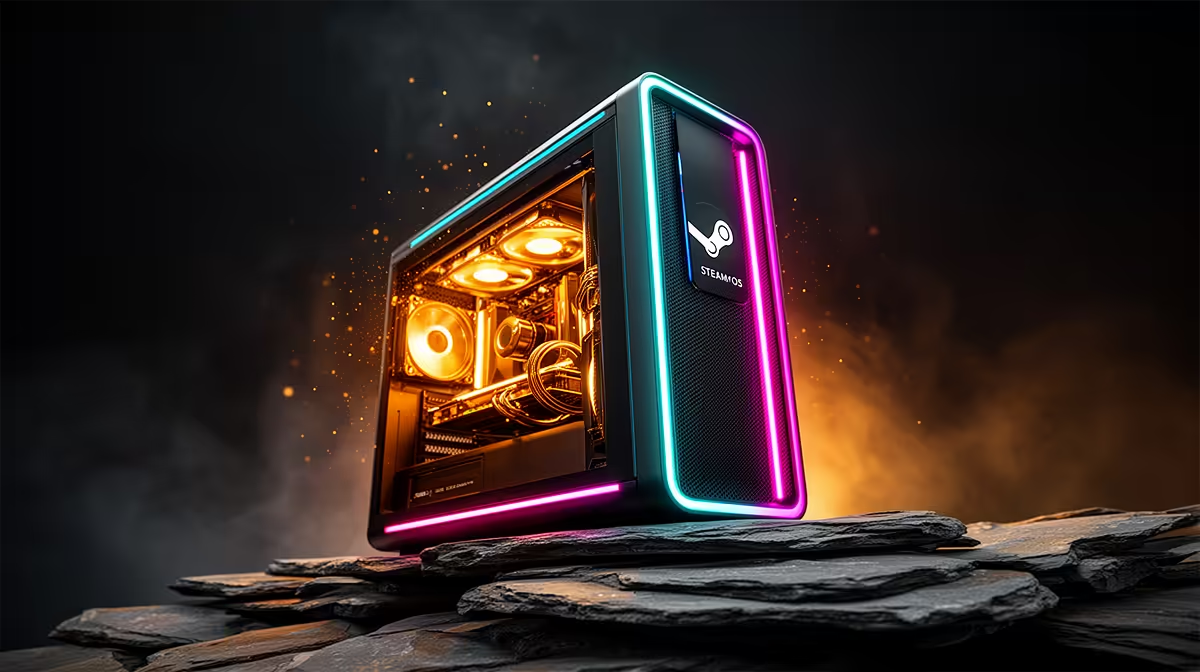
That tower gathering dust in the cupboard can become a tidy living-room SteamOS gaming box in an afternoon. The trick is not the official SteamOS image, which is fussy about hardware, but Bazzite, a Fedora-based distribution that boots straight into a SteamOS-style console interface and supports AMD, NVIDIA and Intel graphics. For an SA gamer watching the budget, reviving old hardware this way stretches every Rand and keeps a working machine out of the bin.
Quick Answer
To turn an old PC into a SteamOS gaming box, install Bazzite. It is a free Fedora-based distro that boots into a console-style Steam Big Picture interface and runs on AMD, NVIDIA or Intel GPUs, unlike the official SteamOS image. The whole job takes about an afternoon and needs no new hardware beyond a USB stick.
What you need before you start
Keep the shopping list short. You need the old PC itself with a working GPU, a USB flash drive of 8GB or larger to hold the installer, and a second working computer to create that installer. A wired internet connection during setup saves a lot of headaches with Wi-Fi drivers. A controller is worth having to enjoy the couch experience, though you can finish the install with a keyboard and mouse.
Back up anything on the old PC first. The install wipes the target drive, so treat this as a clean slate.
Step-by-step: building the SteamOS box
Step 1: Download the right Bazzite image
On your second computer, head to the Bazzite project and download the image that matches your old PC's graphics. There are separate builds for AMD and Intel graphics and for NVIDIA, so pick the correct one, this matters, since the NVIDIA build bundles the proprietary drivers you will need. Choose the desktop or handheld-style image; for a living-room box the standard desktop image with the gaming mode is the one you want.
Step 2: Write the installer to USB
Use a tool like Fedora Media Writer or Balena Etcher to flash the downloaded image onto your USB drive. This erases the USB stick, so make sure it holds nothing you need. The write takes a few minutes.
Step 3: Boot the old PC from USB
Plug the USB drive into the old PC and switch it on, tapping the boot-menu key (commonly F12, F11 or Esc, depending on the motherboard) to choose the USB drive. If it does not appear, enter the BIOS and make sure Secure Boot is handled per the Bazzite instructions and that USB booting is enabled.
Step 4: Install Bazzite to the internal drive
Follow the installer through language, keyboard and timezone, then select the internal drive as the install target. Let it wipe and install. When it finishes, remove the USB stick and reboot.
Step 5: First boot and Steam login
Bazzite boots into its setup, connects to your network, and pulls any updates. Sign in to your Steam account and your library appears. Set the machine to boot directly into Gaming Mode so it powers on straight to the console interface, no desktop in sight unless you want it.
Step 6: Install games and tune performance
Download a game and launch it. For titles that are not natively Linux, enable Proton compatibility in Steam's settings so Windows games run through the translation layer. On older hardware, drop the resolution and settings to taste; a modest card that struggled with a bloated Windows install often feels noticeably snappier under the lighter Bazzite system.
Getting the most from older hardware
An old PC will not run everything at ultra, and that is fine. This is a box for indie titles, older AAA games and emulation, where the experience is excellent. If the GPU is the weak link, that is the one part worth upgrading rather than replacing the whole machine. For inspiration on a more capable couch setup, the handheld and console gaming range shows where dedicated SteamOS hardware sits, and the best-selling gaming PCs page is worth a glance if the old tower turns out to be too far gone to revive.
Frequently Asked Questions
What is Bazzite and why not official SteamOS?
Bazzite is a free Fedora-based distro that mimics the SteamOS console experience. Official SteamOS is tuned narrowly for Valve's hardware, while Bazzite runs on AMD, NVIDIA and Intel PCs, making it the practical choice for an old tower.
Will my old NVIDIA card work?
Yes. Download the NVIDIA-specific Bazzite image, which includes the proprietary drivers. Make sure you grab that build rather than the AMD and Intel one.
Can I play Windows games on it?
Most of them, through Steam's Proton compatibility layer. Enable Proton in Steam settings and many Windows titles run with no extra effort, though a few have quirks.
How old can the PC be?
Older hardware works for indie and older AAA games, plus emulation. The graphics card is the main limit; a weak GPU is the one part worth upgrading before you commit.
Does this cost anything?
Only a USB stick if you do not already have one. Bazzite and SteamOS-style gaming on it are free, which is the whole point of reviving hardware you already own.
Reviving an old tower is the cheapest route to a living-room gaming box. If yours is past saving, see what a purpose-built setup looks like at https://www.evetech.co.za/PC-Components/handheld-gaming-consoles-357 and game on your terms.











