


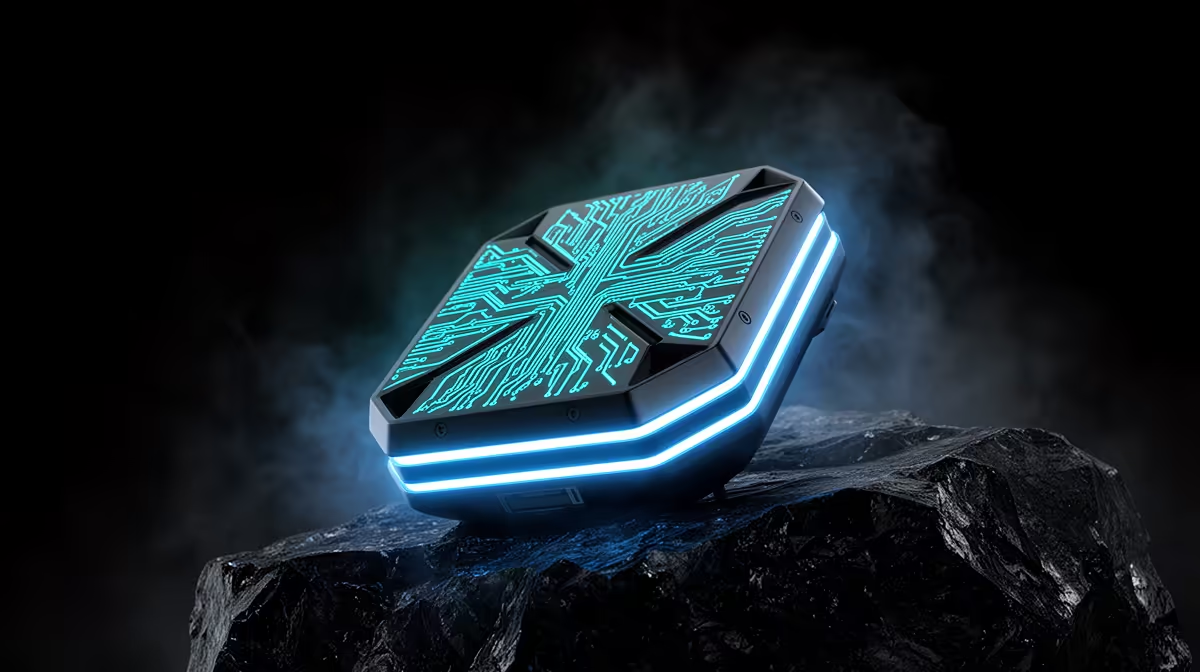
Running an AI agent that can read files, call tools, and reason over a long context usually means shipping your data to a cloud endpoint. The DGX Spark removes that step. Built on NVIDIA's GB10 Grace Blackwell superchip with 128GB of unified CPU-GPU memory and the full CUDA stack, it can hold a 120-billion-parameter model and run autonomous workflows on your desk, with nothing leaving the machine.
Quick Answer
A DGX Spark runs agentic AI fully on-device because its 128GB of coherent memory fits models up to around 200B parameters for inference, and the preinstalled CUDA stack runs vLLM and the usual agent frameworks out of the box. Set up an inference server, point an agent framework at it, give the agent local tools, and the whole loop stays private and offline.
Why on-device matters for agents
An agent loop is chatty. It calls the model repeatedly, each step feeding back file contents, tool output, and intermediate reasoning. Sent to a cloud API, every one of those round trips carries your data off-box and adds latency and cost. On a Spark the model lives in unified memory beside the agent, so the loop runs at local speed and sensitive context, source code, documents, customer records, never leaves the unit. The 128GB pool is the enabling piece: it is large enough to hold both a capable language model and a vision model at once, which is what real multi-step workflows need.
Setting up a local agentic workflow, step by step
1. Confirm the software stack is ready
The Spark ships with the NVIDIA AI stack preinstalled, so CUDA, container tooling, and inference runtimes like vLLM and TensorRT-LLM are already in place. Boot it, update the system packages, and verify the GPU is visible to the driver before you load anything heavy. This saves you the usual day of dependency wrangling a fresh workstation demands.
2. Pick a model that fits the job, not just the memory
With 128GB you can run large mixture-of-experts models, but bigger is not always better for agents. A mid-size instruction-tuned model that follows tool-call formats reliably often beats a giant model that reasons well but formats calls sloppily. Start with a model known for solid function-calling, and keep a vision model loaded only if the workflow genuinely needs to read images or screenshots.
3. Stand up a local inference server
Serve the model with vLLM so it exposes an OpenAI-compatible endpoint on localhost. This is the key move: every agent framework speaks that interface, so once the endpoint is live you can swap frameworks without touching the model. Set a generous context length here, since the Spark's memory headroom is what lets long agent sessions keep their full history.
4. Wire up an agent framework
Point your framework of choice at the local endpoint instead of a cloud key. Define the agent's tools as plain functions: a file reader, a shell runner inside a sandbox, a web fetch if you allow it. The framework handles the reason-act loop; your job is to keep the tool set small and well described so the model picks the right one each turn.
5. Give the agent real, scoped tools
Tools are where on-device agents earn their keep. Because everything runs locally, you can safely hand the agent read access to a project folder or a local database that you would never expose to a cloud service. Scope each tool tightly, return clean structured output, and the agent's accuracy climbs sharply.
6. Test the loop and watch memory
Run a multi-step task end to end, a code change with a test run, or a research-and-summarise pass over local documents. Watch unified memory use as context grows. The Spark's budget is large, but a long session with a big model and a loaded vision model can still creep up, so size your context and concurrency to leave headroom. If you want a sense of how builders are pairing local-AI hardware, the GPU best sellers at Evetech show what is moving for inference work.
7. Make it private by default
The reason to do this on a Spark rather than the cloud is control. Keep the agent offline unless a task truly needs the internet, log its tool calls so you can audit what it touched, and store model weights and data on the unit's own storage. For a broader look at desk-class machines built for this, the AI PC and workstation range at Evetech is the place to compare.
Frequently Asked Questions
How large a model can a DGX Spark actually run?
Its 128GB of unified memory supports inference on models up to roughly 200B parameters and fine-tuning of models up to about 70B. For agent work, a well-chosen mid-size model usually serves better than the largest one that technically fits.
Do I need cloud access at any point?
No, the inference, the agent loop, and the tools all run locally. You only reach out to the internet if a specific tool in your workflow requires it, and you can disable that entirely for fully air-gapped operation.
Why use vLLM rather than calling the model directly?
vLLM exposes a standard OpenAI-compatible endpoint, so any agent framework can connect to it unchanged. That lets you swap or test frameworks without re-plumbing the model, and it handles batching and long contexts efficiently.
What kind of workflows suit on-device agents best?
Anything where data sensitivity or running cost rules out the cloud: working over private source code, internal documents, or customer data, plus long iterative loops where per-token cloud billing would add up. The privacy and zero marginal cost are the draw.
A local agent stack starts with hardware that can hold the model and the workflow in memory at once. Compare AI-ready machines at https://www.evetech.co.za/PC-Components/ai-pcs-445 and build a private, on-device agent setup that never ships your data anywhere.











