


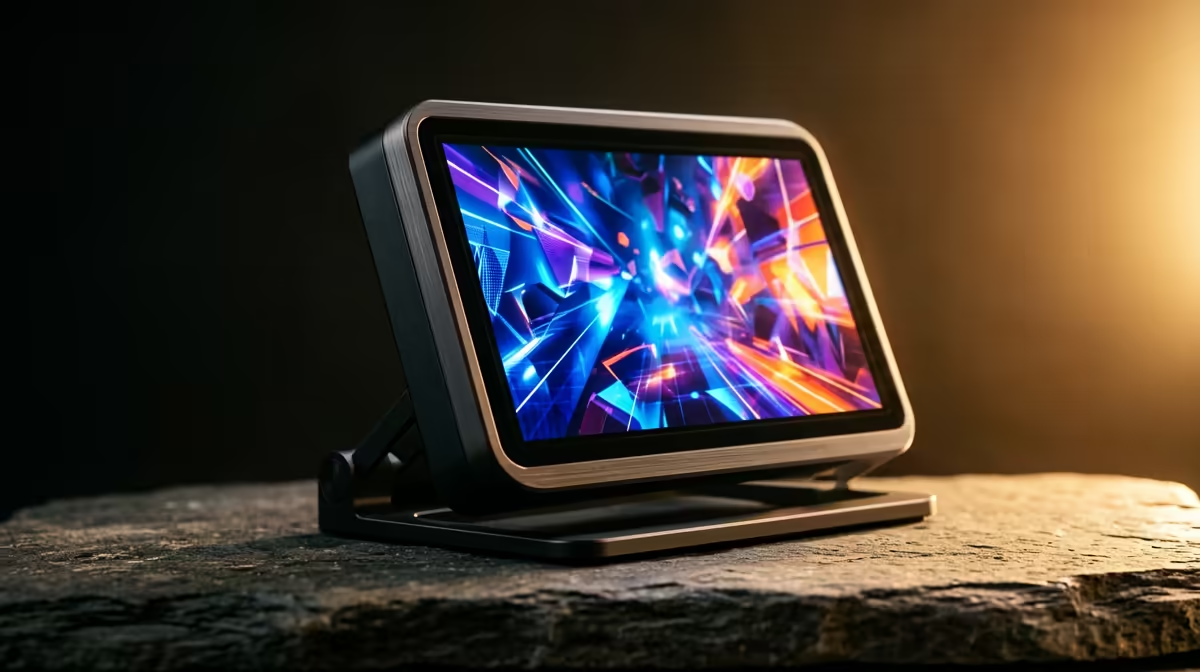
A hotel room with no TV used to mean leaving the console at home. A portable monitor with a console while travelling changes that completely: one slim screen, an HDMI cable for video, and a USB-C cable for power turn any desk into a gaming station. Whether you pack a PS5, an Xbox Series, or a Nintendo Switch, the setup is the same and it fits in a laptop bag.
Quick Answer
Connect the console to a portable monitor over HDMI for the picture, then power the monitor with a separate USB-C cable. A model with built-in speakers means you do not need to pack external audio. The whole kit weighs little more than a tablet.
What You Need to Pack
Keep the kit deliberately small so it earns its place in your bag. A portable monitor of around 15 to 16 inches hits the sweet spot between screen size and portability. Match it to your console with the right cables, and decide up front whether you want onboard audio or will travel with a headset.
Your packing list comes down to four items:
- The portable monitor itself, ideally one with built-in speakers.
- An HDMI cable, or an adapter if your monitor uses HDMI but your console output differs.
- A USB-C power cable plus a wall charger, or a power bank that supports the monitor's draw.
- A headset, only if your monitor lacks speakers or the room is shared.
Step-by-Step Setup in a Hotel Room
Getting a game running takes only a couple of minutes once the kit is in front of you.
- Position the monitor. Stand it on the desk using its built-in kickstand or folio cover, angled to cut glare from the room lights.
- Power the monitor first. Plug the USB-C cable into the wall charger or power bank and confirm the screen lights up before connecting anything else. Many portable monitors need more power than a console's USB port can supply, so use a dedicated charger.
- Connect HDMI to the console. Run the HDMI cable from the console's output to the monitor's HDMI input, then power on the console.
- Select the input. If the monitor does not auto-detect, open its on-screen menu and choose the correct HDMI source.
- Sort the audio. With built-in speakers, set the volume on the monitor. Without them, plug a headset into the monitor's 3.5 mm jack or pair it with the console directly.
Power Is the Part People Get Wrong
The most common travel mistake is assuming the monitor will run off the console. Most portable monitors draw more current than a console USB port provides, which leads to a dim or flickering screen. Always power the monitor from its own wall charger or a capable power bank. If you want a single-cable solution, some monitors accept full-function USB-C that carries both video and power from a compatible source, which cuts your cable count. The current options, including speaker-equipped models, are listed in the travel-ready portable monitor range so you can match a screen to your console's output.
Choosing the Right Screen for the Job
For a Switch, almost any portable monitor works and weight is the deciding factor. For a PS5 or Xbox Series, look for a 1080p panel with a decent refresh rate so fast games stay smooth, and built-in speakers if you would rather not pack a headset. If you also use the screen for work on the road, a model with good colour accuracy doubles up nicely. To see which screens travellers and desk users rate highest, the best-selling monitors list is a quick gauge of proven picks.
Frequently Asked Questions
Can a portable monitor power a PS5 or Xbox over one cable?
The monitor powers itself, not the console. The console still needs its own wall power. Some monitors accept video and power over a single USB-C cable from a compatible source, but the console always uses its own plug.
Do I need speakers, or will the console handle audio?
If your portable monitor lacks speakers, audio routes through the monitor's headphone jack or directly from the console to a headset. A monitor with built-in speakers removes the need to pack anything extra.
What size portable monitor is best for travel?
Around 15 to 16 inches balances a usable picture with a bag-friendly footprint. Smaller is lighter but cramped for two players; larger adds weight without much benefit in a hotel room.
Will a portable monitor work with a Nintendo Switch?
Yes. The Switch outputs over its dock or a compatible USB-C video adapter to HDMI, and almost any portable monitor accepts that signal. Power the monitor separately for a stable picture.
Planning a trip and refusing to leave the console behind? Pick a portable monitor from Evetech, add the right cables, and turn any hotel desk into your gaming setup wherever you land.











