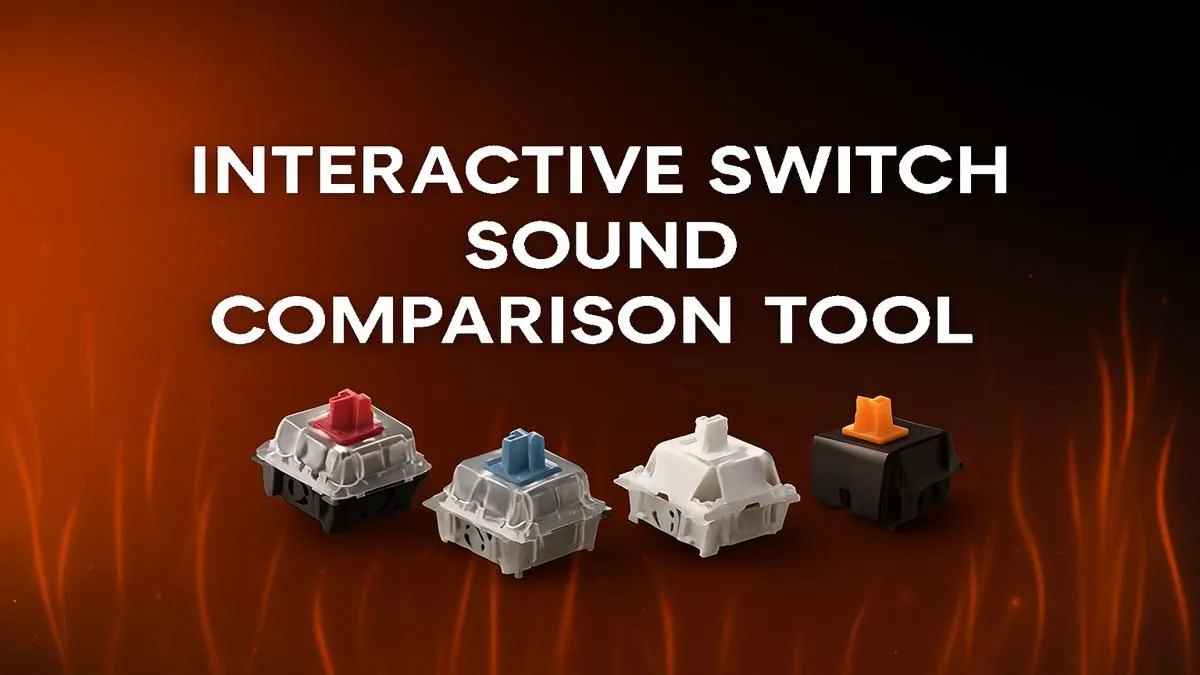
That satisfying thock. The crisp clack. The silent swoosh. The sound your mechanical keyboard makes is more than just noise… it’s the soundtrack to your gaming victories and productive work sessions. But with so many options, how do you find your perfect click and clack? The answer lies in a keyboard switch sound test, a simple process to discover the feel and acoustics that match your style, ensuring your next keyboard is a perfect fit.
Why Your Keyboard's Sound Profile Matters
Ever tried to focus on a clutch play while your keyboard sounds like a typewriter in a library? Or maybe you love that audible feedback? A keyboard's sound profile isn't just about personal preference; it directly impacts your immersion, concentration, and even the sanity of anyone sharing your space. 😅
The right sound can be incredibly satisfying, turning every keystroke into a pleasant tactile and auditory experience. The wrong one can be distracting or just plain annoying. Performing a personal keyboard switch sound test before you buy helps you understand what you truly want from your daily driver.
Decoding the Clicks: The Main Switch Types
Most of the sound comes from the mechanical switch under each keycap. Understanding the three main families is the first step in finding your ideal sound. Each offers a unique feel and acoustic signature, and you can find them all across some of the best gaming keyboard deals available today.
Linear Switches: Smooth & Silent 🤫
Linear switches (like Cherry MX Reds) offer a smooth, consistent keystroke from top to bottom with no bump or click. They are the quietest of the bunch, making them ideal for streamers who don't want their mic picking up every keypress, or for late-night gaming sessions in a shared house.
- Sound: A soft "thump" or "thock" when the key bottoms out.
- Feel: Buttery smooth and fast.
- Best For: Fast-paced gaming (FPS, MOBA) and quiet office environments.
Tactile Switches: The Satisfying Bump
Tactile switches (like Cherry MX Browns) provide a noticeable "bump" in the middle of the travel path. This bump lets you know the keypress has been registered without making a loud click. It’s a perfect middle-ground, offering great feedback for both typing and gaming.
- Sound: A muted "thump," slightly louder than linears due to the bump.
- Feel: A small, satisfying bump you can feel in your fingertips.
- Best For: A hybrid of gaming and typing; all-purpose use.
Clicky Switches: Loud & Proud 🔊
Clicky switches (like Cherry MX Blues) are the most audacious of the lot. They feature both a tactile bump and a distinct, high-pitched "click" sound on actuation. There's no mistaking when you've pressed a key. They are incredibly satisfying for typists but can be a bit much for intense gaming or quiet spaces.
- Sound: A sharp, loud "CLICK."
- Feel: A clear bump accompanied by an audible click.
- Best For: Typing, programming, and anyone who loves loud, unambiguous feedback.
How to Conduct Your Own Keyboard Switch Sound Test
Listening to online sound tests is a great start, but nothing beats hands-on experience. If you can't test a friend's board, the next best thing is to dive into customisation. Building your own keyboard or modifying a "hot-swappable" one lets you experiment. You can get started by exploring a range of high-quality keyboard switches to find the brand and type that feels just right. Start with a small pack of different types to see what you prefer before committing to a full set.
Modding for a Better Sound 🔧
Want to refine your keyboard's sound? Try adding O-rings under your keycaps to dampen the bottom-out sound, making it softer. For an even smoother feel and deeper "thock" on linear or tactile switches, consider applying a thin layer of keyboard lubricant (like Krytox 205g0) to the switch internals. It's a bit of a project, but the acoustic results are amazing!
Beyond the Switch: Other Factors Affecting Your Sound
The switch is the heart of the sound, but it's not the whole story. Several other components colour the final acoustic profile of your keyboard.
- Keycaps: The material and thickness of your keycaps make a huge difference. Thicker PBT plastic keycaps generally produce a deeper, more solid sound than thinner ABS plastic. Upgrading to a set of custom keyboard keycaps is one of the easiest ways to change your board's sound and look.
- Case Material: An aluminium case will create a higher-pitched, pingy sound, while a plastic case will be more muted and deep.
- Desk Mat: Placing your keyboard on a large desk mat or adding an ergonomic wrist rest can absorb vibrations and significantly reduce hollowness, resulting in a cleaner sound.
Getting the full setup right can make a world of difference, which is why a complete keyboard and mouse combo is often a great starting point for a cohesive aesthetic and feel.
Finding Your Perfect Match in South Africa
Ultimately, the perfect keyboard sound is subjective. What sounds like a symphony to one gamer might sound like a distraction to another. By understanding the basics of switches, keycaps, and materials, you can move beyond just specs and find a keyboard that truly connects with you.
Whether you're looking for the quiet precision of a linear switch or the decisive clack of a clicky one, there are fantastic and affordable gaming keyboards in South Africa waiting for you. Happy typing! ✨