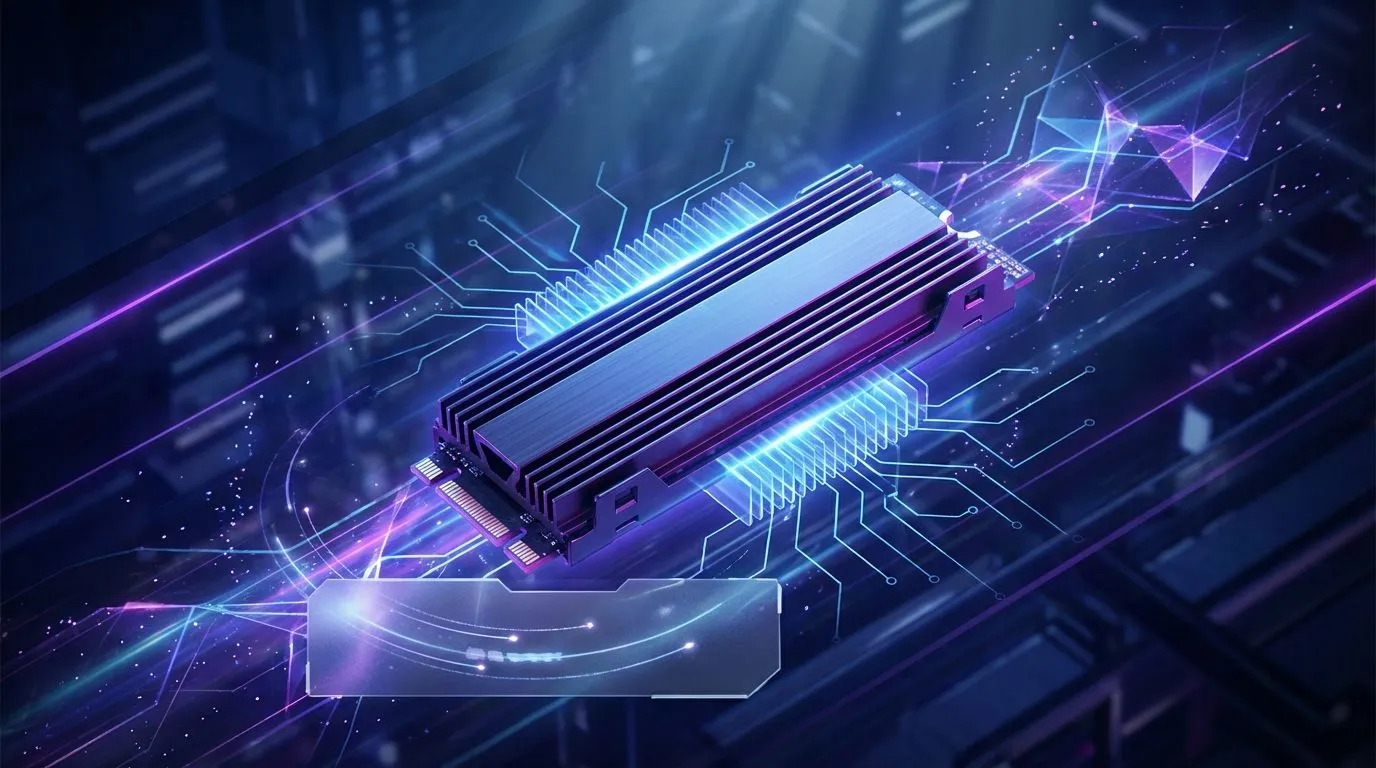
You've just dropped some serious ZAR on a lightning-fast NVMe SSD. Load screens vanish, games boot in seconds... it's brilliant. But then, during a heavy session, you feel it: a sudden stutter, a weird lag. That, my friend, is your SSD getting too hot and throttling its own performance. Effective SSD cooling solutions aren't just for overclocking fanatics; they are essential for anyone wanting to consistently maximize NVMe drive performance in the South African climate.
Why Your Blazing-Fast NVMe Gets So Hot
It’s simple physics, really. An NVMe (Non-Volatile Memory Express) SSD transfers data at incredible speeds by pushing electricity through billions of tiny gates. This intense activity, especially in the drive's controller chip, generates a surprising amount of heat.
Modern PCIe Gen4 and Gen5 drives are the biggest culprits. They offer mind-blowing read/write speeds, but this performance comes at a thermal cost. Without proper cooling, the drive's temperature can quickly climb, leading directly to a performance bottleneck. It's a common issue that the right SSD cooling solutions can easily fix.
Understanding Thermal Throttling: The Silent Performance Killer ⚡
So, what happens when your drive overheats? It doesn't just fail; it protects itself through a process called thermal throttling. The drive's firmware detects the high temperature and deliberately slows down its performance to cool off.
Imagine you’re in the final circle in Warzone, and your game suddenly micro-stutters as the drive throttles. That’s the real-world impact. You paid for premium speed, but heat is forcing your drive to run with the handbrake on. Ensuring your drive has adequate cooling is key to getting the performance you expect from the wide world of modern SSDs.
Check Your Airflow Path 🔧
Good case airflow is the foundation of all cooling. Ensure your case fans are configured for a clear intake-to-exhaust path. A common setup is front fans pulling cool air in, and rear top fans pushing hot air out. Even the best heatsink struggles in a stagnant, hot case.
Essential SSD Cooling Solutions for Your Rig
Luckily, keeping your NVMe drive cool is straightforward. Most solutions are either built into your existing hardware or are very affordable upgrades.
Motherboard Heatsinks
Most modern B550, X570, B660, Z790 and newer motherboards come with built-in M.2 heatsinks. These are metal plates, often with thermal pads underneath, that sit directly on top of your NVMe drive. They work by passively drawing heat away from the drive's controller and memory chips and dissipating it into the case's airflow. Always use them if your motherboard has them!
Aftermarket Heatsinks & High-Performance Drives
If your motherboard lacks a heatsink, or you're pushing a top-tier drive to its limits, an aftermarket heatsink is a fantastic investment. Brands like Klevv South Africa focus on creating components that deliver sustained performance, which often goes hand-in-hand with thermal management. For a high-performance drive like the Klevv CRAS C925G 1TB Gen4 NVMe SSD, pairing it with a good heatsink ensures you can access its peak 7,400MB/s read speeds without fear of throttling. 🚀
Ultimately, a cool SSD is a fast SSD. By understanding why they get hot and implementing a simple cooling strategy, you guarantee that you get every bit of performance you paid for, every single time you boot up.
Ready to Unleash Full Performance?
Don't let heat sabotage your high-speed storage. The right SSD cooling solution is a small upgrade for a massive performance boost. Explore our wide range of PC components and build a rig that stays cool under pressure.