

Best AMD Monitor Under R2000 in SA 2026
Top AMD Monitor Under R2000 picks evaluated on performance, value & SA availability with current Rand pricing from Evetech.
Read moreMeasure graphics card before buying an ATX gaming case to avoid fit issues and airflow problems. Follow clear steps, clearance checks, and tool tips to ensure a perfect fit. 🛠️🎮
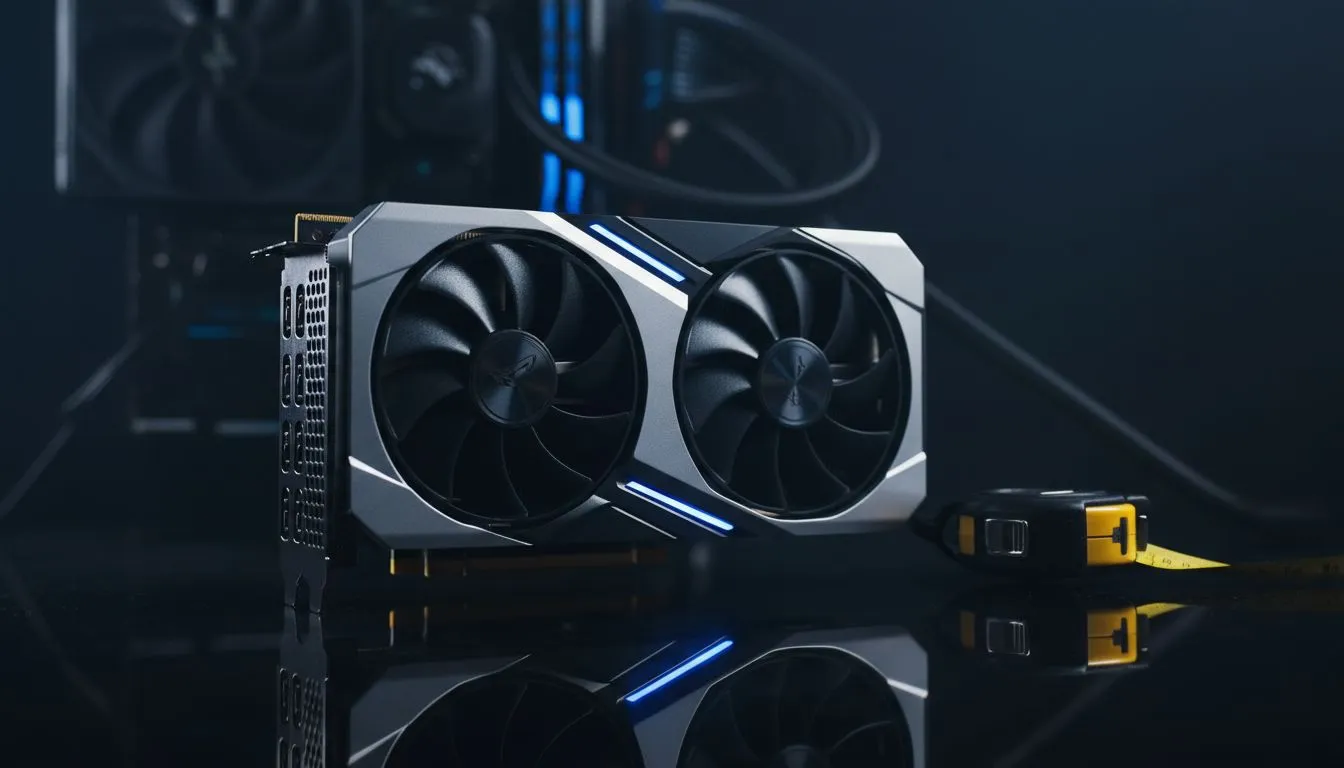
It’s a classic PC builder’s horror story. The courier just dropped off your shiny new GeForce RTX 40-series card. You’ve been saving for months. You unbox that beast, line it up with the motherboard in your brand-new chassis, and… it doesn’t fit. The drive cage is in the way, or it’s just too long. 🤦♂️
Before you even think about adding a case to your cart, you absolutely must measure your graphics card before buying an ATX gaming case.
In the world of PC building, a few millimetres can be the difference between a successful build and a massive headache. Modern graphics cards, especially high-end models, are longer, wider, and thicker than ever before. That incredible three-fan cooling solution needs space, and not all ATX cases are created equal.
Forgetting to check the maximum GPU length supported by a chassis is one of the most common mistakes we see. It’s a simple step that saves you the hassle and cost of a return. When you browse for computer cases, this measurement should be one of your top priorities, right alongside airflow and aesthetics.
Finding the right fit is easier than you think. It just takes two minutes of prep work to avoid any drama. Here’s the simple process our own technicians use.
Head to the official manufacturer's website for your specific graphics card model (e.g., ASUS, MSI, Gigabyte). Don't just search for "RTX 4070 Ti dimensions," as custom cards from different brands vary in size. Look for the "Specifications" section and note down the length, usually in millimetres (mm).
Now, find a case you like. On the Evetech product page for any chassis, the specifications will list "Maximum GPU Length." If your card's length is less than this number, you're golden! ✨ Brands known for thoughtful design, like these popular Fractal Design PC cases, often provide ample room and make this information easy to find.
GPU length is crucial, but also check the maximum CPU cooler height and radiator support (top and front). A massive air cooler or a 360mm AIO liquid cooler also needs space. Cross-referencing all these specs ensures your entire build comes together smoothly, with no nasty surprises.
Once you've confirmed your GPU will fit, you can focus on the fun stuff. Do you want a clean, minimalist look or an RGB powerhouse? Excellent airflow is non-negotiable for keeping your components cool and running optimally, especially in the South African climate.
You'll find fantastic options across all price points. Brands like Gamdias offer a superb balance of features, style, and value, making them a go-to for many local builders. Whether you're looking at their flagship models or a more wallet-friendly option, there's a huge selection of Gamdias gaming cases to choose from. Even if you're on a tight budget, you can find great affordable Gamdias cases under R1500 that offer plenty of space for today's powerful graphics cards.
Taking a moment to measure your graphics card before buying an ATX gaming case is the pro move. It ensures your build process is exciting, not frustrating. 🚀
Ready to Find Your Perfect Fit? Avoid the builder's biggest frustration. With the right measurements in hand, you can shop with confidence. Explore our massive range of ATX gaming cases and find the perfect home for your powerful hardware.
Remove the card or measure from the PCIe rear bracket to the PCB end. Note mm length and compare to case GPU clearance.
Measure length, height (bracket to top of cooler), and thickness (slot count). These prevent fit and clearance problems.
Allow 10–30 mm extra length for cables and airflow. More clearance helps cable routing and cooler clearance.
If non-removable, measure visible PCB edges and bracket, but best practice is to remove the GPU for accurate measurement.
Use a caliper or steel ruler for accuracy. A tape measure can work, but calipers give precise GPU length and thickness values.
Measure card length and check case spec sheet for GPU clearance and PSU shroud location to avoid interference.
Use the GPU manufacturer page and review product dimensions. Search 'gpu length measurement guide' for verification tips.
Top AMD Monitor Under R2000 picks evaluated on performance, value & SA availability with current Rand pricing from Evetech.
Read more
UJ Eng: Monitor Setup Under R15000. Clear setup instructions with SA-specific considerations, troubleshooting tips & recommended components.
Read more
Top NZXT Monitor Under R15000 picks evaluated on performance, value & SA availability with current Rand pricing from Evetech.
Read more
Top 240Hz Monitor Under R20000 picks evaluated on performance, value & SA availability with current Rand pricing from Evetech.
Read more
Top Budget 4K monitor Under R5000 Gamers picks evaluated on performance, value & SA availability with current Rand pricing from Evetech.
Read more
Stellenbosch Arch: Monitor Setup Under R15000. Clear setup instructions with SA-specific considerations, troubleshooting tips & recommended components.
Read more
When Will the RTX 6090 Launch in South Africa Detailed answer with SA data, expert analysis & practical recommendations for local buyers.

Top Valorant Settings for RTX 5070: FPS Optimisation picks evaluated on performance, value & SA availability with current Rand pricing from Evetech.

RDNA 3.5 Graphics in Ryzen AI 400? Can You Game. Plain-English explanation of what it means, why it matters & how it affects your buying decisions in SA.

GPU Price Index : December Report. Current stock data & price tracking for SA buyers. See what is available and where prices are heading.

Core i5-14600K + B760 + RTX 5060 Build Under. Full parts list, Rand pricing & expected performance. Build confidently with SA-available components.

RX 7600 Apex Legends at 4K: FPS Benchmark. Real-world benchmark data, FPS numbers & performance analysis. What SA gamers can actually expect.

RX 7900 XTX GTA 6 at 4K: FPS Benchmark & Optimal. Real-world benchmark data, FPS numbers & performance analysis. What SA gamers can actually expect.

Head-to-head comparison of RTX 5070 vs RX 9070 XT: Gaming Performance for SA gamers. Performance benchmarks, Rand pricing & which delivers better value.

Starfield Max Settings on RTX 5070. Tested & verified settings for best FPS and visual quality on SA hardware budgets.

Top RX 7800 XT Model Under R8,000 picks evaluated on performance, value & SA availability with current Rand pricing from Evetech.

RTX 5070 Valorant Optimised Settings: Graphics. Real-world benchmark data, FPS numbers & performance analysis. What SA gamers can actually expect.

Top Laptop with Core i7 + RX 7700S: Picks picks evaluated on performance, value & SA availability with current Rand pricing from Evetech.