


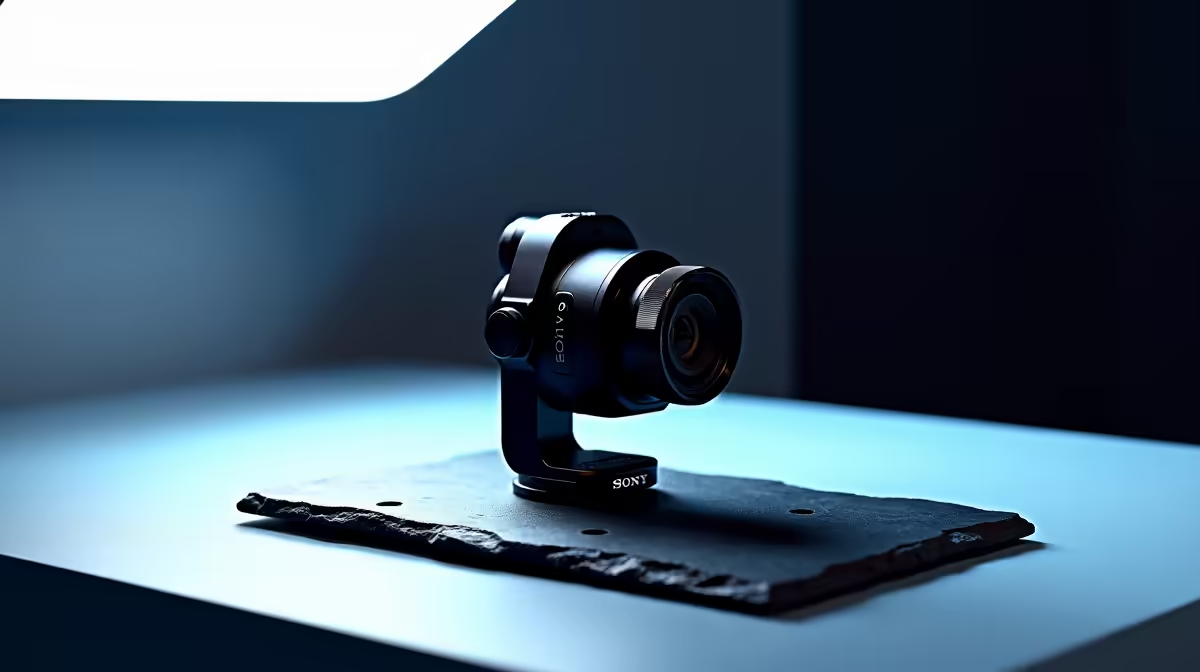
South African audiences scroll on phones. That is not a content trend or a platform preference -- it is a structural fact about local internet usage. With roughly 85 percent of SA web traffic on mobile devices, a piece of video filmed horizontally and dropped onto a phone screen is already disadvantaged before a single person watches it. Portrait camera mounts fix this at the source by rotating the webcam to a 9:16 aspect ratio, so every frame is sized for the screen your audience is actually holding.
Quick Answer
A portrait mount rotates your webcam 90 degrees to shoot native 9:16 vertical video, which fills a phone screen completely with no cropping needed. For South African audiences where most traffic is mobile, a vertical frame delivers full resolution to the screens most viewers use.
📱 Why Native Vertical Beats Cropping a Horizontal Clip
The temptation to record in landscape and crop later is understandable. The problem is that cropping is not a neutral operation.
A 16:9 video filmed at 1080p has a resolution of 1920 by 1080 pixels. Cropping it to a 9:16 vertical frame requires cutting the left and right thirds of the image out entirely. The final clip has a 1080 by 1920 resolution only if you upscale it, which introduces softness. Without upscaling, you are delivering a 608-pixel-wide clip to a screen designed to display 1080 pixels wide.
Native 9:16 shooting at 1080 by 1920 avoids this entirely. Every pixel you captured is used. The subject fills the frame correctly because you composed for portrait from the start, and the result is a sharper clip with no quality penalty from a post-production crop.
🔧 How a Portrait Mount Changes the Webcam's Position
A portrait mount is any mounting solution that allows the webcam to rotate 90 degrees, presenting the lens in a vertical rather than horizontal orientation. There are three common approaches.
A ball head with sufficient range is the most flexible option. Rolling the ball 90 degrees along the lateral axis brings the camera into portrait. The key requirement is that the webcam's mounting foot allows this rotation without the camera body colliding with the arm. Most compact webcams rotate cleanly on a ball head.
A dedicated rotating bracket includes positive detents at 0 degrees for landscape and 90 degrees for portrait. The click at each position means the camera lands squarely without requiring fine-tuning. For creators switching orientation frequently, the repeatability of a detent bracket is worth the small extra cost over a plain ball head.
Some boom arms with a tilting yoke mount also allow portrait orientation by swinging the camera into a vertical position within the yoke, which is useful for moving between overhead landscape and forward-facing portrait angles in one arm motion.
🎯 Setting Up the Frame for Portrait Shooting
Rotating the camera is only half the setup. Portrait framing requires different compositional thinking than landscape.
For a talking-head clip, the ideal portrait framing places the subject's eyes roughly one-third from the top of the frame. This provides appropriate headroom and keeps the subject in the viewing area where phone screens display most comfortably. Camera height needs adjusting after the rotation: portrait framing for social content works best with the camera at eye level to avoid the unflattering chin-up perspective that reads as low production quality on short-form platforms.
Pro Tip ⚡
Before your first portrait shoot, record a 10-second test clip and view it on your actual phone rather than your monitor. Your monitor previews portrait video with black bars on the sides, which makes framing and headroom difficult to judge. The phone shows exactly what your audience will see.
🔌 Resolution Settings for Vertical Video
The minimum useful resolution for phone-first platforms is 1080 by 1920 pixels. Webcams that output 1920 by 1080 in landscape produce this same pixel count in portrait when physically rotated -- the sensor dimensions do not change, just their orientation.
Check that your recording software is explicitly set to portrait output dimensions before capturing. Some streaming tools default to 16:9 regardless of physical sensor orientation, resulting in a portrait-rotated image inside a landscape container -- visually a narrow strip with black sidebars. Setting the output resolution to portrait dimensions in your recording tool is a one-time change that applies to every session afterwards.
Frequently Asked Questions
How does a portrait mount frame vertical video?
The mount rotates the webcam 90 degrees so the longer sensor axis is oriented vertically, producing a 9:16 aspect ratio frame. On a phone screen, this fills the full display area. You compose for the portrait frame from the start, rather than adapting a landscape image after the fact and losing resolution in the process.
Why does SA mobile usage make portrait framing important here?
At roughly 85 percent mobile web traffic, most South African viewers encounter content while holding a phone upright. Content that fills that vertical screen fully has a natural engagement advantage over letterboxed landscape clips, and that advantage compounds across a content library over time.
Does rotating the camera to portrait keep the full resolution?
Yes. The sensor is the same size -- it is just oriented differently. Cropping a landscape clip to portrait discards the left and right thirds and only retains the central column. Unless upscaled, that strip delivers lower resolution than the screen can display. Native portrait captures all pixels correctly framed from the start.
Can a standard ball head do this, or is a dedicated portrait bracket needed?
A ball head works for portrait rotation on most compact webcams, since the mounting foot allows the 90-degree rotation without interference. A dedicated portrait bracket with a detent is more precise and repeatable if you switch orientations frequently. For a dedicated portrait-only setup, a ball head locked at 90 degrees is reliable and often less expensive.
Should the camera stay in portrait mode for desktop streaming too?
No. Desktop viewers on widescreen monitors expect 16:9 landscape. A portrait video on a widescreen display appears as a narrow vertical strip with empty space on both sides, which looks unfinished. Use portrait for phone-targeted social clips, and flip back to landscape for live streams directed at desktop and TV audiences.
Ready to shoot vertical video that fills your audience's phone screen from edge to edge? Browse the camera mount range to find a portrait-capable ball head or rotating bracket for your webcam setup.










