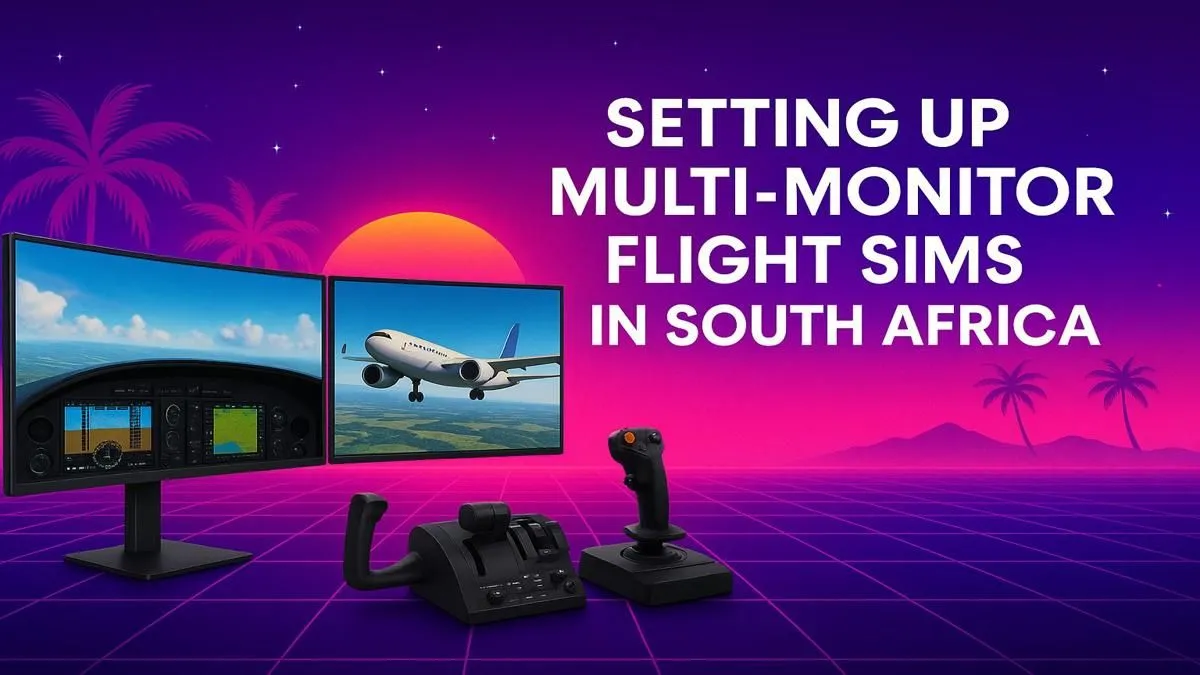
Tired of squinting at a single screen that feels more like a keyhole than a cockpit? For true immersion, nothing beats the panoramic view of a multi-monitor flight simulator setup. South Africa's sim pilots are levelling up, and it’s easier than you think. This guide breaks down everything you need—from choosing the perfect screens to the hardware that powers them—to build a cockpit that makes you feel like you're actually at 30,000 feet. ✈️
Why a Multi-Monitor Setup is Essential for Flight Sim Fans
A single monitor gives you a window into the world. A multi-monitor setup puts you inside it. The primary benefit is massively improved peripheral vision. This isn't just for looks; it's a practical advantage. You can glance out your side windows during a tricky landing approach or spot other aircraft on the taxiway without awkwardly panning the camera. This enhanced situational awareness makes every phase of flight, from pushback to shutdown, feel more authentic and intuitive.
Choosing Your Displays for a South African Flight Sim Rig
The screens are the centrepiece of your multi-monitor flight simulator setup. Getting this part right is crucial for creating that seamless, wrap-around effect.
Curved vs. Flat Monitors
For a flight sim, curved screens are a fantastic choice. They wrap the image around you, enhancing immersion and reducing distortion at the edges of your vision. A trio of immersive curved monitors can create a stunning, near-180-degree field of view that mimics a real cockpit. Flat panels can also work well, especially if you're on a tighter budget, but you may need to angle them more aggressively to achieve a similar effect.
Resolution, Size, and Bezels
- Size: 27-inch to 32-inch monitors are the sweet spot. They provide a large viewing area without being overwhelming.
- Resolution: Aim for consistency. Three 1440p (2560x1440) monitors will offer a huge jump in clarity over 1080p and are easier for a modern graphics card to drive than triple 4K.
- Bezels: The thinner, the better! "Thin-bezel" or "borderless" monitors are key to minimising the black bars between your screens, creating a more continuous image. It's worth it to browse our full range of PC monitors to find a model with the slimmest bezels you can afford.
Cockpit Configuration Tip 🔧
Once your monitors are connected, use NVIDIA Surround or AMD Eyefinity in your graphics card's control panel. This powerful software stitches your separate screens into one massive, seamless display. It's the key to making Microsoft Flight Simulator see your setup as a single, ultra-wide cockpit view, completely transforming the experience.
The Engine: Powering Your Multi-Monitor Setup
Driving three high-resolution displays is demanding work. Your PC, specifically the graphics card (GPU), needs to be up to the task. Pushing millions of extra pixels requires significant horsepower to maintain smooth frame rates, especially over detailed scenery like Johannesburg or Cape Town.
A GPU with at least 12GB of VRAM, like an NVIDIA GeForce RTX 4070 SUPER or higher, is highly recommended for a triple 1440p setup. To avoid bottlenecks, you'll also need a capable CPU and at least 32GB of RAM. If you want to skip the guesswork, our specialised Microsoft Flight Simulator gaming PCs are optimised right out of the box for this exact purpose. ✨
Essential Controls and Comfort for Long Hauls
To complete your multi-monitor flight simulator setup, you need to ditch the keyboard and mouse for primary flight controls. A proper Yoke and Throttle Quadrant system is non-negotiable for realistic control.
Brands like Thrustmaster offer incredible realism and precision, making you feel connected to the aircraft. Adding rudder pedals for ground steering and coordinated turns is the next logical step. You can find a wide variety of high-quality Thrustmaster flight controls to suit any budget.
And for those long-haul flights from OR Tambo to Heathrow? Comfort is king. A supportive chair is just as important as your GPU. Investing in one of our ergonomic gaming chairs will save your back and let you focus on the flight, not the aches and pains. 🚀
Ready to Take Flight?
Building the ultimate multi-monitor flight simulator setup in South Africa is a journey, but the destination is breathtaking. From the perfect PC to the most immersive displays, we've got your six. Explore our specialised Microsoft Flight Simulator Gaming PCs and start building your dream cockpit today.