


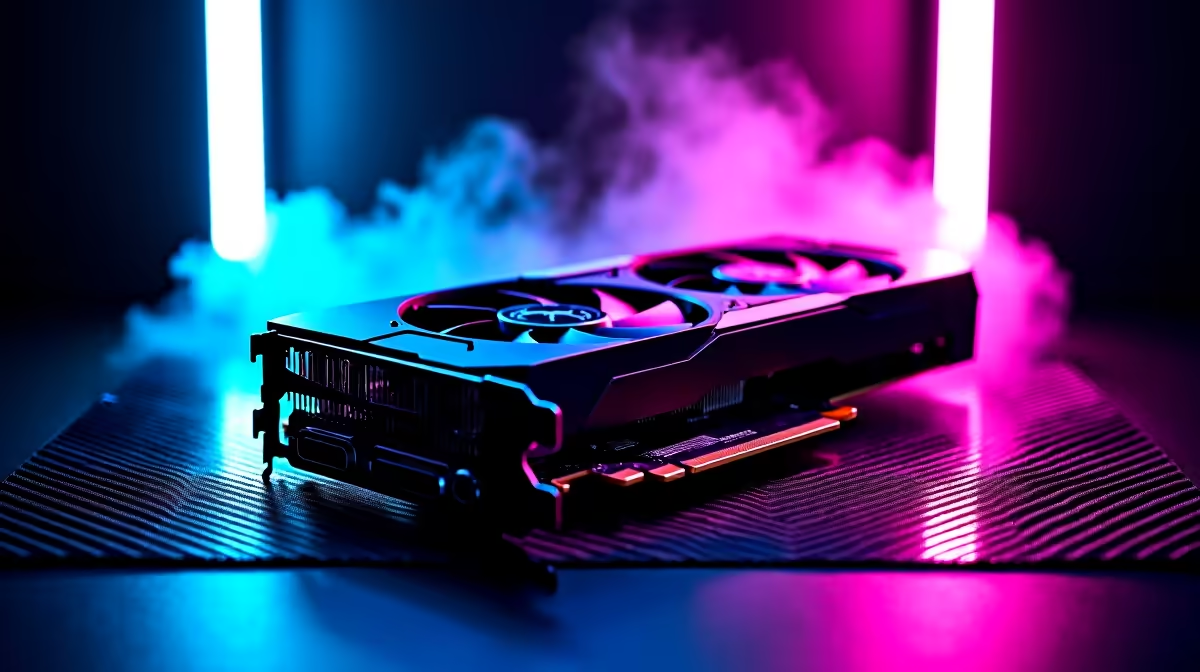
Smart-buying an R20,000 gaming setup in the North West means putting the money into a current-gen GPU and CPU rather than over-spending on RGB and accessories.
Quick Answer
An R20,000 North West build should centre on an RTX 4060 or RX 7600 GPU with a Ryzen 5 7600 or 5600, 16GB DDR5 and a 1TB NVMe SSD. That delivers 80-120 fps at 1080p Ultra and 60-90 fps at 1440p in most AAA titles, a genuine sweet-spot setup.
The Value Build At R20,000
Spend around R6,000-R7,000 on an RTX 4060 or RX 7600, R3,500-R4,500 on a Ryzen 5 7600, then 16GB DDR5, a 1TB Gen4 NVMe SSD, a B650 or B550 motherboard, a 550W-650W PSU and a ventilated case. Keep R2,000-R3,000 for a 1080p 144Hz or 1440p 75Hz monitor.
Performance You Can Count On
This tier runs Cyberpunk 2077 at 1080p Ultra around 70-90 fps with DLSS, Hogwarts Legacy at 80-100 fps, and esports titles past 200 fps. It is also a capable entry 1440p machine at 60-90 fps with mild setting tweaks.
Buying Smart In The North West
Confirm GPU stock before ordering and route delivery to a Rustenburg, Mahikeng or Potchefstroom address you can receive at. Avoid spending on flashy extras until the core CPU, GPU and SSD are sorted; those parts drive the frame rates. For storage, a single 1TB Gen4 NVMe SSD is the sweet spot at this budget; skip a mechanical hard drive, since load times in modern games are noticeably slower on it and the price gap has narrowed.
FAQ
What GPU is best value at R20,000?
An RTX 4060 or RX 7600. Both deliver 80-120 fps at 1080p Ultra and step into entry 1440p, leaving budget for a Ryzen 5 CPU and SSD.
Should I buy 1080p or 1440p with this build?
Either works. A 1080p 144Hz panel maximises frame rates, while a 1440p screen looks sharper at 60-90 fps. Choose based on whether speed or clarity matters more to you.
Where should I not overspend?
On RGB, oversized cases and premium coolers. Put the money into the GPU, CPU and a fast NVMe SSD, which actually determine performance.
Anchor the R20,000 build on an RTX 4060 and Ryzen 5 7600, then add a 144Hz 1080p monitor rather than spending on RGB extras.










