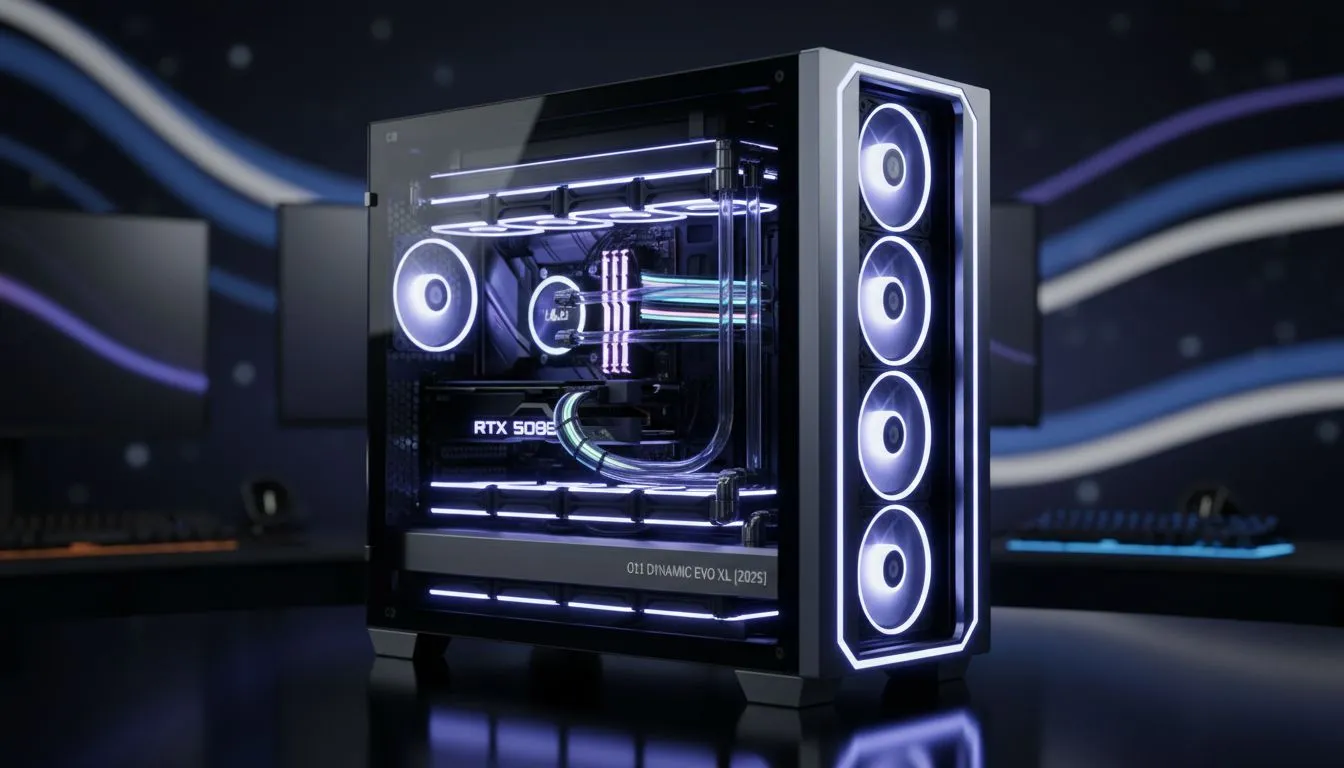
So, you've got your hands on the Lian Li O11 Dynamic EVO XL. A proper beast of a case, loved by PC builders across South Africa for its stunning looks and massive potential. But its true power lies in its cooling flexibility. Are you ready to unlock ultra-low temps and silent performance? This guide dives deep into the O11 Dynamic EVO XL dual radiator support, showing you how to build the ultimate chilled-out rig. ❄️
Why Go for a Dual Radiator Setup?
Before we get into the "how," let's talk about the "why." A single AIO is great, but a dual radiator setup in the O11 EVO XL takes your PC to another level. The primary benefit is a massive increase in surface area for heat dissipation. This means your fans can spin slower, resulting in a whisper-quiet machine even under heavy load. For overclockers and performance enthusiasts, it provides the thermal headroom needed to push your CPU and GPU to their absolute limits. It’s about optimising your entire system, and it all starts with the right cooling solutions.
Mapping Your O11 EVO XL Dual Radiator Configuration
The beauty of this case is its modularity. The O11 Dynamic EVO XL's dual radiator support isn't limited to just one layout; you have several excellent options to choose from, each with its own advantages.
### The Classic: Top + Side Mount
This is arguably the most popular and balanced configuration.
- Top Mount: Typically a 360mm or even a 420mm radiator set as exhaust. This naturally pushes hot air up and out of the case.
- Side Mount: Another 360mm radiator, usually configured as intake. This brings cool, fresh air directly into the case, flowing over the motherboard and RAM before being exhausted.
This layout creates a clean and efficient airflow path, cooling your core components effectively. It's a fantastic choice for builders using two separate all-in-one (AIO) liquid coolers, one for the CPU and one for the GPU (using a hybrid kit).
### The Powerhouse: Top + Bottom Mount
If you want maximum radiator real estate, this is the way to go.
- Top Mount: A 360mm/420mm radiator as exhaust.
- Bottom Mount: A 360mm radiator as intake.
This setup provides a powerful vertical airflow tunnel. The bottom fans pull cool air in, which rises through the case, cools your components, and is then expelled by the top radiator fans. This configuration looks incredible, especially with RGB fans, and offers phenomenal cooling performance for high-TDP components.
Airflow Pro Tip 🔧
When setting up your dual radiator fans, aim for a balanced or slightly positive air pressure. For a Top (exhaust) + Side (intake) setup, ensure your intake fans' combined CFM (cubic feet per minute) is equal to or slightly higher than your exhaust fans. This helps minimise dust buildup and ensures a steady supply of cool air.
Key Considerations for Your Build
Planning a build with O11 Dynamic EVO XL dual radiator support requires a bit of foresight. Here are a few things to keep in mind:
- Radiator Thickness: While the case is huge, radiator thickness matters. A thick (45mm+) radiator in the side position might interfere with a long graphics card. Similarly, a thick top radiator can create clearance issues with tall RAM or motherboard VRM heatsinks. Always check your component dimensions.
- Pump & Tubing: For AIOs, ensure your tubes are long enough to reach the CPU block comfortably from your chosen mounting spot. For custom loops, plan your reservoir placement carefully—the side mount is often a perfect spot. Many builders favour premium Corsair AIOs for their flexible tubing and reliable performance.
- Component Choice: The most common radiator size for a dual setup in this case is a 360mm radiator. Sticking to this size for both positions generally guarantees the best compatibility.
Is a Dual Radiator Setup Overkill?
Honestly? For some builds, yes. If you're running a mid-range CPU and GPU for 1080p gaming, a high-quality single AIO or even one of the top-tier traditional air coolers will do a fantastic job.
However, if you're building a flagship rig with a Core i9 or Ryzen 9 and a GeForce RTX 4080 or 4090... a dual radiator setup isn't overkill. It's a smart investment in performance, component longevity, and acoustic comfort. It allows your hardware to perform at its peak without thermal throttling, giving you the smooth, high-framerate experience you paid for. 🚀
Ready to Build Your Ultimate Cooling Loop?
The O11 Dynamic EVO XL offers incredible cooling potential. Whether you're planning a dual AIO setup or a full custom loop, having the right components is key. Explore our massive range of CPU coolers and find the perfect hardware to keep your rig frosty.