


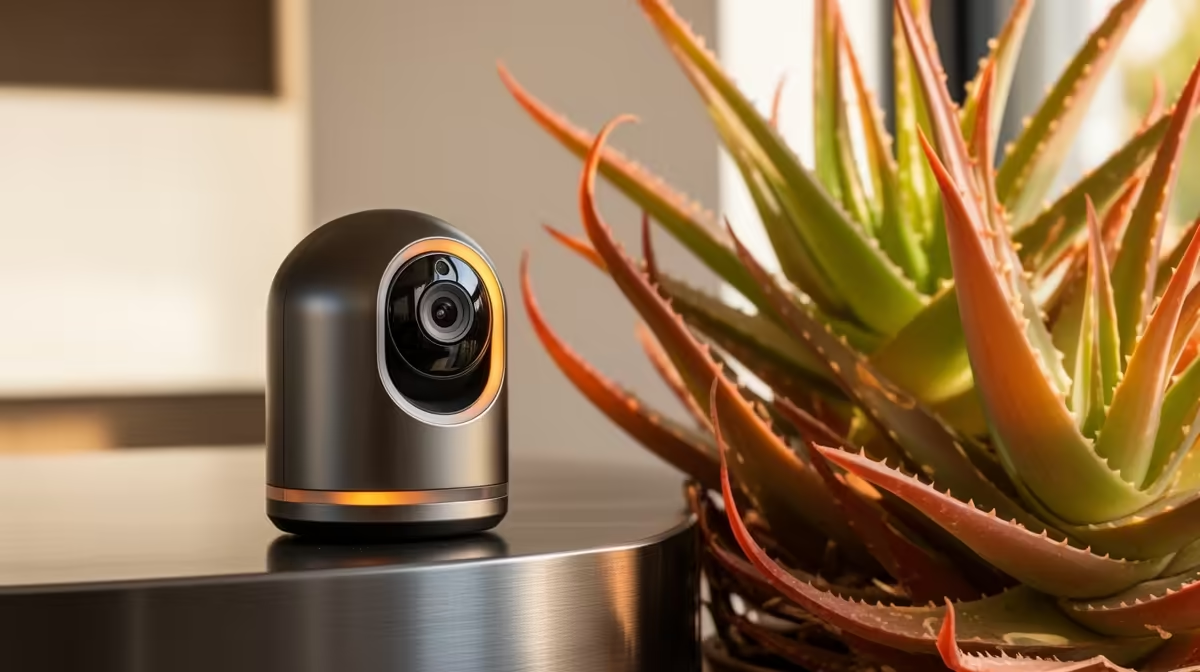
Pair an indoor pet camera with secure Wi-Fi, a safe mount, protected storage and a clear care plan rather than buying unrelated smart-home accessories. The useful companion is whatever improves coverage or response without creating privacy risk around people sharing the home.
Design the response before adding devices
Use a phone to preview the camera position during daylight and darkness. Decide which alert requires a call, neighbour check or return home, and who is authorised to view clips. Keep cables and mounts beyond the animal’s reach.
The TP-Link Tapo C212 indoor Wi-Fi camera is verified at R451. The Cudy WR3600E router at R766 and Seagate Expansion 2TB external drive at R1,399 are separate networking and storage references. Confirm camera support for any local-storage method before assuming these products connect directly.
Use a unique account password, multi-factor authentication where available and current firmware. Restrict app permissions, protect clips and obtain consent from people who may be recorded. A camera cannot diagnose illness or replace exercise, feeding and human care.
Add networking only when the location test shows weak or unstable coverage, and add storage only when the supported retention plan requires it. Avoid turning one useful view into unnecessary household surveillance. Test whether camera alerts remain useful when no one can respond immediately.
Pro Tip ⚡
Completing an indoor pet view? > Compare Evetech cameras, routers and storage after checking compatibility.











