

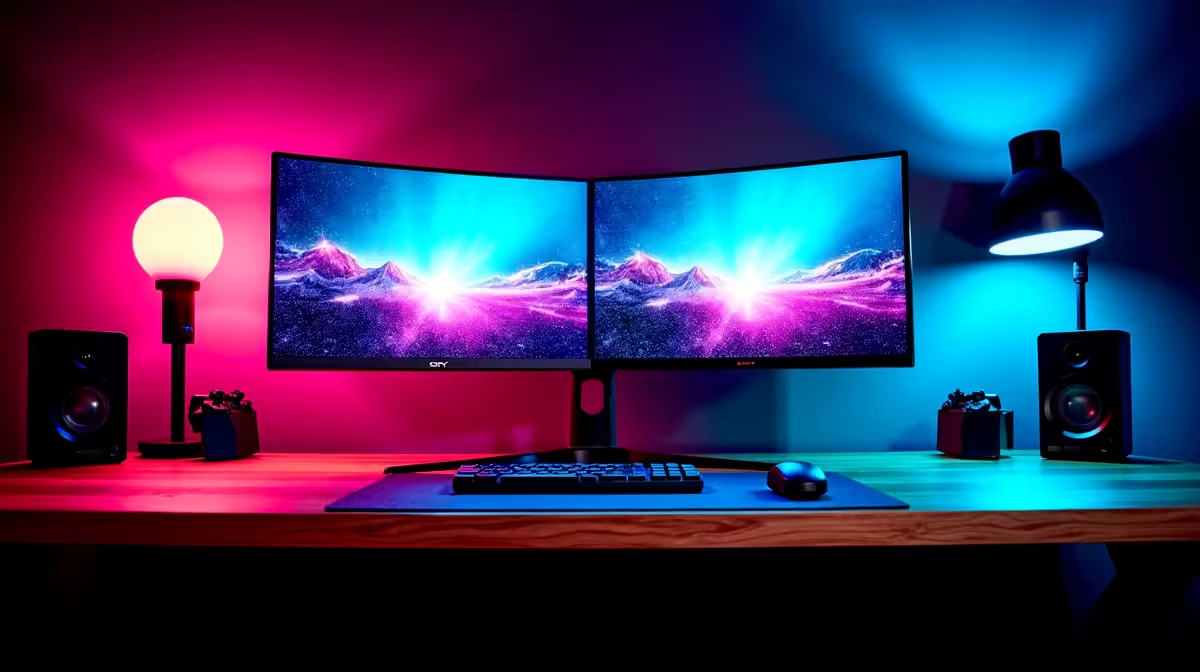
So, you're running a dual PC streaming setup? That’s the pro move for silky-smooth gameplay and flawless encoding. But let's be honest, the desk space battle is real. Two keyboards, two mice, and two screens can make your command centre feel more like a chaotic mess. What if you could manage both machines from a single, stunning display?
Enter the Picture-by-Picture (PBP) monitor, the elegant solution to a streamer's biggest headache.
Why a PBP Monitor Is Your Secret Weapon
A PBP monitor dual PC setup isn't just about saving space; it's about creating a seamless, efficient workflow. Instead of swivelling your head between two screens, PBP technology splits your monitor's real estate, displaying the output from two different sources side-by-side.
Imagine dropping frames is a thing of the past because your gaming PC is only focused on... well, gaming. Meanwhile, your second PC handles the stream encoding, alerts, and chat, all visible right next to your game on the same screen. It’s a powerful way to level up your production value without cluttering your desk. You can find some of the best PC monitor deals in South Africa to get started without breaking the bank.
Your Step-by-Step PBP Setup Guide 🔧
Getting your dual PC setup running with a PBP monitor is easier than you think. It just takes a few simple steps to get both your gaming rig and streaming machine playing nicely on one screen.
Step 1: Choose the Right Canvas
For a PBP setup to truly shine, you need screen real estate. An ultrawide or large-format monitor is ideal. This ensures that when the screen is split, each "half" is still large and high-resolution enough to be perfectly usable. Look for models 34 inches or larger.
High resolution is key. Splitting a 1080p screen gives you two narrow, cramped vertical displays. But splitting one of the latest 4K or 5K monitors gives you two sharp, detailed workspaces. Many streamers also prefer the immersion of curved monitors, which can make managing your peripheral vision even easier.
Step 2: Make the Connections
Your PBP monitor needs a separate video input from each PC. Most modern displays come with multiple HDMI and DisplayPort inputs.
- Connect Gaming PC: Use a DisplayPort cable from your gaming PC's graphics card to the monitor's primary DisplayPort input. This usually offers the highest refresh rates for smooth gameplay.
- Connect Streaming PC: Use an HDMI or a second DisplayPort cable to connect your streaming PC to another input on the monitor.
Ensure you have high-quality cables. If you need extras, check out our range of monitor accessories.
Step 3: Configure Your Monitor's OSD
Now for the magic. Use the buttons on your monitor to open its On-Screen Display (OSD) menu. Look for a setting labelled "PBP," "Picture-by-Picture," or sometimes found under a "Multi-Window" menu.
Once you enable PBP mode, you'll be prompted to select the two input sources you want to display (e.g., DisplayPort 1 and HDMI 2). Your screen will then split, showing both your PCs' desktops side-by-side. Voila! ✨
One Keyboard to Rule Them All ⚡
A PBP monitor solves the display issue, but what about peripherals? Use a free software tool like Microsoft's Mouse without Borders or a hardware KVM switch. This lets you use a single mouse and keyboard to seamlessly control both your gaming and streaming PCs, moving your cursor from one desktop to the other as if it were one giant screen.
Optimising Your Dual PC Streaming Experience
With your PBP monitor dual PC setup active, the final step is to fine-tune it. You might need to adjust the display scaling within Windows or macOS on each PC to get text and icons looking just right.
This setup offers a streamlined alternative to juggling multiple displays. While some streamers might use tiny portable monitors just for their OBS dashboard or chat, a single, high-quality PBP display creates a more focused and powerful workstation. It's a clean, professional approach that lets you concentrate on what matters most: creating amazing content for your audience. Check out all our gaming monitors to find a display with the PBP feature that suits your needs.
Ready to Build Your Command Centre? A dual PC setup is the gold standard for serious streaming, and a PBP monitor is the command centre you deserve. Explore our massive range of PC monitors and find the perfect screen to conquer your stream.











