


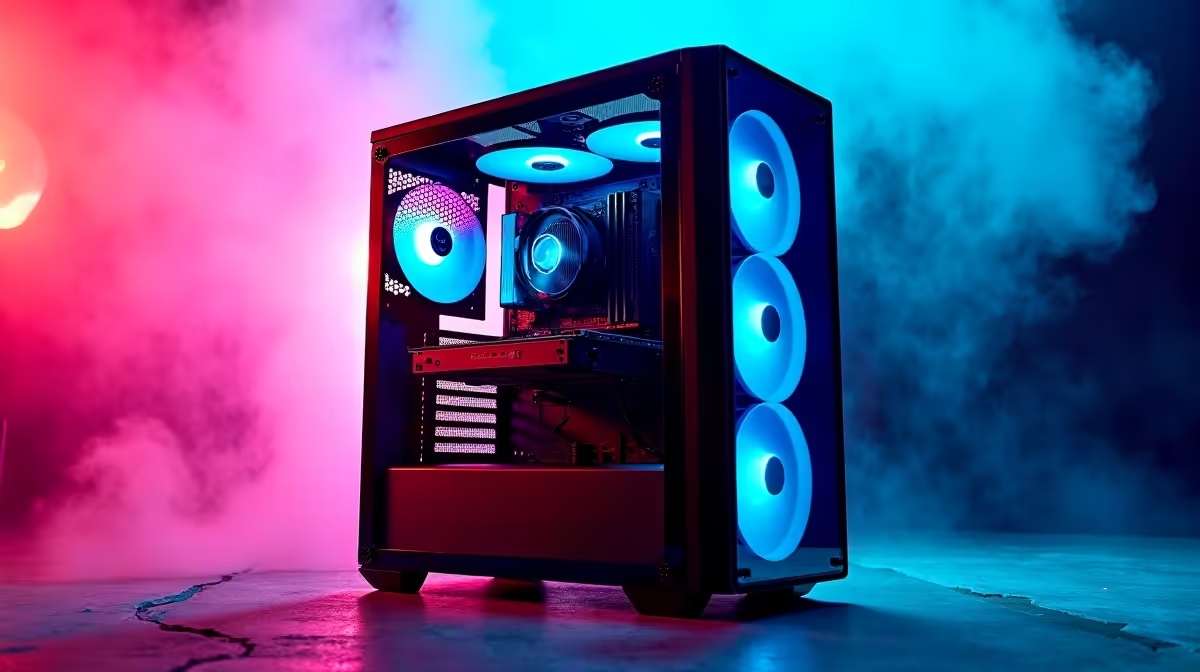
So, you’re ready to ascend and build your first gaming PC, but the jargon is hitting you like a flashbang? Words like ‘bottlenecking’ and ‘PCIe lanes’ can feel like another language. Don’t stress! This guide explains all the essential PC building terms you need to know. Think of it as your decoder ring for choosing the perfect parts or a pre-built rig right here in South Africa, ensuring you get the performance you pay for. 🚀
The Core Components: Your PC's "Big Three"
This trio is the heart of your gaming experience. Understanding how they work together is the first step in our PC building terms explained guide.
CPU (Central Processing Unit)
The CPU is your PC’s brain. It executes instructions and performs the calculations needed for everything your computer does, from running Windows to processing enemy AI in Helldivers 2.
- Cores/Threads: Think of cores as individual processors. More cores mean better multitasking. Threads are virtual cores that help manage tasks more efficiently.
- Clock Speed (GHz): This is how fast the cores can run. A higher clock speed generally means faster performance in games.
Finding the right balance between core count and clock speed is key. You can find excellent options across our range of the best gaming PC deals in SA.
GPU (Graphics Processing Unit)
This is the artist. The GPU, or graphics card, renders all the images, videos, and animations you see on your screen. For gamers, it's arguably the most important component. A powerful GPU means you can crank up the settings to "Ultra," enjoy higher resolutions like 1440p or 4K, and get smooth frame rates. You'll see these powerful cards in most high-performance gaming PCs over R20k.
RAM (Random Access Memory)
RAM is your PC’s super-fast, short-term memory… like a workbench. It holds the data for the applications you are currently running. More RAM (measured in Gigabytes or GB) lets you have more programs—like Discord, Spotify, and your game—open at once without your system slowing down. For modern gaming, 16GB is the sweet spot, with 32GB becoming the new standard for future-proofing.
Storage & Speed: Where Your Games Live
Long loading screens are a thing of the past, thanks to modern storage. This part of our PC component guide covers where your data is stored.
SSD vs. HDD
- SSD (Solid-State Drive): An SSD is like a high-speed USB drive. It has no moving parts, making it incredibly fast. Your operating system, favourite games, and applications should live here. It means your PC boots in seconds and game levels load in a flash. SSDs are now standard in most builds, even in affordable budget gaming PCs.
- HDD (Hard Disk Drive): An older technology that uses spinning platters. HDDs are much slower but offer huge amounts of storage for a lower price. They’re great for storing photos, videos, or your massive library of older games.
Compatibility Check 🔧
Before you buy anything, use a tool like PCPartPicker to check if your chosen CPU, motherboard, and RAM are compatible. It saves a massive headache later! It also helps you estimate your total power draw so you can choose the right PSU.
The Foundation: Motherboard & Power
These components are the unsung heroes that connect everything and bring your PC to life.
Motherboard (Mobo)
The motherboard is the central nervous system. It’s a large circuit board that every single component plugs into, allowing them to communicate with each other. The main thing to know is that your motherboard's "chipset" and "socket" must be compatible with your chosen CPU.
PSU (Power Supply Unit)
The PSU is the heart of your rig. It takes electricity from your wall socket and converts it into the correct voltages for all your components. Never cheap out on a PSU! A poor-quality one can be inefficient or even damage your expensive parts. Make sure you get one with enough wattage (W) to power everything, with a little headroom for future upgrades. Many of our great value PCs under R20k feature reliable power supplies that are perfect for their components.
Putting It All Together: Chassis & Cooling ✨
Finally, you need a place to house all these amazing components and a way to keep them cool under pressure.
- Chassis (Case): The case is the skeleton and skin of your PC. It protects your hardware and, just as importantly, provides a path for air to flow through and cool everything down. Good airflow is critical for performance.
- Cooling: High-performance components generate heat. CPU coolers (either air or liquid All-In-One coolers) and case fans work together to dissipate that heat. If your parts get too hot, they will "throttle" (slow down) to protect themselves, which means lower frame rates for you.
If managing all this sounds a bit daunting, our professionally assembled pre-built PC deals have optimal cooling and cable management sorted for you.
Ready to Build or Buy Your Dream Rig? Understanding these PC building terms is the first step to getting the performance you deserve. Whether you're ready to pick your own parts or want a master-built machine without the hassle, you're now equipped to make a great choice. Explore our massive range of gaming PC deals and find the perfect rig to conquer your world.











