


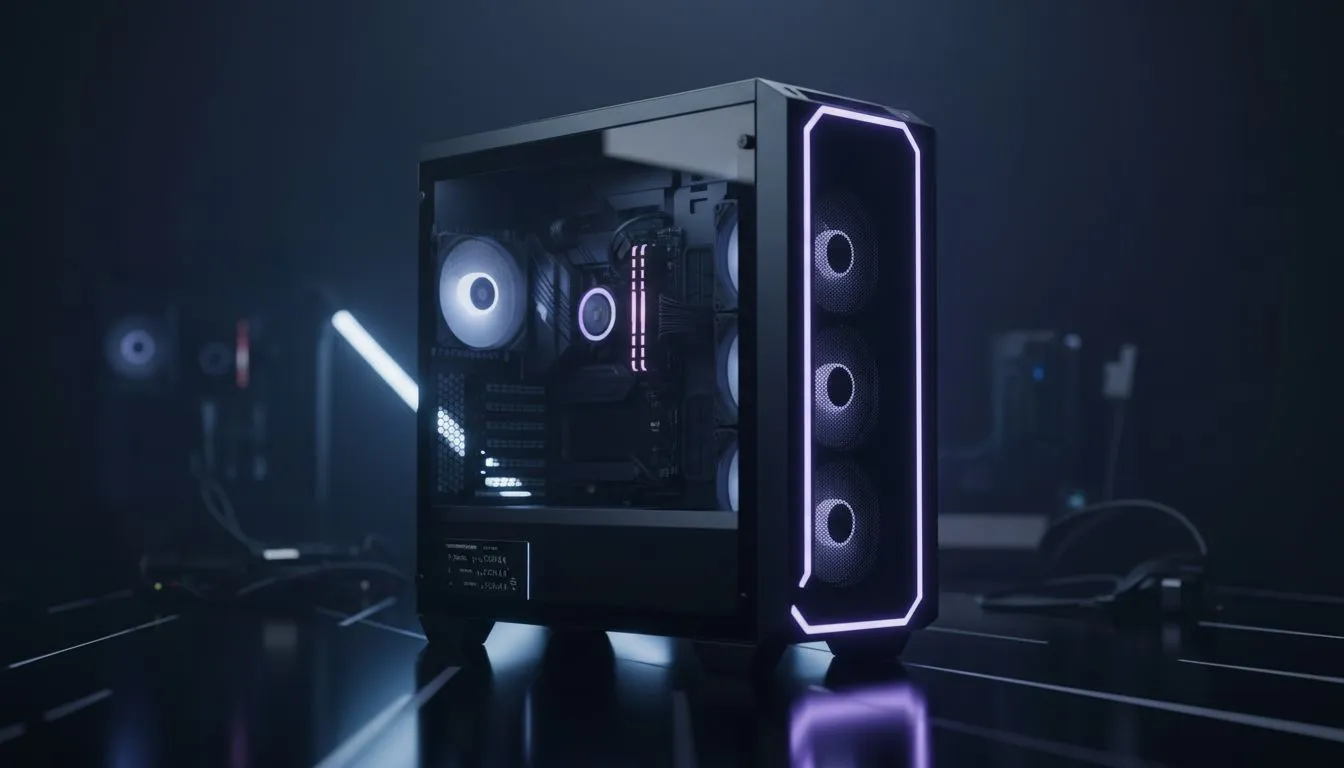
So, you’re finally doing it. Diving into your first PC build! You’ve picked your CPU and agonised over the GPU, but what about the box that holds it all together? Choosing the right PC case for your first build is more than just picking a cool-looking chassis. It’s the foundation of your entire rig, affecting everything from cooling to how easy your build process will be. Let’s make sure you get it right from the start.
Why Your First PC Case Choice Matters
It’s tempting to see the case as just a pretty shell, but it’s one of the most important parts of your setup. A good chassis provides a sturdy frame, excellent airflow to keep your expensive components from overheating, and enough room to make the building process smooth and enjoyable. A poorly chosen case, however, can turn your dream build into a nightmare of high temps and tangled cables. Getting the PC case for your first build right is a crucial first step.
Size Matters: Matching Your Case to Your Components
Before you fall in love with a design, you need to check for compatibility. The most important factor is the motherboard form factor. Most builders in South Africa will use one of three main sizes:
- ATX (Standard): The most common size, offering plenty of space for expansion cards and drives.
- Micro-ATX (mATX): A shorter, more compact version of ATX, great for smaller desks but with fewer expansion slots.
- Mini-ITX (mITX): The smallest of the three, designed for tiny, space-saving builds.
Your motherboard must fit your case. An ATX motherboard won't fit in a Micro-ATX case, but a Micro-ATX board will fit in a larger ATX case. To see the different sizes and styles available, it's worth browsing a vast range of computer cases to get a feel for what you like.
Planning for Airflow and Cooling 🌬️
Modern gaming components generate a lot of heat. Your case's job is to get cool air in and hot air out as efficiently as possible. When you choose a PC case, look for features like a mesh front panel, which allows for much better air intake than a solid glass or plastic front.
Also, check the number of included fans and the potential fan mounting points. This gives you options to upgrade your cooling down the line. If you're considering a liquid cooler (AIO), make sure the case specifies support for the radiator size you want (e.g., 240mm or 360mm). Airflow-focused brands are a great place to start your search; many PC builders love the clean aesthetic and excellent thermal performance offered by brands like Fractal Design.
Cooling 101: Positive Pressure ⚡
Aim for slightly more air coming into your case than going out. By having more intake fans than exhaust fans (or running them slightly faster), you create positive pressure. This helps push dust out of unfiltered gaps and ensures a steady flow of cool air over your components, keeping your new rig running smoothly.
Don't Forget Component Clearance!
This is a classic rookie mistake. You buy all your parts, and the graphics card is 5mm too long to fit in the case. Ouch. Before you buy, check the case’s spec sheet for three key measurements:
- Maximum GPU Length: Today's high-end graphics cards are massive. Check this against the card you plan to buy.
- Maximum CPU Cooler Height: If you're using a large air cooler, ensure it won't hit the side panel.
- PSU Clearance: Make sure there's enough room for your power supply and its cables, especially in smaller cases.
Thinking about these details is key to finding a PC case that fits everything without any drama. Many modern designs from popular options like Gamdias offer generous clearance and clever layouts.
Budgeting for Your Build's Home 🇿🇦
Building a PC in South Africa means making every Rand count. The good news is you don't need to spend a fortune on a case. While premium cases offer thicker metal and more features, the budget-friendly market has improved massively. You can now find excellent options with tempered glass side panels, PSU shrouds for clean cable management, and decent airflow for a great price.
There are plenty of great gaming cases under R1500 that will serve a first-time builder perfectly, leaving more of your budget for that all-important GPU. 🚀
Ready to House Your Dream Rig? Choosing the perfect PC case for your first build sets the stage for an awesome gaming experience. It’s about finding the right balance of size, airflow, and style for your components and your budget. Explore our massive range of PC cases and find the perfect chassis to start your building journey.










