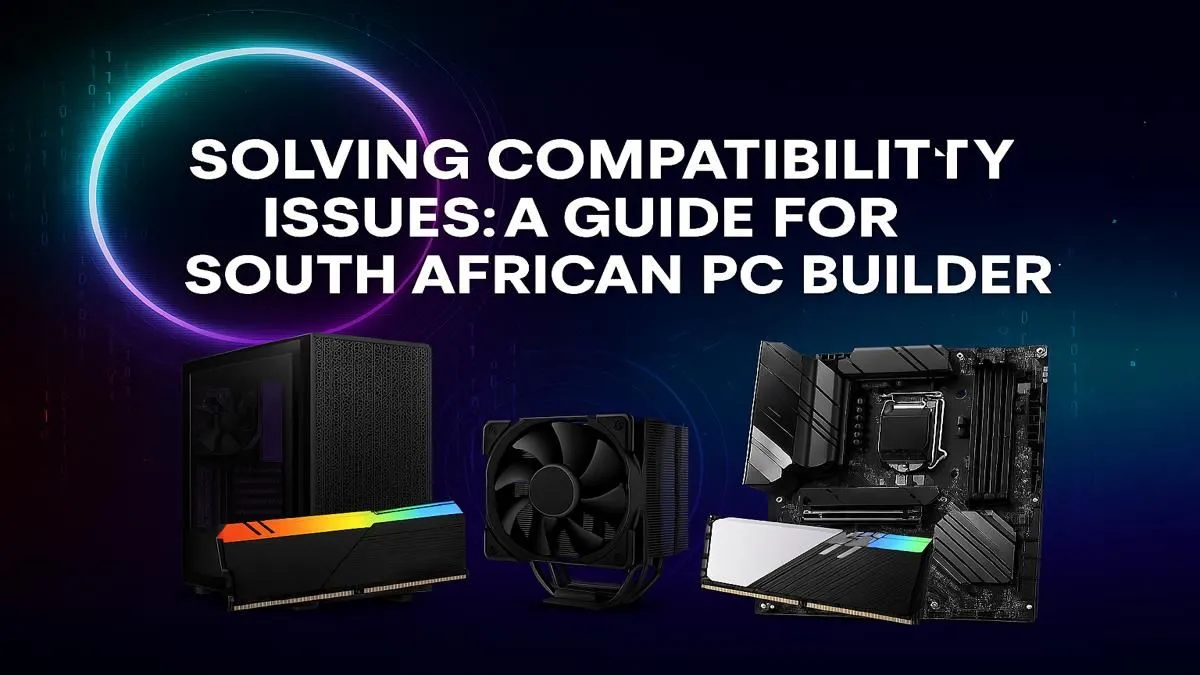
There’s nothing quite like the thrill of unboxing shiny new PC components. That fresh-from-the-factory smell, the promise of higher frame rates... it’s a feeling every South African builder knows well. But then comes the moment of truth: will it all actually work together? Poor PC part compatibility can turn your dream build into a very expensive paperweight. This guide will help you navigate the essentials to ensure your next build posts on the first try. 🚀
The Foundation: Nailing CPU, Motherboard, and RAM Compatibility
Getting the core trio right is the most critical step. Think of the motherboard as the central nervous system of your PC; everything plugs into it, and it dictates what components are even possible. A mismatch here is a non-starter.
CPU Sockets & Chipsets
Your processor (CPU) and motherboard must speak the same language. This starts with the physical socket. For example, modern Intel CPUs use an LGA 1700 socket, while AMD���s latest use AM5. You simply cannot put an AMD CPU into an Intel motherboard.
Beyond the socket, you need to check the motherboard’s chipset. A B760 chipset motherboard is designed for Intel's 12th, 13th, and 14th-gen CPUs, ensuring all features work as intended. Always check the motherboard manufacturer's website for a CPU support list. This is a non-negotiable step for successful PC component compatibility. For an idea of how these components come together in expertly crafted systems, look at these high-performance builds over R20k.
DDR4 vs. DDR5 RAM
Your motherboard also determines your RAM type. We're in a transition period between DDR4 and the newer, faster DDR5. They are not cross-compatible; a DDR5 motherboard will not accept DDR4 RAM sticks, and vice versa. Check your motherboard’s specifications carefully before buying memory.
Power and Pixels: Matching Your GPU and PSU
Your Graphics Card (GPU) is the heart of your gaming experience, but it needs the right support system to deliver those glorious visuals. This is where PC part compatibility extends to power and physical space.
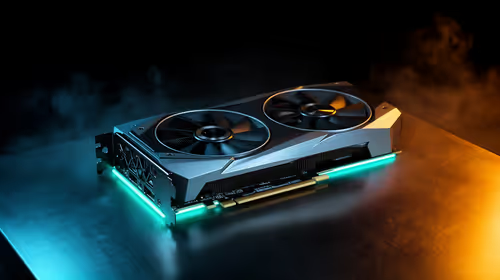
First, will it physically fit? High-end GPUs are massive. Measure the maximum GPU length your chosen case supports and compare it against the specs of the card you want. Second, can you power it? Your Power Supply Unit (PSU) must have enough wattage to handle the entire system, especially the power-hungry GPU. Skimping on the PSU is a recipe for crashes and instability. Many of the best gaming PC deals are balanced around a powerful GPU and a reliable power supply.
Even if you're looking at more affordable options, these principles are just as important. You can find excellent, well-balanced machines in our range of great value PCs under R20k, where our technicians have already solved these compatibility puzzles for you.
PSU Pro Tip ⚡
Look for an '80 Plus' rating on a PSU. This certifies its efficiency. An 80 Plus Bronze is a great starting point for reliability, while Gold or Platinum ratings offer even better power efficiency, saving you money on your electricity bill over time and often indicating higher-quality internal components.
Storage, Cooling, and Casing: The Final Checks 🔧
With the main components sorted, a few final compatibility checks will save you a world of frustration.
- Storage: Does your motherboard have enough M.2 slots for your super-fast NVMe SSDs? Or do you need more traditional SATA ports for 2.5" SSDs or hard drives?
- CPU Cooler: If you're using a large air cooler, check its height against the maximum cooler clearance for your PC case. A cooler that’s too tall will prevent you from closing the side panel.
- Case Fans & Radiators: Ensure your case has the right mounting points for your desired fan setup or All-In-One (AIO) liquid cooler radiator.
Even our budget gaming PCs are built with these careful considerations to maximise airflow and performance.
Skip the Stress with Guaranteed Component Compatibility
Does this all sound a bit... complicated? It can be. A single oversight in your PC part compatibility checklist can lead to wasted time, money, and a whole lot of troubleshooting.
This is where a professionally assembled PC shines. When you choose a pre-built machine, you're not just buying a box of parts; you're buying peace of mind. Every component has been selected and tested by experts to ensure flawless compatibility and optimised performance right out of the box. Plus, you get a single, comprehensive warranty covering the entire system.
Why not let us handle the hard work? Explore our range of pre-built PC deals and jump straight into the game. ✨
Ready to Build Your Dream Rig?
The world of PC part compatibility can be tricky, but the reward is a rig that’s truly yours. If you're feeling confident, the next step is to find the perfect parts. Explore our massive range of PC components and build the machine you've always dreamed of.