A podcast recording setup is worth adding to a colour-grading workspace only when the creator also records commentary, client reviews or tutorials. Microphones and monitoring do not improve colour accuracy, playback performance or export speed, so the audio requirement must stand on its own.
Separate narration from picture decisions
Record a sample voiceover at the grading desk while the computer plays a demanding timeline. Listen for fan noise, room echo, electrical hum and monitoring delay. Then evaluate the display and grading application without letting audio purchases consume that budget.
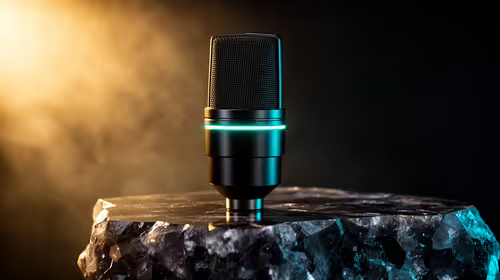
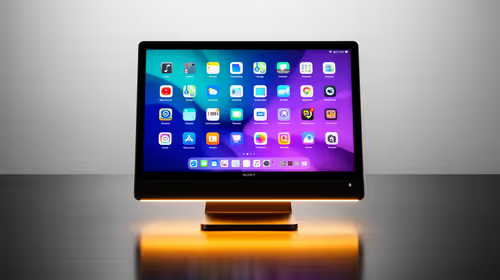
The NearStream USB/XLR microphone is verified at R676. The Dell S2725QC 4K USB-C monitor at R6,128 is a separate display reference and does not establish suitability for professional grading. No podcast mixer has confirmed pricing in the supplied facts. Check microphone connection, pickup pattern, monitoring, stand clearance, software support and warranty.
Treat the room before chasing complex hardware: soften obvious reflections, move the microphone closer and set gain below clipping. Keep original recordings and graded masters in independent backups. Use headphones during narration to prevent playback leaking into the take.
Buy the audio components that solve that recorded sample, not a complete studio bundle by default. Prioritise a verified display workflow when accurate picture decisions remain the central job.
Adding sound to a grading desk? > Compare Evetech microphones after testing the room and workflow.