


Selecting the Perfect Controller for Your Mobile Rig
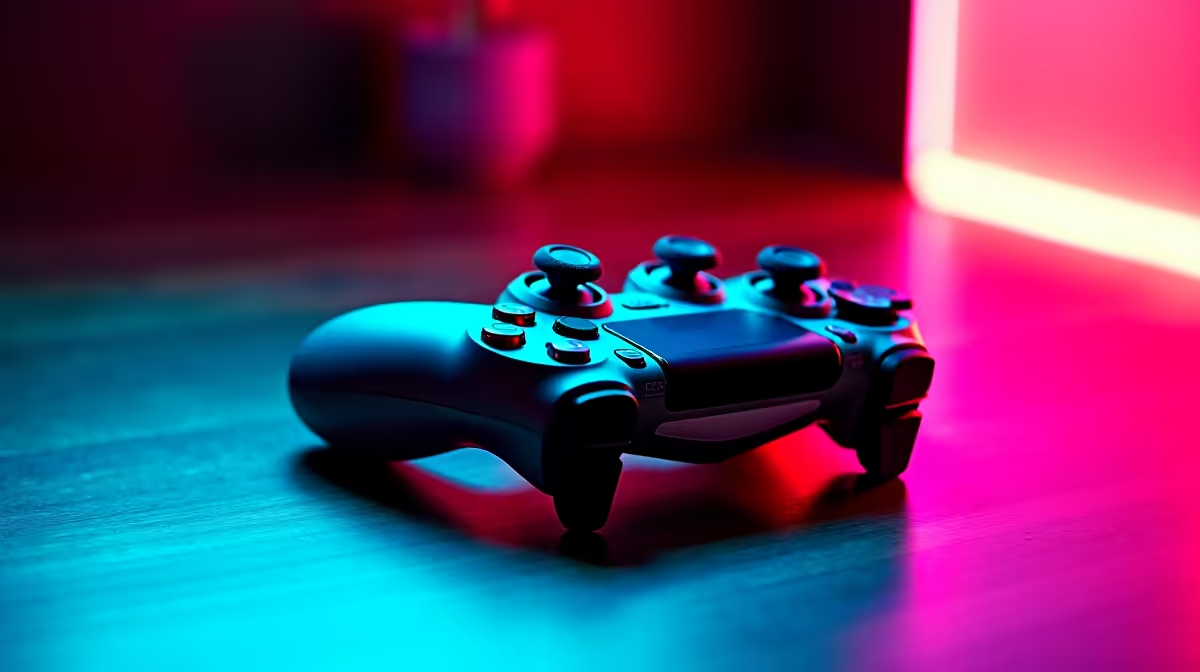
Whether you are killing time at OR Tambo or hunkering down during a loadshedding slot at a local cafe, a solid portable gaming controller setup guide for travel & play is essential. You do not want to be wrestling with disconnected Bluetooth or awkward keybindings when the match is on the line. Getting your mobile configuration right ensures that every journey becomes an opportunity to climb the rankings. 🎮
Portability is not just about size... it is about how well the hardware integrates with your existing gear. When browsing the best gaming laptop deals, look for devices that support the latest Bluetooth standards for a stable connection. A slim, Xbox-style controller or a collapsible mobile dock can fit easily into a backpack side pocket without adding bulk to your commute.
Reducing Latency in Crowded Spaces
In busy areas like airports or shared workspaces, wireless interference can be a nightmare for gamers. If you are rocking one of the latest Ryzen laptop deals, you likely have access to Wi-Fi 6E and advanced Bluetooth, which helps mitigate signal dropouts. However, for competitive shooters, carrying a short braided USB-C cable is a pro move. It provides a direct, lag-free link that ensures your inputs are registered instantly... no matter how many other signals are bouncing around the room. ⚡
Software Optimisation and Button Mapping
Setting up your software before you leave the house is vital. Many affordable machines, such as our curated gaming laptops under R20k, handle modern titles with ease, but the controller interface can sometimes be finicky. Use Steam’s Big Picture mode to pre-configure your button layouts. This allows you to launch games using only the controller, giving you a console-like experience without needing to touch the trackpad.
Stick Tension & Deadzones ⚡
Before heading out, check your controller's deadzone settings in your game's menu. Portable controllers often face more wear and tear in bags. Increasing your deadzone by just 5% can prevent stick drift from ruining your aim while you are on the move, ensuring a much smoother experience during travel.
Balancing Power and Portability
Gaming on the go drains batteries faster than a midday sun in the Karoo. If you have invested in Intel laptops on special, make use of the power-saving profiles in your control centre. You can often limit the frame rate to 60 FPS when on battery power. This reduces the load on your GPU, especially on high-end RTX gaming laptops on special, allowing your controller and laptop to last through the longest bus rides or flights across the country. 🚀
Ready to Find Your Perfect Match? The portable gaming landscape is evolving fast, but having the right hardware makes all the difference for South African gamers on the move. Explore our massive range of laptop specials and find the perfect machine to conquer your world.











