

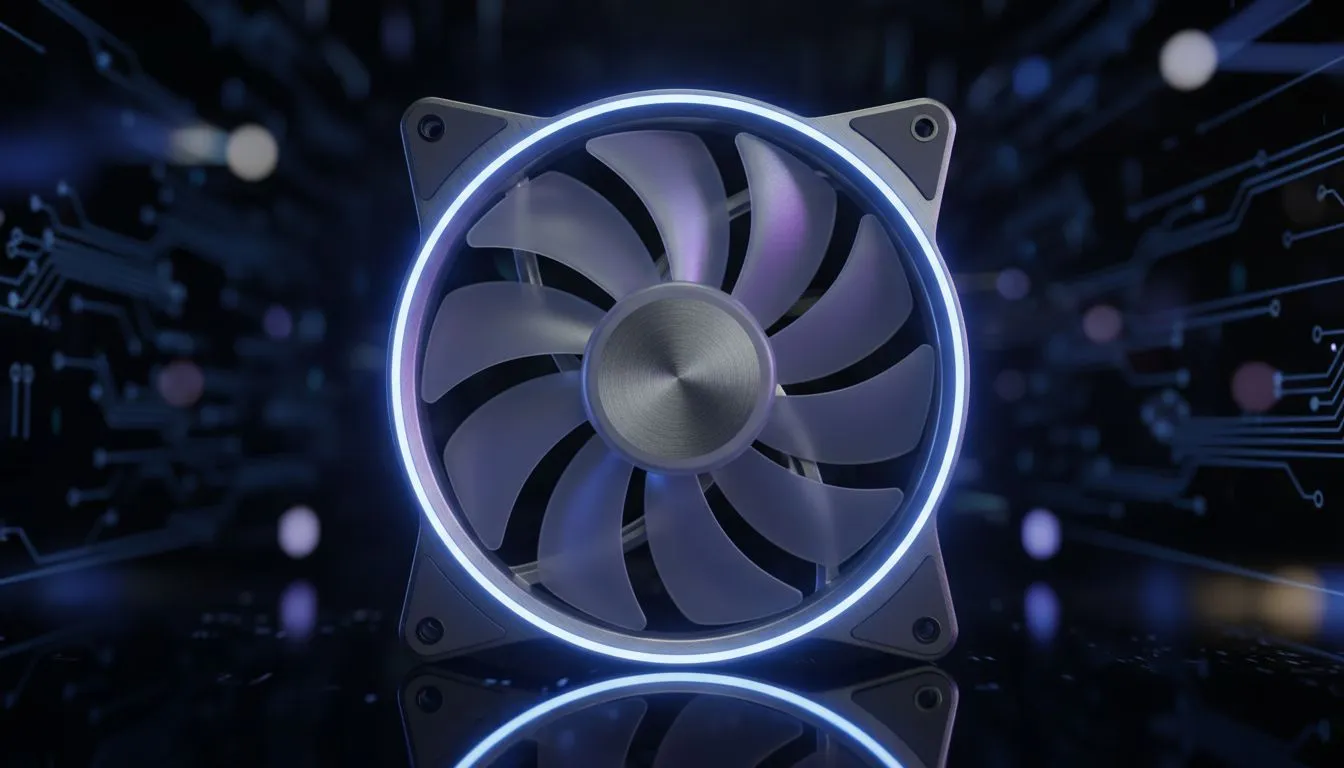
Is your PC choking on dust? Here in South Africa, keeping a gaming rig clean and cool is a constant battle. You've spent a fortune on your GPU and CPU, but without proper airflow, you're leaving performance on the table. The secret isn't just more fans… it's about mastering airflow pressure. This guide cuts through the noise on positive vs negative pressure, giving you the best fan configs for 2025 to keep your PC frostier than a winter morning in Sutherland. ❄️
The Core Concept: PC Case Pressure Explained
Before we pick a side, what even is case pressure? It's the simple balance between the amount of air your fans push into your PC case (intake) and the amount they pull out (exhaust).
- Positive Pressure: More air is pushed in than pulled out.
- Negative Pressure: More air is pulled out than pushed in.
- Balanced Pressure: Intake and exhaust airflow are roughly equal.
Why does this matter? Because the pressure inside your case determines not only how well your components are cooled, but also how much dust gets sucked into your precious machine.
Positive Pressure Fan Configs: The Dust Buster
A positive pressure setup is achieved by having a higher total airflow (measured in CFM, or Cubic Feet per Minute) from your intake fans than your exhaust fans. For example, two intake fans and one exhaust fan of the same model will typically create positive pressure.
The Big Advantage: Dust Control
The primary benefit is dust management. Because there's more air coming in than going out, the excess air is forced to escape through every unfiltered crack, vent, and panel gap in your chassis. This outward flow prevents dust from being drawn in through those same gaps. For anyone living on the Highveld or near a dusty road, this is a massive win. A cleaner PC means better performance and less maintenance. Getting this right starts with choosing the right computer case with good front filtering.
The Potential Downside
If not planned carefully, positive pressure can sometimes create small pockets of stagnant hot air, especially around the GPU. However, with modern case layouts, this is rarely a significant issue.
Negative Pressure Setups: The Cooling Powerhouse
A negative pressure configuration does the opposite: it prioritises exhausting hot air. You'll have more exhaust fans than intake fans, creating a vacuum effect that pulls cool air in from the outside.
The Big Advantage: Raw Cooling
This method can be slightly more effective at direct cooling, as it actively yanks hot air away from your CPU and GPU. It creates a powerful, directed wind tunnel. You'll often see this approach in high-end builds where every single degree counts, especially in premium cases from Fractal Design that are optimised for maximum airflow.
The Major Downside: The Dust Magnet 💨
The vacuum effect that makes negative pressure great for cooling also makes it a dust disaster. Air will be sucked in through every possible opening… including unfiltered panel gaps, PCIe slot covers, and USB ports. This means you'll be cleaning your PC far more often to maintain performance.
Fan Curve Pro Tip 🔧
Don't just set your fans to 100% and hope for the best. Use your motherboard's BIOS or software like Fan Control to set a custom fan curve. A gentle curve that ramps up fan speed based on CPU or GPU temperature keeps your PC quiet during light tasks (like browsing) and cool when you're deep in a competitive match. It's the best of both worlds!
The Verdict: What's the Best Fan Config for SA Gamers?
For the vast majority of South African PC builders, the winner is clear: a slightly positive pressure setup is the best fan config.
It offers the ideal balance of excellent cooling performance and superior dust protection, which is crucial in our environment. It keeps your components running cool while significantly reducing the amount of time you spend with a can of compressed air. This principle applies whether you're building in a top-tier chassis or one of the many modern Gamdias gaming cases that feature mesh fronts designed for strong intake.
A simple, effective setup for most mid-tower cases is:
- Intake: Two 120mm or 140mm fans at the front.
- Exhaust: One 120mm fan at the rear.
This creates that gentle positive pressure, ensuring most incoming air passes through your front dust filter. Even with great budget-friendly options under R1500, focusing on this simple airflow path will yield fantastic results.
Ready to Build a Cooler, Cleaner PC? The debate between positive vs negative pressure is crucial, but it all starts with the right foundation. A great case with smart filter placement and airflow design makes achieving the perfect balance a breeze. Explore our huge range of PC cases and find the perfect chassis to keep your components cool and dust-free.











