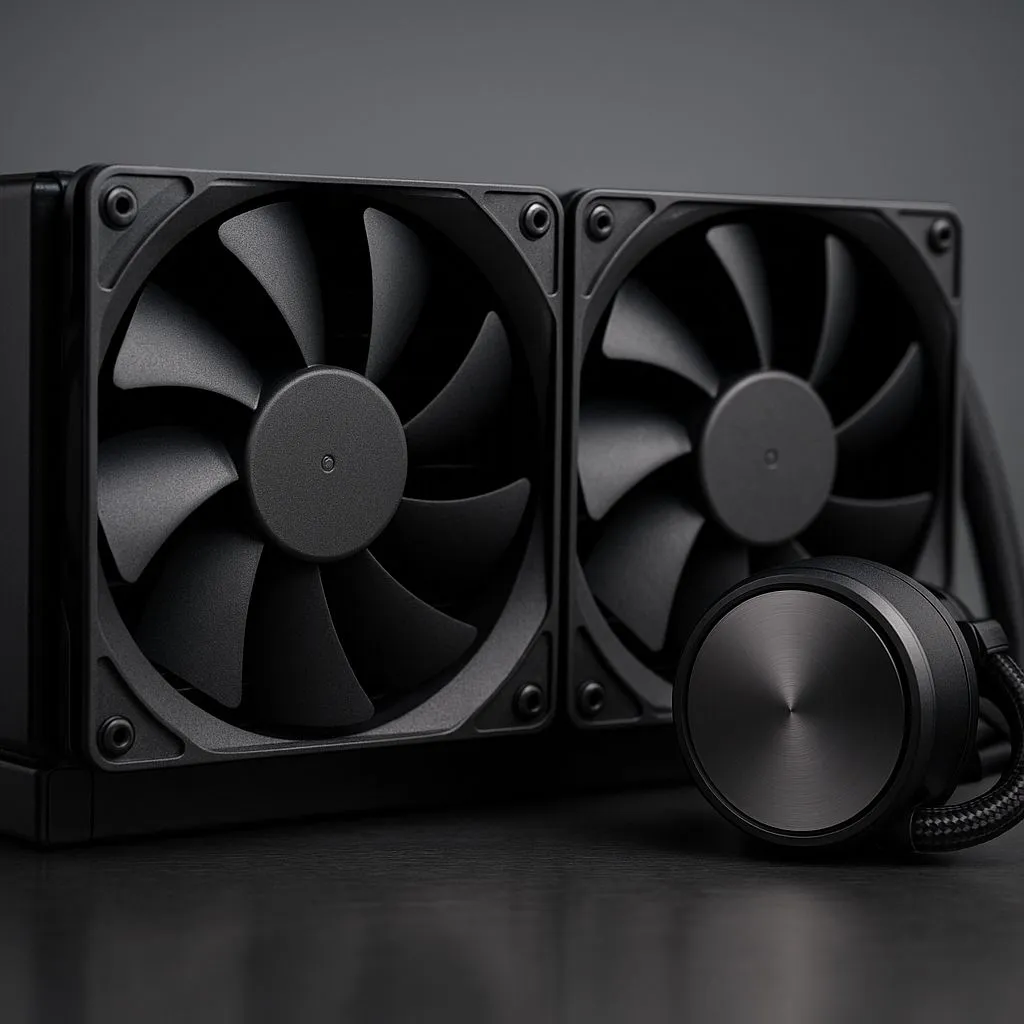
You’re deep in a sweaty Warzone session, the Durban humidity is thick, and your PC fans are screaming like a hadeda at sunrise. Your CPU temps are climbing, and you start to wonder… is there a better way to cool this beast? For years, the ultimate enthusiast solution has been the push-pull AIO configuration. But with modern fans and AIOs getting so good, is this complex setup still worth the hassle and cost in 2025? Let’s find out.
What is a Push-Pull AIO Configuration, Anyway?
At its core, a push-pull AIO configuration is simple. Instead of just one layer of fans on your radiator, you mount fans on both sides. One set pushes cool air through the radiator fins, while the set on the other side pulls that same air out. Think of it as creating a high-powered wind tunnel for your radiator.
This method is designed to overcome the radiator's natural resistance to airflow, known as static pressure. By doubling up on fans, you can move more air through the fins more efficiently, especially at lower fan speeds. It’s a popular trick for squeezing every last drop of performance out of modern All-In-One (AIO) liquid coolers.
The Real-World Performance of a Push-Pull Setup
So, does it actually work? Yes… but the results might not be as dramatic as you think. For most standard builds, switching to a push-pull setup typically results in a temperature drop of around 2-5°C under heavy load. It's a measurable improvement, but not a revolutionary one.
Where this fan configuration truly shines is with thicker radiators or when you’re chasing a near-silent build. The increased airflow efficiency is more noticeable on beefier coolers, like the ones found in many larger 360mm radiator AIOs. Furthermore, because two sets of fans can move the same amount of air at a lower RPM than one set, you can achieve excellent cooling with much less noise. 🤫
The Hidden Costs: Is Push-Pull Right for Your Build?
Before you rush out to buy more fans, there are some serious downsides to consider. A push-pull AIO configuration isn't for every build, and here’s why:
- Cost: This is the big one. You have to buy a whole extra set of fans. If you’re building a rig with RGB, an extra set of premium Corsair fans, for example, can easily add over R1000 to your build cost.
- Space & Clearance: Doubling your fans means doubling the thickness of your radiator assembly. A 30mm radiator plus two sets of 25mm fans is suddenly 80mm thick. This can create major clearance issues with your motherboard’s VRM heatsinks or tall RAM modules.
- Complexity: More fans mean more cables. Managing the power and RGB wiring for six fans on a 360mm radiator can turn into a proper spaghetti junction. 🤯
Case Clearance Check 🔧
Before buying extra fans for a push-pull setup, grab a measuring tape. Check the distance from your motherboard's RAM slots and VRM heatsinks to your case's fan mounting points. A standard fan is 25mm thick. A push-pull AIO (radiator + 2 fans) can easily be 80mm+ thick. Measure twice, build once!
The 2025 Verdict: Should You Bother with Push-Pull?
For the average South African gamer in 2025, a push-pull AIO configuration is likely overkill. Modern high-static pressure fans and well-designed AIOs deliver fantastic performance right out of the box. The small thermal gains from push-pull often don't justify the extra cost and installation headache. In many cases, you might find that a top-tier air cooler offers better value for money and less complexity.
So, who is it for?
- Extreme Overclockers: Those pushing their CPUs to the absolute limit for benchmarking and need every single degree of cooling.
- Silence Fanatics: Builders who want to run their fans at the lowest possible RPM while maintaining great temps.
- Aesthetic Builders: Let's be honest, a fully loaded radiator looks incredibly impressive and can complete a high-end build's look. ✨
Ultimately, the best choice comes down to your specific needs, budget, and case, so it's always wise to browse the full range of CPU coolers to see what fits your build perfectly.
Ready to Tame Your Temps?
Whether a push-pull AIO configuration is your ultimate goal or a powerful air cooler is the smarter choice, the right thermal solution is waiting. Don't let heat throttle your performance. Explore our huge range of CPU coolers and find the perfect match for your rig today.