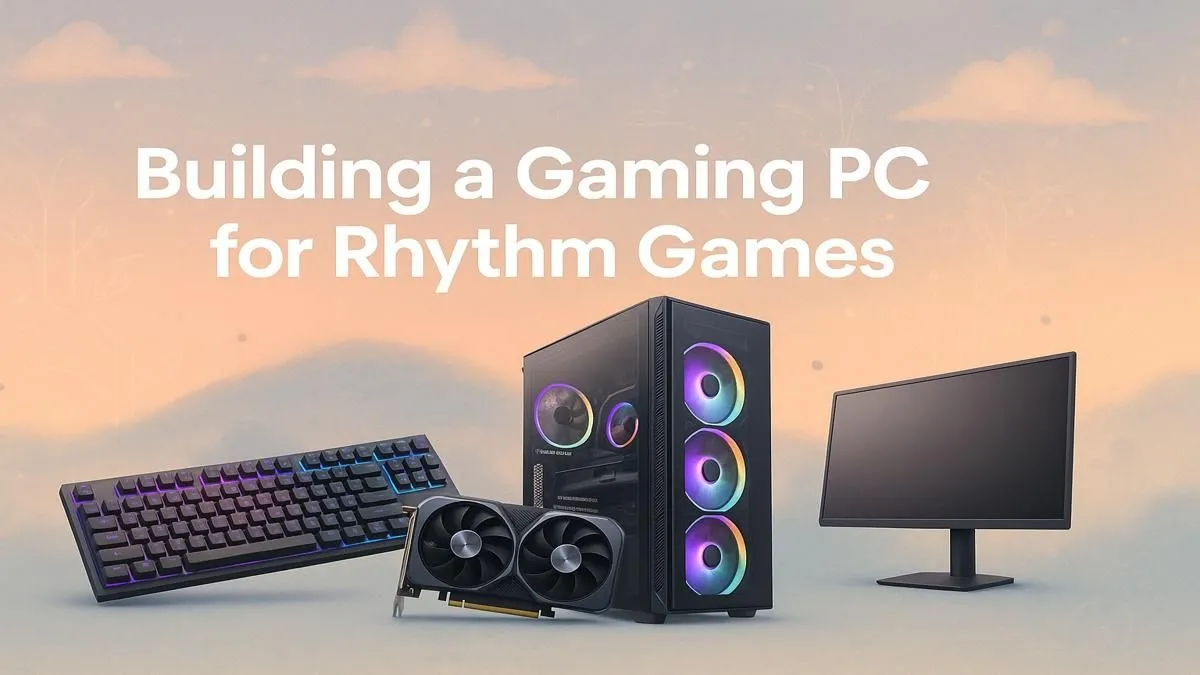
Ever missed a perfect combo in Osu! because of a micro-stutter? Or felt that split-second lag in Beat Saber that threw off your flow? You're not alone. In the world of rhythm games, timing is everything, and your PC's performance is the difference between a high score and a heartbreaking miss. Crafting the perfect rhythm game PC build isn't about brute force; it's about precision, speed, and flawless responsiveness. 🎯
Why a Specialised Rhythm Game PC Build Matters
Unlike building a rig for cinematic AAA titles where visual fidelity is king, a rhythm game PC build prioritises three key things: low input latency, high refresh rates, and stable frame times.
Think of it like this: input latency is the delay between you pressing a key and the game registering that action. Frame times are the consistency of new frames appearing on your screen. If either of these is slow or inconsistent, your timing will be off, no matter how skilled you are. The goal is a setup so responsive it feels like an extension of your own nervous system.
Core Components for Your Rhythm Game Rig 🔧
Building a PC for rhythm games is a game of strategic optimisation, not just spending the most money. You need to focus your budget where it counts most.
CPU: The Brain of the Operation
Most rhythm games are not heavily multi-threaded. They rely on strong single-core performance to process inputs and game logic instantly. This means you don't need a 16-core behemoth. A modern Intel Core i5 or AMD Ryzen 5 CPU provides more than enough power to ensure the game runs without a single hiccup. These processors offer a fantastic price-to-performance ratio, and you'll find excellent options in many of our budget gaming PCs.
GPU: Smooth Visuals, Not Ultra Settings
Here's where you can save some cash. Rhythm games are rarely graphically demanding. Your priority isn't ray tracing or 4K textures; it's pushing a consistently high frame rate (ideally matching your monitor's refresh rate). A card like the NVIDIA GeForce RTX 3050 or AMD Radeon RX 6600 is a brilliant choice for 1080p or 1440p high-refresh-rate gaming. Many of the best gaming PC deals feature GPUs that are perfect for the job without unnecessary cost.
RAM, Storage, and Monitor: The Supporting Cast
- RAM: 16GB of fast, low-latency RAM (e.g., 3200MHz CL16 DDR4 or faster) is the sweet spot. It ensures your system can juggle the game, your OS, and any background apps without breaking a sweat.
- Storage: A fast NVMe SSD is non-negotiable. It drastically cuts down on loading times, getting you into the action faster and eliminating any potential stutters from asset streaming.
- Monitor: This is arguably as important as your PC itself. A 144Hz (or higher) monitor with a 1ms response time is essential. The smoothness and clarity it provides make tracking fast-moving notes significantly easier. ✨
Optimal Settings for Peak Performance
Your hardware is only half the battle. Dialing in the right software settings is crucial for minimising latency and maximising performance in your rhythm game PC build.
Pro Tip: USB Polling Rate ⚡
For rhythm games, every millisecond counts. Check your gaming keyboard and mouse software for a "Polling Rate" or "Report Rate" setting. Pushing this to 1000Hz (1ms) or higher ensures your peripherals are communicating with your PC as fast as physically possible, reducing a key source of input lag.
In-Game and System Tweaks
- Always use Fullscreen Mode: Exclusive fullscreen gives the game direct control over the display, reducing OS-level input lag compared to borderless or windowed modes.
- Turn V-Sync OFF: V-Sync introduces significant input lag by design. If you experience screen tearing, consider using an adaptive sync technology like G-SYNC or FreeSync instead.
- Uncap Your Framerate: Let your PC produce as many frames as it can. This reduces the time between your input and the next available frame where that action can be displayed.
- Use Low Latency Modes: In your NVIDIA or AMD control panel, enable "Ultra Low Latency Mode" or "Anti-Lag." These driver-level features help reduce the render queue, making the game feel much more responsive.
- Optimise Windows: Enable "Game Mode" in Windows settings and consider disabling unnecessary overlays like Discord or Xbox Game Bar, as they can sometimes interfere with performance.
Pre-Built vs. DIY: Finding Your Groove
So, should you build it yourself or buy a pre-configured machine? If you love tinkering, a DIY build can be rewarding. But if you want a professionally assembled and tested system that works perfectly out of the box, a pre-built PC is the way to go.
If you're just starting, browsing our PCs under R20,000 is a fantastic way to see what your money can get you. For those who want a bit more power for streaming or playing other demanding titles alongside their rhythm games, our range of PCs above R20,000 offers top-tier, balanced performance. Ultimately, grabbing one of our pre-built PC deals saves you the hassle and ensures every component is optimised for stability and performance from day one.
Ready to Hit Every Beat?
Building the perfect rhythm game PC is all about precision and low latency. Whether you're customising every part or grabbing a ready-to-go rig, we've got the hardware to help you climb the leaderboards. Explore our full range of custom gaming PCs and find the perfect machine to nail that full combo.