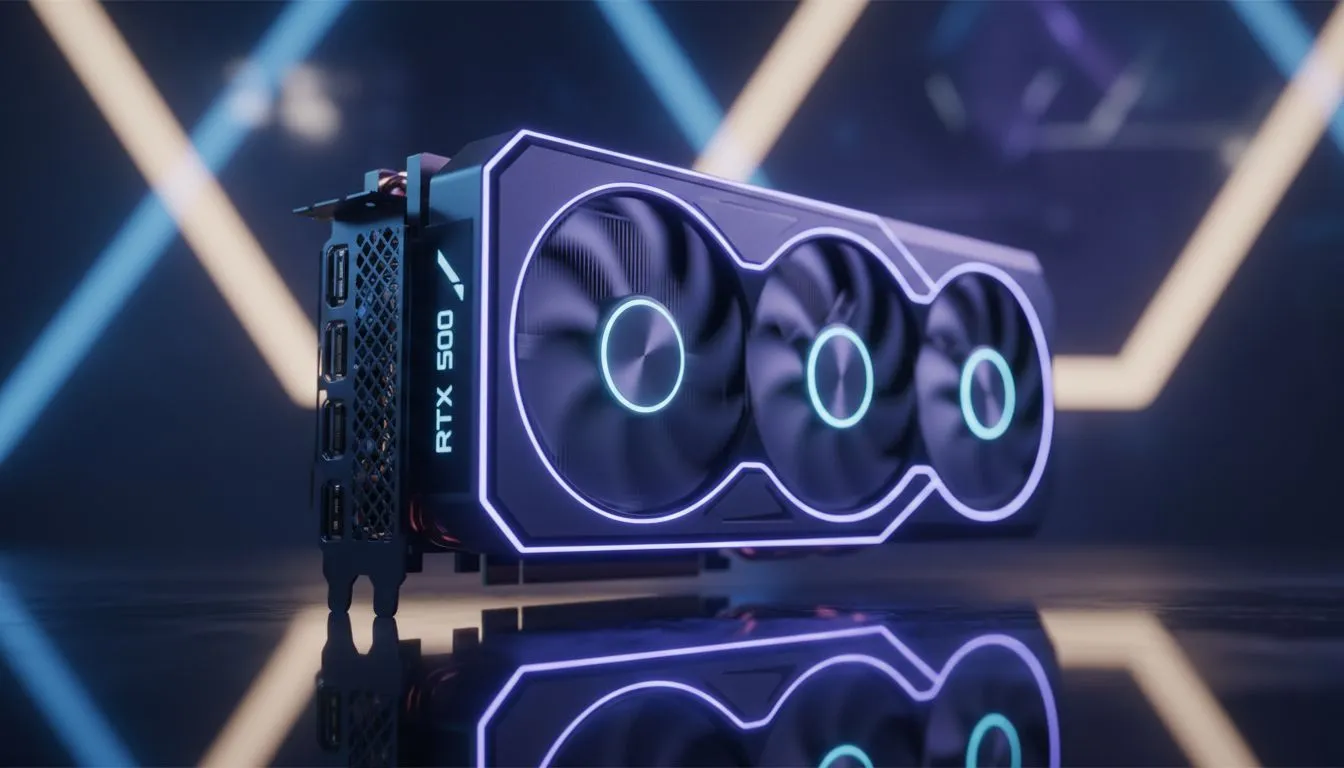
The hype around NVIDIA's next-gen GPUs is building, and for many South African gamers, the RTX 5060 is the card to watch. But before you start planning your 2025 build, there's a crucial question... how will you keep it cool? A powerful new card running hot in our climate is a recipe for thermal throttling. The best RTX 5060 cooling strategy starts not with the GPU itself, but with mastering your case's airflow.
Why Your RTX 5060 Cooling Strategy Matters
Let's be clear: a GPU that's overheating is a GPU that's losing performance. When a graphics card gets too hot, it automatically reduces its clock speeds to protect itself. This is called thermal throttling, and it's the number one enemy of smooth, high-framerate gaming.
Future mid-range cards like the RTX 5060 are expected to be more powerful, which often means they draw more power and produce more heat. A poor airflow setup for your mid-range PC won't just choke your new GPU; it will raise the ambient temperature inside your case, affecting your CPU, RAM, and motherboard too. Getting your cooling right is the cheapest insurance policy for your expensive new components. 🚀
The Three Pillars of PC Airflow Setups
When it comes to case airflow, there are three main philosophies: positive, negative, and balanced pressure. It sounds complicated, but it's really just about the number of intake fans versus exhaust fans.
- Positive Pressure: More air is pushed into the case than is pulled out. This is fantastic for our dusty South African environment as it helps prevent dust from being sucked in through unfiltered gaps.
- Negative Pressure: More air is exhausted than taken in. This can offer slightly better raw cooling performance but turns your PC into a bit of a vacuum cleaner for dust.
- Balanced Pressure: The ideal, where intake and exhaust airflow are equal. It's tricky to achieve perfectly but is a great goal.
For most builds, aiming for slightly positive pressure is the winning formula. It balances great thermal performance with the practical benefit of a cleaner PC. A solid foundation often includes a reliable air cooler that works in harmony with your case fans to move heat efficiently.
Fan Facts ⚡
Not all fans are created equal. Airflow fans (with thin, steeply curved blades) are best for moving large volumes of air in unrestricted spaces, like your case intake. Static Pressure fans (with wider, flatter blades) are designed to force air through obstacles like radiators and heatsinks. Use the right fan for the right job!
A Practical Airflow Setup for Your Future Mid-Range PC
So, what does a great airflow setup for a mid-range PC actually look like? Here’s a simple, effective configuration for a standard ATX tower that will be perfect for an RTX 5060.
The Ideal Fan Configuration
- Intake (Front): Mount two or three 120mm or 140mm fans at the front of your case, pulling cool air in from the outside.
- Exhaust (Rear & Top): Place one 120mm fan at the back of the case, near the CPU, to expel hot air. Add one or two more fans at the top of the case, also set to exhaust.
This creates a clean airflow path: cool air comes in the front, flows over your motherboard and GPU, and the resulting hot air rises and is expelled out the top and back. This method ensures your RTX 5060 gets a constant supply of fresh, cool air. For an even more efficient setup, consider a liquid cooler (AIO) for your CPU, mounting the radiator at the top to directly exhaust CPU heat. Brands like CORSAIR offer excellent all-in-one solutions that integrate perfectly into this airflow model.
AIOs vs. Air Coolers for an RTX 5060 Build
The debate is endless, but both cooling types have their place in an RTX 5060 build. A high-quality air cooler is reliable, affordable, and can be whisper-quiet. It's a no-fuss solution that gets the job done brilliantly.
On the other hand, an All-In-One (AIO) liquid cooler can offer superior cooling performance for the CPU and contributes to better overall case thermals by moving the CPU's heat directly to an exhaust point. For builds where aesthetics and squeezing out every last drop of performance are key, a top-mounted 360mm Radiator AIO is an amazing choice. Ultimately, the best option depends on your budget and goals, and you can find the perfect fit by exploring the full range of CPU coolers available. ✨
Ready to Master Your Thermals?
Planning your RTX 5060 cooling in advance is the key to unlocking its full potential. A cool PC is a fast PC. Browse our huge range of PC cooling solutions and build a rig that runs frosty, no matter the game.