

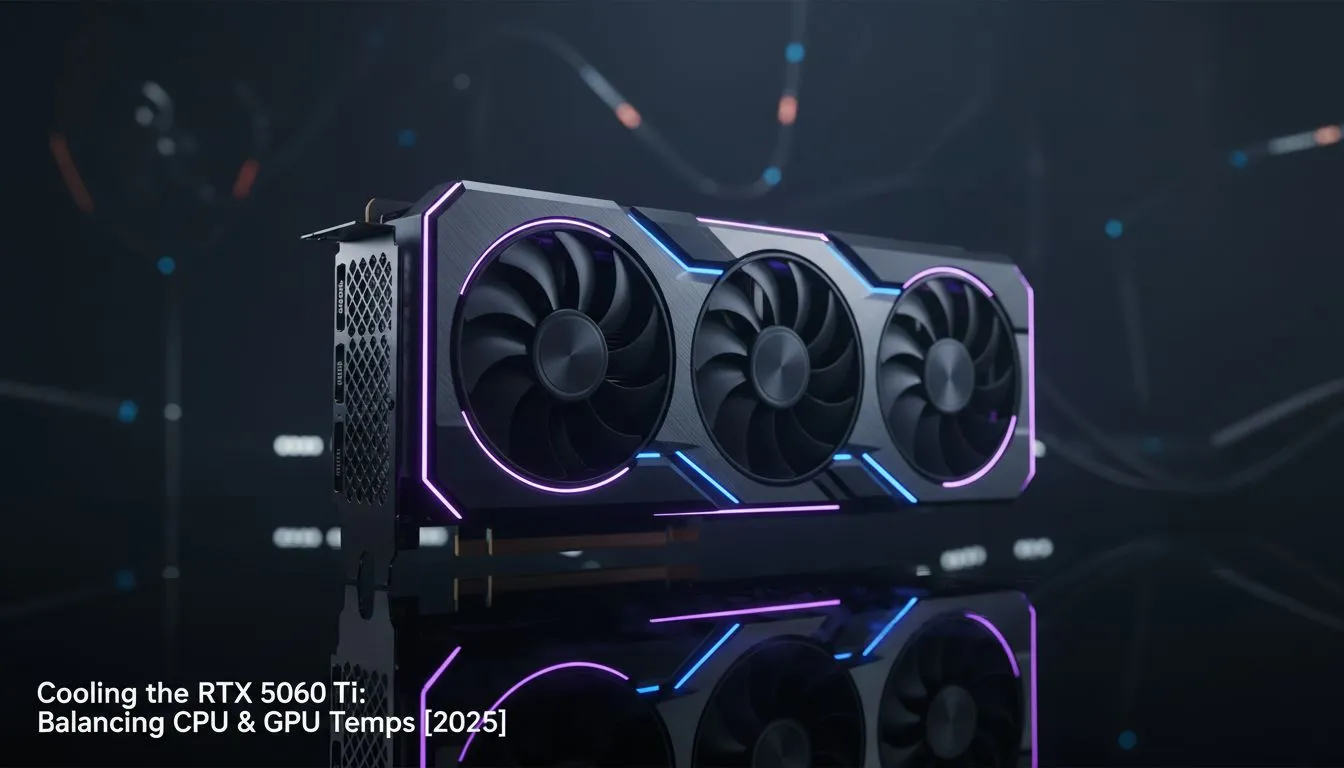
Thinking about that sweet, sweet next-gen upgrade? We see you. The hype around NVIDIA's upcoming GPUs is building, and the thought of dropping an RTX 5060 Ti into your rig is tempting. But hold up... before you plan your victory royale, let's talk about the one thing that can bring any high-end PC to its knees: heat. Effective RTX 5060 Ti cooling isn’t just about the GPU; it's about achieving a perfect thermal balance across your entire system.
Why Your GPU Upgrade is a CPU Cooling Problem
It sounds counterintuitive, right? Why would a new graphics card make your CPU run hotter? It's all about the air inside your case. A powerful GPU like the anticipated RTX 5060 Ti will generate significant heat and dump it directly into your chassis. Your CPU cooler then has to use this pre-warmed air to try and cool your processor.
Suddenly, a cooler that was perfectly fine before is now struggling, leading to higher CPU temps, louder fans, and potential thermal throttling. This is why a holistic approach to RTX 5060 Ti cooling is crucial; you need to balance CPU and GPU temps for stable, peak performance. 🚀
Air vs. Liquid: Choosing Your Cooling Strategy
When it comes to taming your CPU, you have two main choices. Each has its place, and the right one depends on your build and performance goals.
The Reliability of Air Cooling
For many builds, a high-quality tower cooler is a fantastic, reliable choice. They are simple to install, have fewer points of failure, and modern designs can handle even high-performance CPUs with ease. If you're building a balanced mid-range system, a top-tier Air Cooler offers incredible value and performance.
The Efficiency of Liquid Cooling
This is where things get interesting for high-performance rigs. An All-In-One (AIO) uses a pump, radiator, and liquid to move heat away from the CPU far more efficiently. The biggest advantage? The radiator is typically mounted to the case's exhaust, pushing the CPU's heat directly outside. This dramatically lowers the ambient temperature inside your case, giving your new GPU's fans access to cooler air. It's a win-win for total system stability. A good Liquid Cooler (AIO) can be the key to unlocking your hardware's full potential.
Optimising for a High-End Gaming PC
If you're serious about getting the most out of a next-gen GPU, an AIO liquid cooler is often the superior choice for managing overall system thermals. By actively ejecting CPU heat, you create a much friendlier environment for all your components.
For a powerful CPU and GPU combination, a larger radiator provides more surface area for heat dissipation, allowing fans to spin slower and quieter. A 360mm Radiator is often the sweet spot, offering exceptional cooling performance without excessive noise. ✨
Case Airflow 101 🔧
For optimal cooling with an AIO, mount your radiator as an exhaust (pushing air out of the case) at the top or rear. This ensures the CPU's heat is immediately removed. Then, configure your front case fans as intakes to draw in fresh, cool air directly over your motherboard and graphics card. This simple setup creates a clear and efficient airflow path.
Finding the Perfect Thermal Balance
Ultimately, building a powerful PC is an act of balancing. Your components need to work in harmony, and that starts with thermal management. A robust CPU cooler isn't just an accessory; it's the foundation of a stable and quiet gaming rig.
Investing in a quality cooler from a trusted brand like CORSAIR, whether air or liquid, ensures your processor has the headroom it needs. This allows your new GPU to stretch its legs without the whole system turning into a jet engine. A cool CPU and a cool GPU lead to one thing: more frames and more wins.
Ready to Beat the Heat? A powerful new GPU deserves a system that can keep its cool. Don't let an old cooler throttle your next-gen performance. Explore our massive range of CPU coolers and build a perfectly balanced rig today.











