


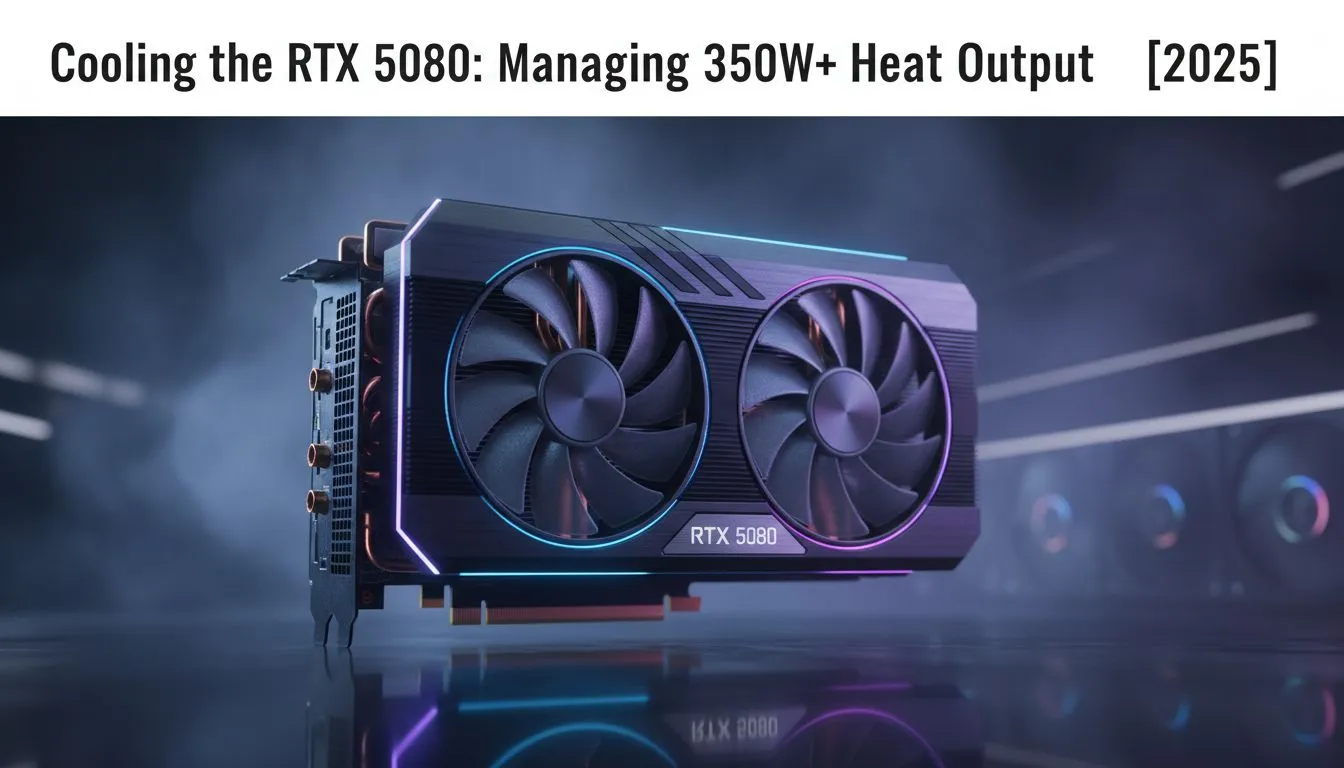
The hype for NVIDIA's next-gen GPUs is building, and the rumoured RTX 5080 promises insane performance. But with great power comes... great heat. Leaks suggest a Total Board Power (TBP) soaring past 350 watts. ⚡ Before you plan your upgrade, you need a solid strategy. This RTX 5080 cooling guide will help you prepare your rig to handle the heat, ensuring you get every single frame you paid for.
Taming the Beast: Why Your Cooling Strategy is Crucial
When a GPU gets too hot, it does something called "thermal throttling." Essentially, it intentionally slows itself down to prevent damage. Imagine buying a supercar but only being able to drive it in first gear... that's what happens when you pair a powerful card like the RTX 5080 with weak cooling. Managing 350W+ thermals isn't just about lower temps; it's about unlocking the card's full, unthrottled potential for buttery-smooth 4K gaming.
Choosing Your Champion: Air vs. Liquid Cooling
Your PC case is about to get a whole lot toastier. The two main contenders for keeping things frosty are traditional air coolers and modern All-in-One (AIO) liquid coolers. Each has its place in a solid RTX 5080 cooling plan.
The Reliability of High-End Air Coolers
Don't underestimate the classics. Modern high-end air coolers are engineering marvels, using massive heatsinks and powerful fans to dissipate heat effectively. They are incredibly reliable with fewer points of failure. The main drawback? Their sheer size can cause clearance issues with RAM and side panels, so always check your case dimensions.
The Raw Power of AIO Liquid Coolers
For maximum cooling performance, it's hard to beat All-in-One (AIO) liquid coolers. By using liquid to transfer heat away from your components to a radiator, they can move a massive amount of thermal energy out of your case. For a GPU expected to pump out over 350W, an AIO with a beefy 360mm radiator is becoming less of a luxury and more of a necessity. 🚀
Radiator Placement Pro Tip 🔧
For the best results with an AIO, mount your radiator as a front intake. This ensures it gets the coolest possible air from outside the case, maximising its efficiency. If mounting on top, set the fans as exhaust. This helps vent hot air rising from the GPU, but the radiator will be using warmer in-case air, making it slightly less efficient.
It's a Team Effort: System-Wide Airflow is Key
Remember, the RTX 5080 doesn't exist in a vacuum. It's a furnace in a box, and all that heat it produces will raise the ambient temperature inside your case, affecting your CPU, RAM, and motherboard. This is why managing 350W+ thermals is a system-wide challenge. A hot GPU makes your CPU's job harder, demanding one of our best high-performance CPU coolers just to keep its own temperatures in check.
Think of your PC case as a wind tunnel. You need a clear path for air to travel:
- Intake: Fans at the front or bottom pulling cool air in.
- Exhaust: Fans at the back or top pushing hot air out.
A balanced or slightly positive pressure setup (more intake than exhaust) is ideal. Investing in quality case fans and coolers from premium brands like Corsair ensures you get reliable performance and longevity, protecting your entire system from the intense heat of next-gen gaming. ✨
Ready to Chill Your Next-Gen Build? The RTX 5080 is set to redefine performance, but only a PC with a rock-solid cooling foundation can unleash its true power. Don't let thermal throttling ruin your experience. Browse our extensive range of high-performance coolers and build a rig that's ready for anything.









