


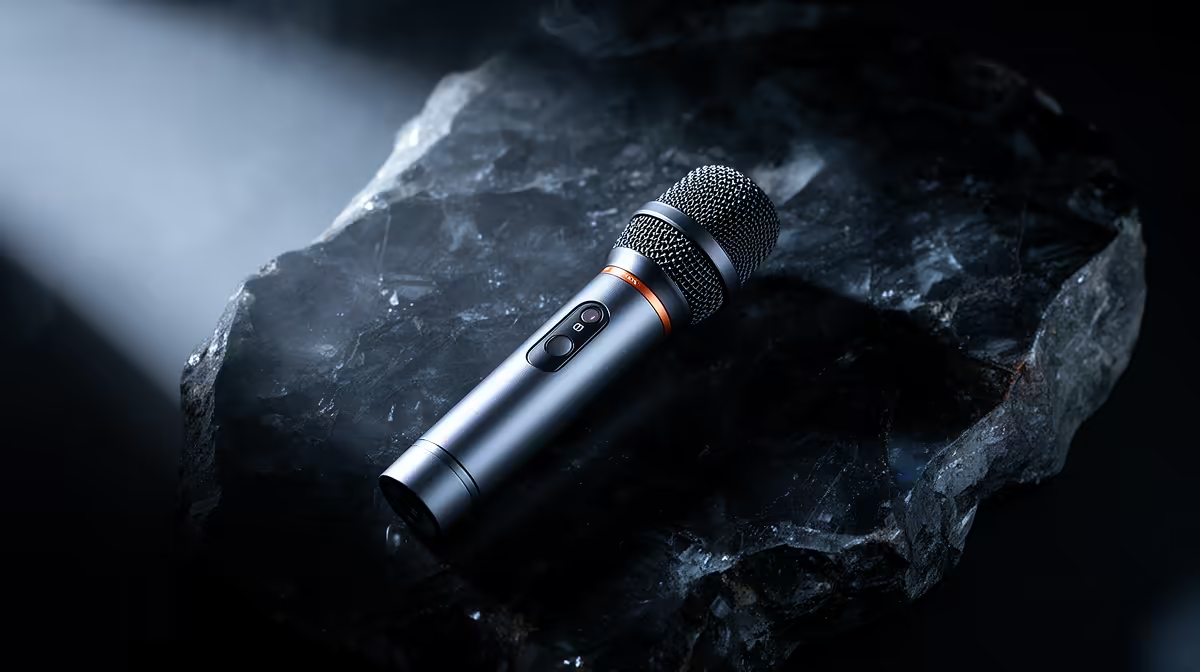
A plug-and-play wireless microphone earns its name on the day you need to be speaking in three minutes and cannot afford to troubleshoot a connection. Setting up a plug-and-play wireless microphone for live presentations follows a short, repeatable sequence, and once you have done it correctly the first time, every subsequent setup takes under two minutes. The steps below cover everything from clipping on the transmitter to running a level check before the talk begins.
Quick Answer
Clip the transmitter 15 to 20cm below your chin, plug the receiver output into the PA or mixer, confirm the auto-pair link indicator is solid, then speak at full presentation volume and trim gain so peaks sit around minus 6dB. That four-step process is the complete setup for most plug-and-play kits.
🎙️ Charging and Pre-Show Prep
Plug-and-play does not mean plug-and-forget on the charging side. Most clip-on wireless transmitters and receivers charge via USB-C and hold between 5 and 9 hours of use per charge. For a half-day conference with multiple sessions, a full charge the night before is the only reliable approach. Arriving at a venue hoping for a quick top-up before a keynote is a risk a 30-minute charge routine the previous evening eliminates.
Check both units separately. A transmitter that reads 80% and a receiver at 40% is an uneven pairing that can cut out mid-talk if the session runs long.
🔧 Placing the Transmitter Correctly
The clip goes onto clothing on the centreline of your chest, approximately 15 to 20cm below your chin. That placement puts the capsule close enough to capture a full, present voice but below the chin's airstream, reducing breath noise and plosive impact.
Avoid placing the transmitter against bare skin or inside layered clothing. Fabric rustle comes almost entirely from the transmitter shifting against fabric as you move. Clip it to a firm section of lapel, collar, or tie, and route the cable inside clothing to prevent it pulling the unit off-axis as you turn. For outdoor stages where wind is a factor, fit the foam windscreen that ships with the kit.
⚡ Connecting the Receiver to the PA or Mixer
Most plug-and-play receivers output on a 3.5mm stereo jack. PA systems take either a 6.35mm jack or XLR. Use a 3.5mm-to-6.35mm adapter for PA direct-ins, or a 3.5mm-to-XLR cable for a balanced mixer input.
Plug the adapter in with the channel fader at zero, then bring the fader up slowly while speaking at your normal presentation volume. Stand clear of the PA speakers during this process. A transmitter within two to three metres of a powered speaker creates feedback conditions if the gain is not staged upward carefully.
🎯 Running the Level Check
Speak at the volume you will use during the actual presentation, not a quiet test mumble. Most presenters speak noticeably louder when presenting to a room, and a level set on quiet speech will clip when you hit a strong emphasis. The target is peaks landing around minus 6dB on the receiver's LCD or the mixer's input meter. Trim the transmitter gain in 1dB to 3dB steps if peaks consistently hit the clip threshold.
After setting the level, walk the full presentation area. Confirm the link-strength indicator stays solid at the edges of the stage. A kit rated to 100m of range in open space typically delivers 20 to 40m in an enclosed venue. Walking the area before the talk confirms you are within reliable range for every position you will occupy.
Frequently Asked Questions
Where exactly should the transmitter clip for a presentation?
On the centreline of the chest, 15 to 20cm below the chin. That position gives a clear acoustic path to the mouth without sitting in the direct airstream below the lips. Clip to firm lapel or collar fabric, not loose material, to prevent the unit shifting and adding rustle noise during movement.
How do I connect a 3.5mm receiver to a PA mixer?
Use a 3.5mm-to-6.35mm adapter for PA direct inputs or a 3.5mm-to-XLR cable for balanced mixer channels. Plug in with the channel fader at zero, then bring the level up slowly while speaking at full presentation volume to avoid introducing a hot signal into an already-loud PA channel.
Does the kit need to be paired before every use?
No. Plug-and-play kits store the last pairing in memory and reconnect automatically when both units power on, typically within 5 seconds. After the initial link, powering on is all that is needed at the start of each session.
What causes feedback during a presentation?
Feedback loops when the mic signal re-enters the PA speaker and is picked up by the transmitter again. Keep at least 2 to 3 metres between the transmitter and the nearest speaker cabinet, and bring the mixer gain up gradually from zero rather than in a single jump.
Ready to walk onto a stage with audio that is ready before you are? Browse the plug-and-play wireless microphone range for presenters and find a kit that sets up in under two minutes and holds the signal for the full session.











