


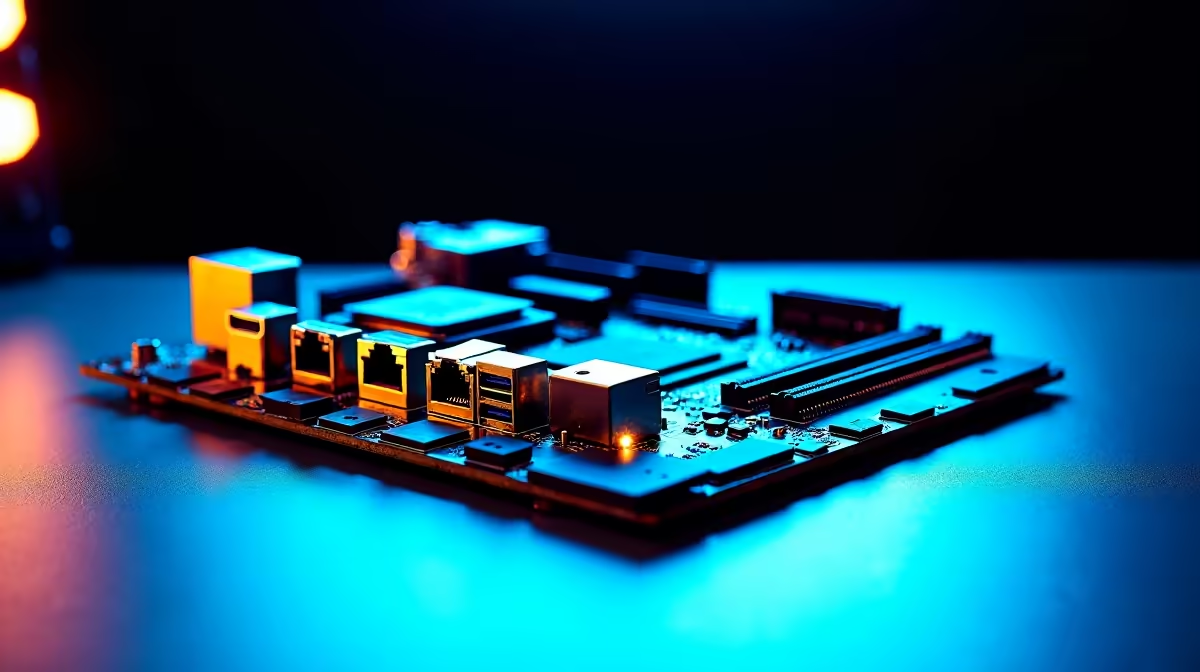
Sick of lag spikes ruining your competitive matches? As South African fibre networks push past the gigabit mark, your old rig might be the actual bottleneck. Setting up WiFi 7, 2.5G LAN and Thunderbolt 4 on a modern ATX motherboard sounds complex... but it is the ultimate way to future-proof your setup.
Whether you are downloading massive updates or transferring 4K footage... upgrading your core connectivity is essential. Before diving into cables and routers, you need the right foundation. Today's high-end boards are packed with insane input and output options. If you are browsing high-performance motherboards, you will notice a massive shift toward next-gen networking.
Unleashing 2.5G LAN and WiFi 7 🚀
Let us start with your local network. Standard Gigabit ethernet is fine... but 2.5G LAN is where the magic happens. It delivers ultra-low latency for gaming and rapid local file transfers. When playing on local SA servers, every millisecond counts. Just plug a quality Cat6 cable into the 2.5G port and ensure your router supports the higher bandwidth.
For wireless warriors, WiFi 7 is a massive leap forward. It offers multi-link operation to keep your connection perfectly stable... even when the whole family is streaming Netflix. You will find these premium networking features standard on many ASUS AMD motherboards designed for serious enthusiasts. Just remember to attach the included WiFi antenna securely to the rear panel.
Driver Update Tip 🔧
Always download the dedicated WiFi 7 and LAN drivers to a USB flash drive before installing Windows. Modern operating systems often lack these brand-new drivers out of the box... leaving you stranded without internet during your initial setup!
Thunderbolt 4 for Creators and Power Users ⚡
Thunderbolt 4 delivers a staggering 40Gbps of bandwidth. It is absolutely perfect for daisy-chaining multiple 4K monitors or connecting lightning-fast external NVMe SSDs. South African content creators will love the ability to edit video directly off an external drive without any stuttering. Setting it up is usually a simple plug-and-play affair. You just need to install the latest chipset drivers from your manufacturer's website.
Many top-tier ASUS Intel motherboards feature native Thunderbolt 4 ports right on the rear panel. This saves you from buying expensive PCIe expansion cards... keeping your precious ZAR in your wallet for other upgrades.
Maximising Your Hardware Synergy ✨
Fast internet and premium ports mean nothing if your system memory chokes under the pressure. To truly optimise setting up WiFi 7, 2.5G LAN and Thunderbolt 4 on a modern ATX motherboard, you need speed everywhere. Pair your new board with high-frequency DDR5 memory kits. This ensures your CPU can process incoming network data without a single hitch.
If building a rig from scratch and managing all these drivers feels a bit daunting... we have you covered. You can always look at our expertly assembled pre-built gaming PCs that already have these next-generation boards installed. They arrive updated and perfectly configured for South African conditions. Saving thousands of ZAR on a premium build is just an added bonus.
Ready to Upgrade Your Connectivity? Future-proofing your rig with next-gen networking is the smartest investment you can make. With incredible value and unmatched performance, Evetech is your ultimate destination. Explore our massive range of motherboards and find the perfect foundation to conquer your digital world.








