


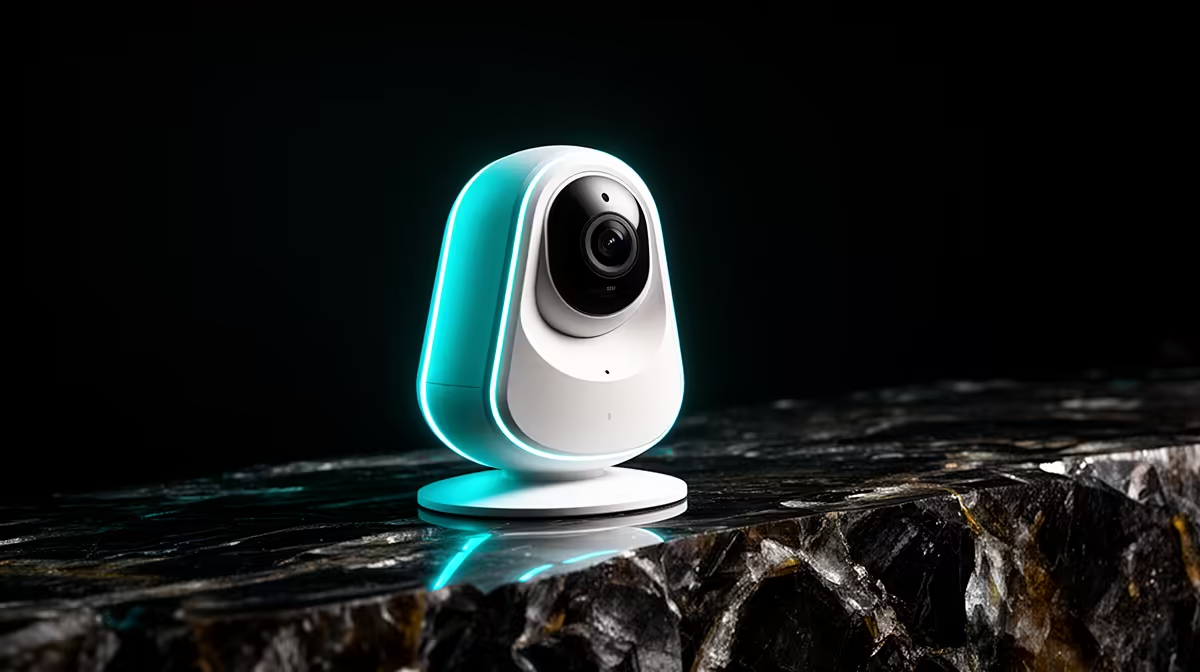
A smart wireless security camera should cover a defined risk, record in the required conditions and remain secure without consuming the whole headline budget. Camera count, storage and placement matter more than spending up to an arbitrary ceiling. Start with one entrance or indoor area where footage would be genuinely useful.
Survey the home before shopping
Mark legal and privacy-conscious viewing angles, then test Wi-Fi and power at each position. Decide whether local storage, remote alerts, two-way audio or night viewing is essential. Keep neighbours, pavements and private family areas outside the frame wherever possible.
The TP-Link Tapo C212 indoor Wi-Fi camera is listed at R451. Verify its live video functions, storage choices, app controls, mounting, power connection, indoor-use limitations and warranty. Check whether any wanted feature requires a subscription. Its price leaves room for storage and network needs, but it should not be installed outdoors without documented suitability.
Create a unique account password, enable available protection and keep firmware supported. Test alerts, playback and export before depending on the camera. Agree who may view footage and how long it is retained.
Choose the C212 for an appropriate indoor location when its verified features match the plan. Use an outdoor-rated model for exposed entrances and compare the exact weather and mounting specifications.
Pro Tip ⚡
Planning home monitoring? > Compare Evetech security cameras by location, storage and access controls.











