Quick Answer
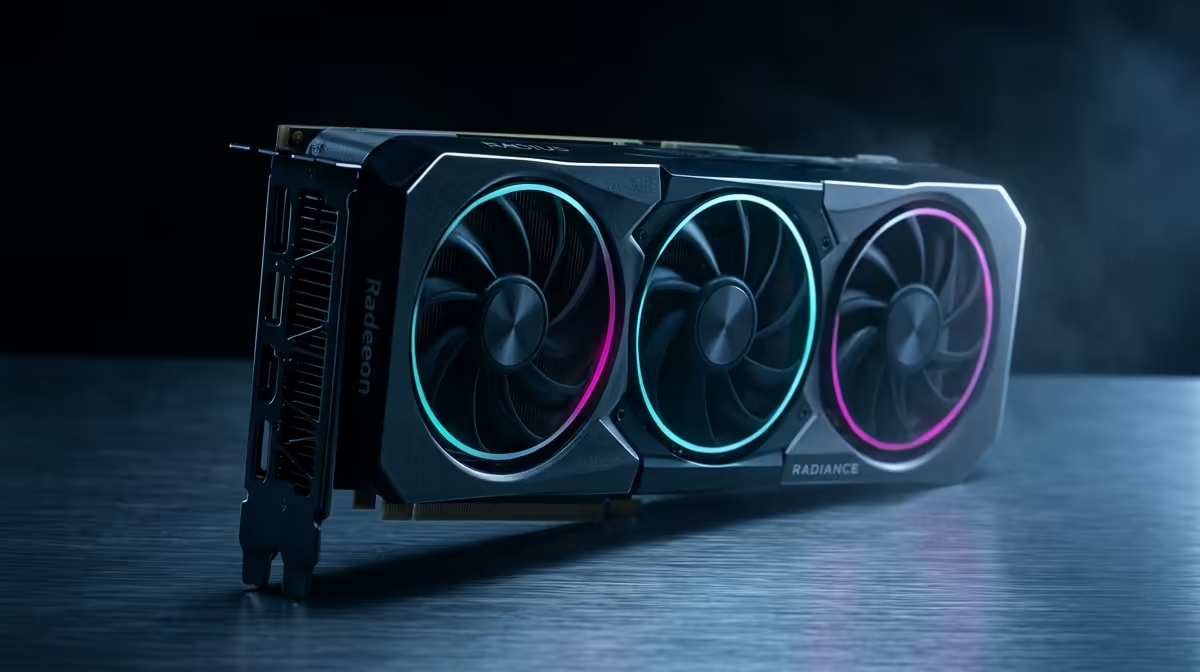
Yes, an RX 9070 can hold 240fps in Stellar Blade at 1080p, but only with FSR 3 Frame Generation switched on and a couple of post-processing effects dialled back. Native 1080p alone leaves the RX 9070 (16GB, 220W) short of 240fps in heavy combat.
Settings that actually move frame rate in Stellar Blade
Stellar Blade runs on Unreal Engine 4, so the biggest frame-rate levers are screen-space reflections, shadow resolution, ambient occlusion, motion blur. For a 240fps 1080p target on the RX 9070, set the overall preset to High rather than Ultra, then drop shadow resolution and reflection quality one notch each — those two alone can return 12-20fps without a visible quality loss at normal viewing distance. Leave texture quality at the highest your 16GB frame buffer allows, since textures cost VRAM, not GPU compute, and 16GB is plenty for 1080p here.
FSR 3 Frame Generation is the key to 240fps
At 1080p, native rendering puts the RX 9070 (220W) below the 240fps line, so enable FSR Quality first — that lifts base frame rate roughly 30-45% — then turn on FSR 3 Frame Generation to roughly double the on-screen frame rate. This is the only realistic route to a locked 240fps at 1080p on this tier of card. Keep your monitor's refresh at or above 240Hz and cap the frame rate 3-5fps below your panel ceiling so frame pacing stays clean.
SA buyer note for a Stellar Blade build
A fast action character-action game with dense post-processing like this is GPU-bound, so a balanced six-core or higher CPU (a Ryzen 5 or Core i5) keeps the RX 9070 fed. At Evetech the RX 9070 sits in our current Radeon/GeForce stock; pair it with a 1080p 144Hz panel for the best value match to a 240fps goal. Make sure your case has front-to-back airflow — a 220W card in a cramped chassis will thermal-throttle long before the GPU itself runs out of performance.
FAQ
Can the RX 9070 hit 240fps in Stellar Blade at native 1080p?
Not reliably — native 1080p Ultra drops well below 240fps in combat, which is why FSR is recommended. The 16GB buffer is not the limit at 1080p; GPU compute on effects is.
Which setting should I drop first to gain frames?
Lower reflection quality and shadow resolution one step each before touching anything else. In Unreal Engine 4 titles those two effects are the heaviest per-frame cost and the least visible change at 1080p.
Does the RX 9070 need a strong CPU for Stellar Blade?
No — Stellar Blade is GPU-limited, so a modern Ryzen 5 or Core i5 is enough to feed the RX 9070. Spend your budget on the GPU and a 240Hz-capable monitor rather than a high-end CPU.
Pro Tip
Build one repeatable Stellar Blade test run — a busy combat scene plus an open vista — and re-check frame rate after every setting change. If 240fps wavers, drop reflections before FSR; lowering FSR quality below Quality hurts image clarity more than it helps frame pacing.