


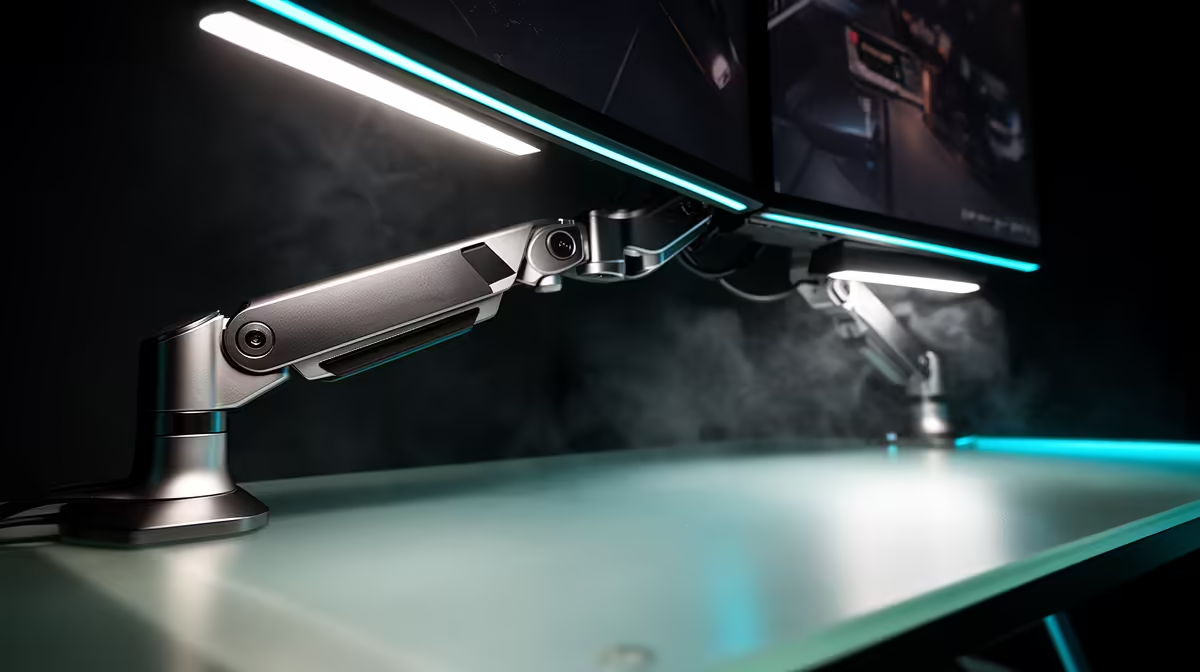
A metal boom arm delivers its full value only when it is set up correctly. Pulled out of the box and clamped without thought, it will droop, swing or transmit every desk thud straight into the recording. Done properly, an adjustable metal boom arm holds its position through a six-hour stream, keeps the mic at exactly the right distance, and adds zero handling noise to the audio. The steps below take about fifteen minutes and only need to be done once.
Quick Answer
Clamp the arm securely to the desk edge, extend the mic to about 15cm from your mouth at a slight downward tilt, lock all tension screws firmly, then route the cable through the arm's internal channels. A test recording of a hard p word confirms the position is correct.
🔧 Step One: Mount the Clamp Correctly
Open the jaw wide before positioning it on the desk edge. Most metal desk edges run between 25mm and 50mm thick, and most quality boom arms accommodate up to 40mm as standard. A gaming desk with a chunky profile may run thicker, so check the spec before purchase.
Position the clamp at the corner of the desk rather than the middle of the edge. A corner position lets the arm swing further in both horizontal axes. Tighten the clamping screw firmly by hand until the clamp grips without any rock. Do not over-tighten with a tool; the thread strips easily on softer metal clamps.
Attach the arm's base column into the clamp receiver and tighten the locking collar. Attempt to twist and tilt the column by hand. It should not move. If it does, the collar needs another quarter turn.
⚡ Step Two: Position the Microphone
Attach the microphone but do not tighten it fully yet. You need freedom to angle it during positioning.
Swing the arm so the mic capsule is roughly 15cm from your mouth. For most people, this means the arm is extended somewhere between half and three-quarters of its full reach. The vertical height should bring the capsule level with or slightly above mouth height. A downward tilt of about 10 to 20 degrees from horizontal aims the capsule at your mouth while directing plosive air bursts below the intake, reducing the load on the pop filter.
Once the position looks right, sit in your chair and speak naturally. The mic should be where it would be without you leaning forward, tilting your head or reaching for it.
Pro Tip ⚡
Sit at your desk exactly as you would during a real session before locking any screws. Relax your posture, look straight ahead, and adjust the arm until the mic meets you there. Positioning around a rigid pose produces a setup that feels uncomfortable after twenty minutes.
🔌 Step Three: Lock the Tension Screws
With the mic in the correct position, tighten each pivot screw firmly. Work from the base joint outward: lower joint first, then the elbow, then the mic mounting angle.
After tightening, remove your hands and watch the arm for ten seconds. A properly tensioned arm will not move. If any joint settles even a few millimetres, that screw needs another half-turn. A condenser microphone is heavy enough that under-tensioned joints produce a slow creep across a recording session.
🎯 Step Four: Route the Cable and Test
Most quality metal boom arms have a cable channel running through or along the arm length. Thread the mic's cable through this channel from the mic end back toward the base. Leave a small loop of slack at the mic end so minor repositioning remains possible without pulling the cable taut and introducing vibration into the capsule.
Route the cable to the PC or interface without letting it hang freely. A hanging cable swings when the desk is bumped and transmits that movement as a low thud in the recording.
Open your recording software and record five seconds of yourself saying a sentence with several hard p and b words. A clean recording with no low thump confirms distance, tilt, pop filter and gain are working together. If a bass thud persists, move the mic back by 3cm and re-record.
Frequently Asked Questions
What is the first step when setting up a metal boom arm?
Clamp the base firmly to the desk edge at a corner position, confirm the jaw fits your desk thickness, and tighten until there is no rock in the joint. The base must be fully secure before the arm is loaded with the mic's weight.
How far should the microphone be from my mouth?
Around 15cm. This keeps the voice warm and present while giving the pop filter enough distance to scatter plosive air. Closer than 10cm increases proximity effect; further than 20cm lets room noise into the recording.
Which angle should I lock in for the microphone tilt?
A downward tilt of 10 to 20 degrees aims the capsule at your mouth while directing plosive breath below the intake. Combined with the 15cm distance, this reduces the plosive load on the filter and keeps vocals full.
When should I tighten the tension screws?
After the final position is confirmed. Tighten from the base joint outward, then check by releasing the arm. If it drifts even slightly, the last-tightened screw needs more tension.
Should I route the cable before or after locking the arm position?
After. Lock the arm first, then thread the cable through the routing channels. This ensures you are not fighting cable resistance while positioning the arm.
Ready to set up your boom arm and get the mic in the right place? Browse the metal boom arm range at Evetech and find the model built to hold your microphone steady through every session.










