


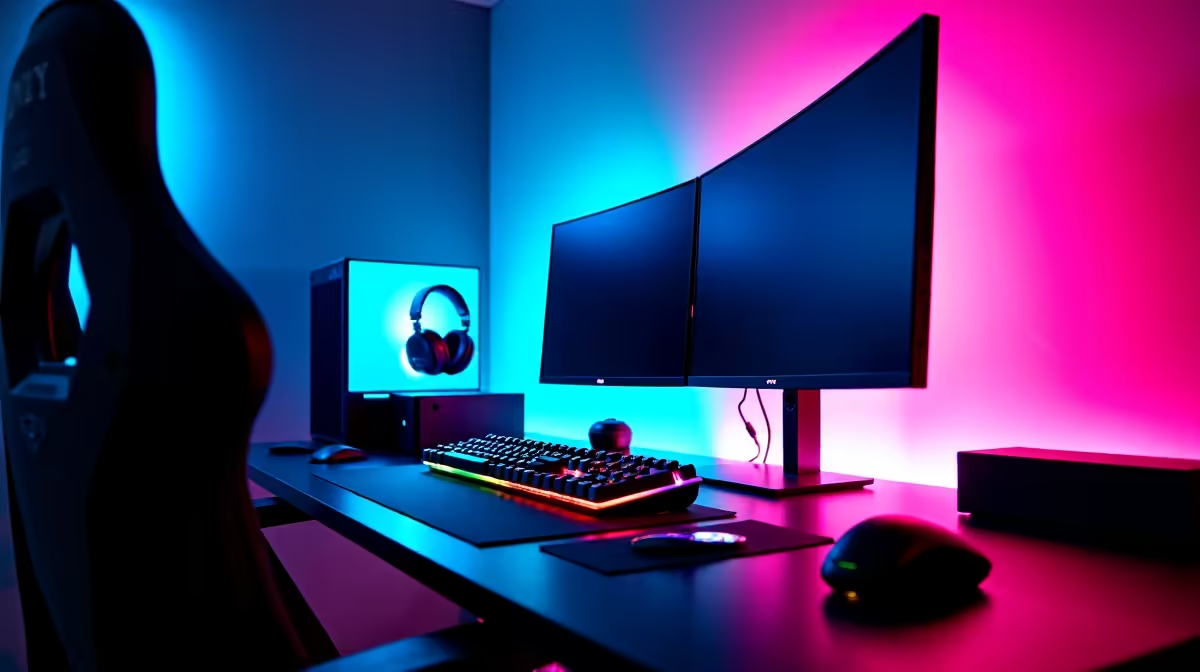
A streaming setup is worth buying for simultaneous streaming and gaming when there is a real publishing schedule and the PC can encode without harming game consistency. Start with stable frames and clear voice. Cameras, lights and control surfaces should be added only after a private broadcast exposes a specific need.
Rehearse the complete session
Run the intended game, encoder, scenes, alerts, chat, camera and microphone for the normal broadcast length. Record average frames, one-percent lows, encoder load, dropped frames, audio sync, temperatures and upload stability. Test at the usual time because household traffic can change the network result.
The Palit GeForce RTX 5060 8GB graphics card is factpack-verified at R4,800. The Ryzen 5 9600X processor appears at R3,500, while TEAMGROUP VULCAN 32GB DDR5-6000 memory is listed at R1,460. The HyperX SoloCast 2 microphone appears at R690. These are separate products, not a complete validated stream. Confirm motherboard, power, cooling, storage and encoder support.
Protect game and creator accounts with multifactor authentication. Keep scenes, overlays and local captures in approved backups. Position the microphone close enough to reject keyboard and fan noise, and use headphones to prevent echo. Buy each accessory when the full rehearsal identifies its job. If the game stutters before capture begins, improve the measured PC bottleneck first. A dependable broadcast needs repeatable operation more than an elaborate desk.
Pro Tip ⚡
Building a gaming stream? > Compare verified PC parts and microphones with Evetech around the complete rehearsal.








