

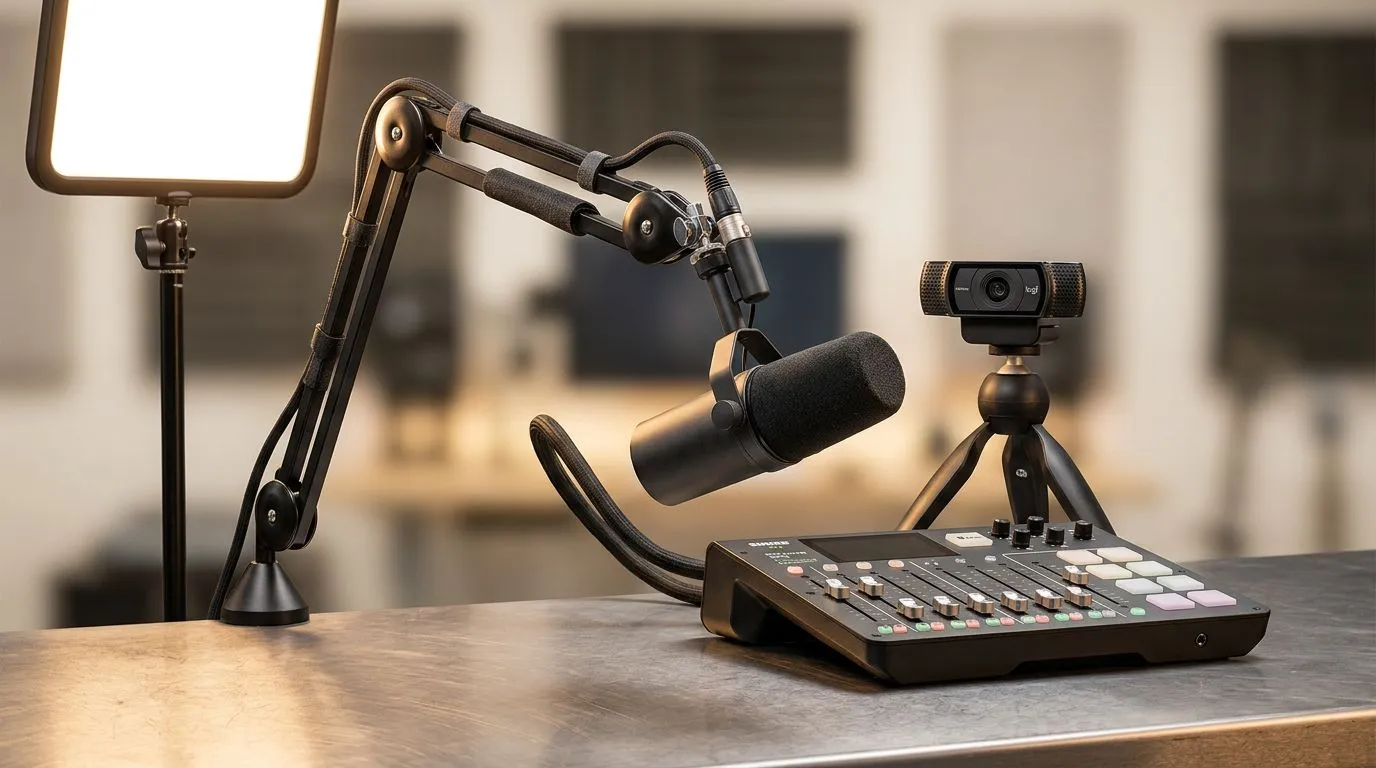
Streaming Setup South Africa: Plan a pro-level start in weeks 🔧
If you want crisp video, clear audio and smooth gameplay without breaking the bank, you’re in the right place. This quick plan helps South African streamers build a pro-level rig on a budget — whether you stream from Cape Town or Jozi. Read on for compact parts lists, cheap upgrades that actually matter, and local links to buy what you need fast.
Streaming Setup South Africa: Core components that punch above their price
Start with a reliable foundation: a capable CPU, a GPU that handles your game at target framerate, and at least 16GB RAM. For streamers on a budget, balancing CPU threads for OBS x264 encoding vs hardware encoders is key… and that’s where choices matter. Grab the essentials or build around your existing PC by shopping Evetech’s streaming essentials to compare starter bundles and recommended components. https://www.evetech.co.za/PC-Components/buy-streaming-essentials-369.aspx
Streaming Setup South Africa: Peripherals and capture — small spends, big impact ✨
You don’t need the flashiest mic to sound good, but a cardioid USB mic or an entry XLR setup with a used audio interface will clean your vocals. A reliable capture device helps if you stream consoles or a second PC. For peripherals and trusted brand kits, check Corsair options and RGB-ready accessories at Evetech — they often balance quality and value for local buyers. https://www.evetech.co.za/PC-Components/buy-streaming-essentials-369.aspx?brands=CORSAIR
Streaming Setup South Africa: Lighting and webcam choices for pro polish 🚀
Good lighting makes viewers think your stream costs more than it does. Soft, even key lighting and a practical fill light remove shadows and improve webcam autofocus performance. If ambient RGB is your vibe, Cololight strips and tiles are easy to set up and work with stream scenes. See lighting and ambient gear that pairs well with budget cameras. https://www.evetech.co.za/PC-Components/buy-streaming-essentials-369.aspx?brands=Cololight
For cameras, a clean 1080p webcam still outperforms a poor phone setup. If you’re choosing a webcam, browse models tested for streaming on Evetech’s dedicated webcams page. https://www.evetech.co.za/PC-Components/buy-webcams-145.aspx
Streaming Setup South Africa: Optimise OBS and system settings for low CPU load
Balance bitrate, resolution and encoder. For 720p60 or 1080p30 streams on a limited upload (common for many South African connections), a sensible bitrate and using hardware encoders keeps your PC responsive. Test scenes locally, record short clips, then iterate. Small changes to bitrate or encoder tune deliver noticeable quality without extra spend.
Streaming Pro Tip ⚡
Use OBS scene collections for show-ready overlays. Create a break scene, live scene and intermission with muted audio tracks. Test each scene for CPU spikes before going live to avoid surprises.
Streaming Setup South Africa: Budget upgrade path and micro-stories
Start with what you have. I once helped a friend in Pretoria who swapped a cheap USB mic for a modest XLR mic and a foam shield — within two streams viewership and chat engagement rose noticeably. Upgrade path: microphone and lighting first, then webcam, then capture or GPU. Each step moves the perceived quality needle more than raw hardware horsepower.
Streaming Setup South Africa: Buying locally and saving on ZAR-sensitive decisions
When you buy in South Africa, factor in stock, warranty and support. Evetech lists components and kits that let you compare local prices and warranties easily. Shop sales, but prioritise components with local return policies over marginal online discounts from unknown sellers.
Ready to Find Your Perfect Match? The Mac vs Windows debate is complex, but for maximum power, choice, and value in South Africa, Windows is hard to beat. Explore our massive range of laptop specials and find the perfect machine to conquer your world.











