


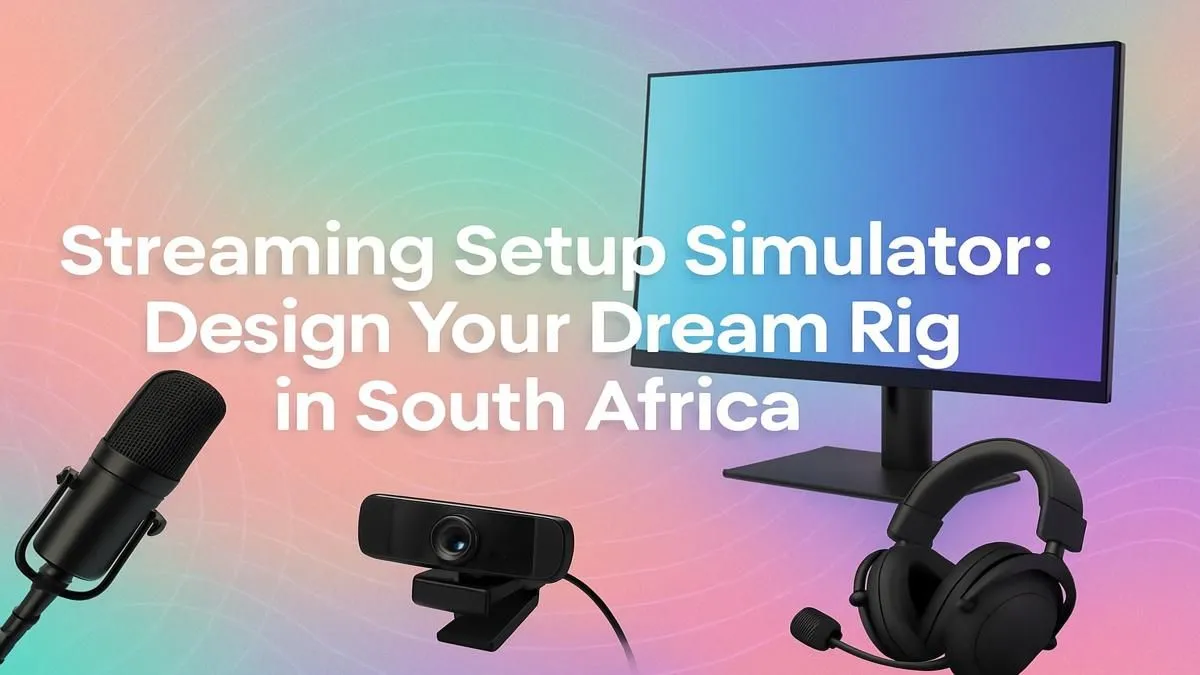
So, you've been watching your favourite local streamers dominate in Apex or Valorant and thought, "I could do that!" You're not wrong. The South African streaming scene is exploding, and there’s a spot for you. But where do you start? Building your first streaming setup in South Africa can feel daunting, but it doesn't have to be. This guide will walk you through designing your dream rig, from the core components to the essential peripherals. ✨
The Heart of Your Stream: The PC
Your PC is the engine of your entire operation. It has to juggle playing a demanding game, encoding a high-quality video stream, and running your other apps... all at the same time. While a dual-PC setup is the ultimate goal for pros, a powerful single PC is more than capable of getting you started and growing your channel.
Here are the key components to focus on for a smooth streaming experience:
CPU: The Multitasking Master
The Central Processing Unit (CPU) is critical. More cores and threads mean your PC can handle more tasks simultaneously without stuttering. For streaming, this is non-negotiable.
- Intel: Known for incredible single-core performance which is great for gaming, modern Intel Core i5 and i7 processors also pack enough multi-core power for smooth streaming. They are a fantastic foundation for any gaming and streaming build. You can find a huge selection of powerful Intel gaming PCs tailored for performance.
- AMD: Ryzen CPUs are famous for their excellent multi-core value, making them a popular choice for content creators. A Ryzen 5 or Ryzen 7 can chew through encoding tasks while maintaining high in-game frame rates. Explore our complete lineup of versatile AMD Ryzen systems to see what fits your needs.
GPU & RAM: Power and Speed
Your Graphics Card (GPU) renders your game, and a good one is key for high frame rates and visual quality. NVIDIA's NVENC encoder is a standout feature, as it uses a dedicated chip on the GPU to handle streaming, taking the load off your CPU.
For RAM, 16GB is the minimum you should consider for a modern streaming setup South Africa can be proud of. However, 32GB is the sweet spot, giving you plenty of headroom for games, OBS, Discord, and browser tabs without a hint of slowdown.
Finding the Right PC for Your Budget
Building a streaming setup in South Africa doesn't require taking out a second bond on your house. The key is to invest smartly in a balanced system that delivers performance where it counts most.
Getting started on a budget is entirely possible. You can find excellent entry-level machines that will handle 720p or even 1080p streaming for many popular esports titles. Check out our fantastic range of PCs under R20,000 deals to find a powerful, wallet-friendly starting point.
If you'd rather skip the hassle of choosing parts and building it yourself, a pre-built PC is your best friend. These systems are assembled and tested by experts, so you can plug in and go live on day one. Our pre-built PC deals offer incredible value and are ready to ship. 🚀
Audio is King 👑
Your audience will forgive a dropped frame, but they'll click away instantly for bad audio. Invest in a decent USB microphone first. In OBS or Streamlabs, add a 'Noise Suppression' and 'Limiter' filter to your mic input. This simple tweak cleans up background noise and prevents your audio from clipping when you get hyped during a big play.
Essential Gear Beyond the PC 🔧
Once your rig is sorted, a few key peripherals will elevate your stream from amateur to professional.
- Microphone: Clear audio is non-negotiable. A quality USB mic like a Blue Yeti or Razer Seiren is a perfect starting point.
- Webcam: Viewers want to see you! A Logitech C922 or Razer Kiyo provides a crisp 1080p image that's perfect for a face cam.
- Lighting: Good lighting is the secret ingredient. A simple, affordable ring light can eliminate shadows and make your webcam image look ten times better. You don't need a fancy studio... just a single, well-placed light source.
With the right PC at its core, your dream of becoming a South African content creator is closer than ever. Plan your build, focus on quality where it matters, and get ready to hit that "Go Live" button.
Ready to Build Your Streaming Empire? Designing your dream streaming setup in South Africa is the first step to sharing your passion with the world. From budget-friendly starters to pro-level rigs, we have the hardware to get you live. Explore our massive range of custom and pre-built PCs and find the perfect machine to launch your channel.











