


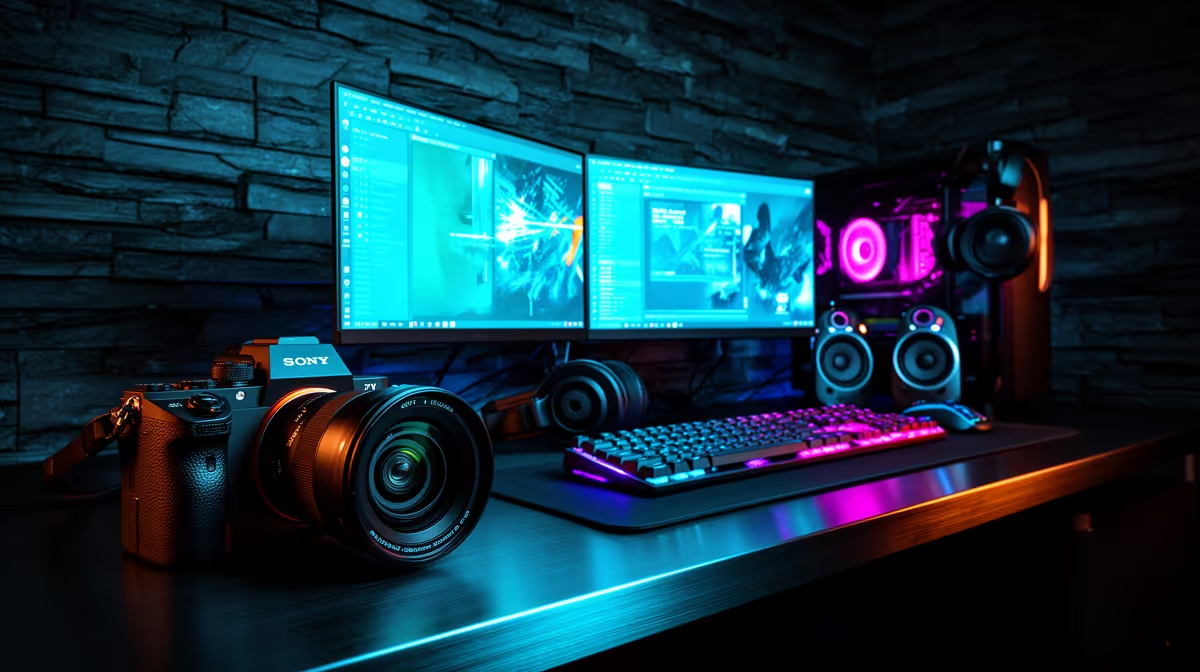
A streaming desk that is also a gaming desk, also a call desk, and also a recording station is not a compromise. It is a deliberate design. Structuring a versatile desktop streaming environment on a South African budget means choosing every item for how many roles it plays, not just how well it performs one task. The right combination lets you go from a ranked session straight into a client call and then into a podcast recording without touching the desk layout.
Quick Answer
A versatile desktop streaming environment on a SA budget centres on a USB microphone, a bi-colour key light, and a boom arm. These three items adapt across gaming streams, video calls, and voice recording without swapping out gear or rebuilding the setup each time.
🎙️ Anchor the Setup With the Right Microphone
The microphone is the single item that carries every content type simultaneously. A USB cardioid condenser microphone handles streaming commentary, video call dialogue, voice-over recording, and gaming chat from one device without configuration changes between tasks. The investment in a quality mic at R1,500 to R2,200 pays across every hour of desk use rather than just streaming hours.
A USB connection is the practical choice for a multi-mode desk. It requires no audio interface, no phantom power box, and no additional drivers on most South African gaming setups. Plug it in, select it in your software, and it works across streaming applications, conferencing tools, and DAWs without routing changes.
Cardioid pattern pickup is the right shape for a desk environment. It concentrates sensitivity toward the front where the speaker sits while reducing what enters from the keyboard, monitor fans, and the room behind the chair. For a busy gaming desk where mechanical keys are part of the aesthetic, that directional rejection is doing real work on every recording.
💡 One Light That Handles Every Mode
A bi-colour LED key light is the versatility anchor on the visual side. Warm output around 3200K suits evening streams with a cosy, immersive atmosphere. Cooler output near 5600K matches the neutral tone most professional video calls and recorded content favour. The ability to shift between those two ends of the range, and anywhere in between, means the same light serves a late-night gaming stream and a 9am client call without looking wrong in either context.
Power output matters for a desk setup. A key light with at least 40 to 60 watts of LED draw produces enough output to properly illuminate the face at arm-to-monitor distance without being pushed to maximum brightness, which extends the LED lifespan and allows dimming headroom for different room conditions.
A small panel mounted on a short arm or clip stand positioned just outside the camera frame, slightly above eye level and to the side, is the most flattering placement. It catches the face with a soft, directional source rather than the flat, overhead quality of a ceiling light. For South African homes where ceiling LEDs are the default and often placed directly above the desk, a dedicated key light completely changes the on-camera look.
🎯 The Boom Arm as a Versatility Multiplier
A boom arm transforms a fixed microphone into a flexible tool. Swung in close during a stream or recording session, it positions the capsule roughly 15 to 20cm from the face for full, present vocal capture. Folded back toward the desk edge during gaming, typing sessions, or when the mic is not needed, it takes up no active desk space and removes the stand footprint entirely.
This swing-in, swing-out workflow is what separates a versatile desk from a single-mode recording station. The microphone is always where it needs to be, repositioned in seconds rather than minutes, without touching the audio routing or power connections.
Choose a sealed-spring steel arm over a friction-mechanism arm for a desk that moves the mic multiple times per day. The spring holds its tension through repeated adjustments. Friction arms gradually lose their grip under heavy use, which on a multi-mode desk means several adjustments daily.
🔧 Camera and Modular Mounts
A 1080p webcam on a monitor-clip mount handles both streaming and calls without a dedicated camera arm. For a budget-first build, the webcam is the component where spending less upfront costs the least in quality. Streaming platforms and conferencing tools compress the video output, so the marginal improvement from a significantly pricier camera is often smaller than the jump from the built-in laptop cam to any dedicated webcam.
Modular mounting is worth building in from the start. Clamp-mounted arms and cable channels routed along the desk edge keep the surface clear for gaming or keyboard work. Fixed brackets lock the layout permanently; clamp systems let it adapt when a second monitor or new arm joins the setup.
Frequently Asked Questions
Which piece of gear offers the most versatility per Rand in a streaming desk setup?
The USB microphone. One unit handles streaming commentary, video calls, voice recording, and gaming chat without configuration changes or additional hardware between uses. Spending R1,500 to R2,200 on a quality mic pays across every desk activity rather than a single content type.
How does a boom arm make a multi-mode desk more practical?
It repositions the microphone between active use and out-of-frame storage in a few seconds. During a stream or call, the arm swings the capsule into position. When gaming or typing without recording, it folds away. A desk-clamped arm does this without occupying surface space, which a fixed table stand cannot offer.
Can a single key light serve both streaming and professional calls?
Yes, provided it covers the full bi-colour range from roughly 3200K to 5600K. Warm output suits streaming atmosphere; neutral daylight-balanced output suits professional call and recorded content. A light locked at one temperature looks natural in one context and visibly off-tone in the other.
Should the budget prioritise modular or fixed mounts?
Modular. Clamp mounts and articulated arms let the desk layout shift as the content mix changes over time. Fixed brackets are cheaper upfront but create a rigid layout that does not adapt when a second monitor, a drawing tablet, or a new camera arm is added.
Which item should anchor the budget if spending is limited?
The microphone. Audio quality affects every content type on the desk, from streams to calls to recordings. Anchoring the build around a strong mic at R1,500 to R2,200 and spending the remaining budget on a key light and webcam delivers a better result than the opposite approach.
Ready to build a desk that handles every content type without rebuilding it each time? Browse the USB microphones, LED key lights, and boom arms at Evetech to put together a versatile South African streaming setup that works across every mode.










