


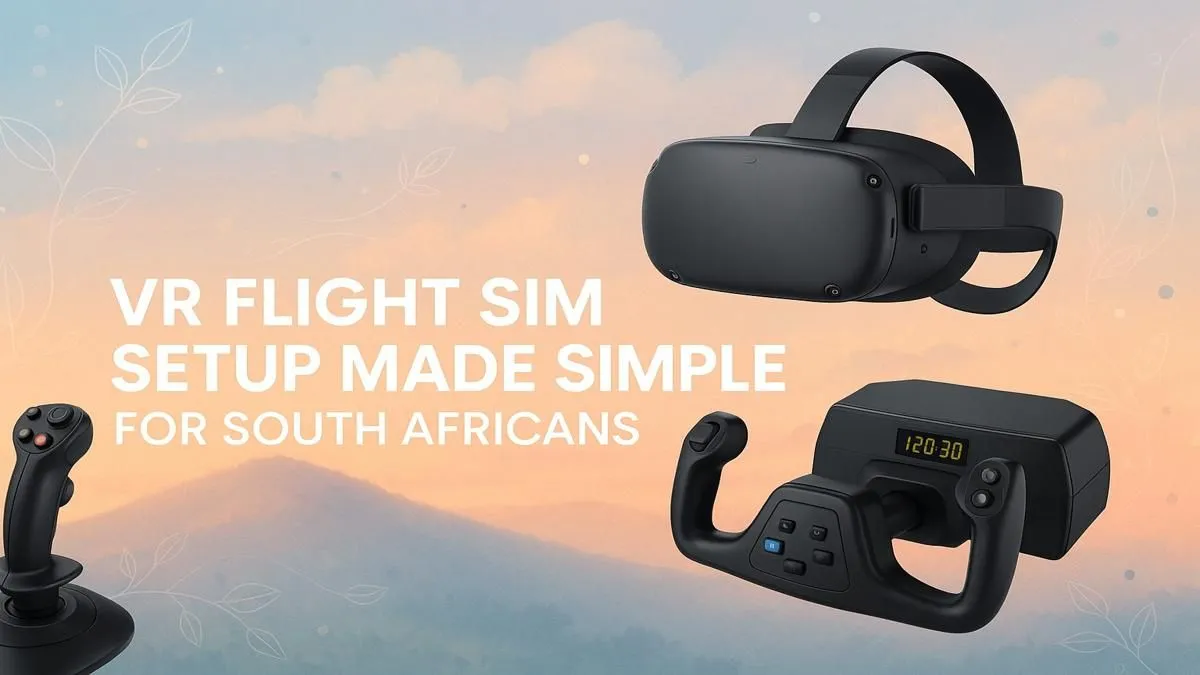
Soaring over the Drakensberg, the sun glinting off your wing as you bank towards the coast... sounds like a dream, right? With today's technology, it's more real than ever. Building the perfect VR flight sim setup in South Africa is your ticket to the skies, and it’s more accessible than you think. Forget grainy graphics and clumsy controls; we're talking about an experience so immersive you'll feel the turbulence. Let's build your ultimate cockpit. 🚀
The Core of Your VR Flight Sim Setup: The PC
Before you even think about a yoke or headset, you need a powerhouse PC. Virtual Reality and detailed simulators like Microsoft Flight Simulator are demanding. They need serious graphical muscle to render realistic landscapes and complex cockpit instruments without turning into a slideshow.
Your Graphics Processing Unit (GPU) is the undisputed king here. Look for a card with plenty of VRAM (8GB at a minimum, 12GB+ is ideal) to handle high-resolution textures. A capable CPU and at least 16GB of RAM are also non-negotiable for a smooth experience. Not sure where to start? Checking out purpose-built Microsoft Flight Simulator gaming PCs can give you a great baseline of what specs to aim for. 🔧
Choosing Your View: Headset vs. Monitors
This is a key decision for your flight sim setup. Do you go for total immersion with VR, or the crisp clarity of a high-end monitor setup?
The VR Immersion Route
A VR headset puts you directly in the cockpit. The sense of scale and depth is incredible—you can naturally lean in to read a gauge or look out the side window to spot a landmark. It's the closest you'll get to actual flying without leaving your home. The trade-off? It requires more GPU power, and some users find it less comfortable for very long haul flights.
The Crystal-Clear Monitor Route
A monitor setup offers unparalleled sharpness. For serious pilots who need to read complex charts or run third-party apps alongside their sim, monitors are often the preferred choice. An ultrawide or one of the latest high-refresh-rate curved monitors can provide a stunning panoramic view that wraps around you, creating a cockpit-like feel without the headset. If you're on a tighter budget or value versatility, you can explore a wide range of PC monitors to find the perfect size and resolution for your desk.
Getting Hands-On: Essential Flight Controls ✈️
This is where your VR flight sim setup truly comes alive. Using a keyboard and mouse just doesn't cut it. To get that authentic pilot feel, you need dedicated hardware.
- Yoke/Stick: For flying a Cessna or an Airbus, a yoke is the most realistic choice. For fighter jets or acrobatic planes, a joystick (part of a HOTAS system) is what you need.
- Throttle Quadrant: This gives you precise control over your engine power, flaps, and spoilers. Many yokes and sticks come bundled with one.
- Rudder Pedals: While not essential to start, rudder pedals add a massive layer of realism, allowing for coordinated turns, taxiing on the ground, and handling crosswinds.
You don't have to spend a fortune, but investing in quality gear from brands like Thrustmaster ensures durability and precision. The tactile feedback from physical controls is what sells the simulation.
Quick Calibration Tip 🔧
Before your first major flight, spend 10 minutes in a free-flight mode just calibrating your controls. For a new yoke or stick, make sure your dead zones and sensitivity curves feel right. A small adjustment here prevents over-correcting on a tricky landing and makes the whole experience smoother.
The Final Touches for Ultimate Comfort ✨
You're going to be spending hours in your new cockpit, so comfort is key. A wobbly desk chair won't do. Long flights demand proper back and neck support to keep you focused on the approach, not on your aching back. Investing in a supportive gaming chair is one of the best upgrades you can make for any long-duration gaming, especially a detailed flight sim. It's the final piece of the puzzle that makes your setup feel less like a desk and more like a dedicated simulator.
With the right PC, your ideal view, and tactile controls, you're no longer just playing a game... you're flying.
Ready to Build Your Dream Cockpit? From the perfect graphics card to the most responsive yoke, building your ultimate VR flight sim setup is an incredible journey. Evetech has all the components you need to go from dreaming to flying. Explore our PC components and start your build today!











