


Reproduce the issue the same way each time so a fix is measurable. Below is an ordered, South African gaming checklist for the symptom in the heading, written so each step is something you can verify yourself before booking a repair or buying a replacement.
Quick Answer
Reproduce the issue the same way each time so a fix is measurable. This usually comes down to the memory profile, a hot NVMe drive or background load rather than a faulty Gen 5 NVMe SSD. Run a fixed 20-minute test after each change and keep the one that holds at a steady frame rate or a stable temperature under 85C.
RAM and EXPO checks
Re-test with the EXPO or XMP profile off; an unstable 6000MT/s kit can throw stutters and crashes that look like a board fault. Re-test with the EXPO or XMP profile off; an unstable 6000MT/s kit can throw stutters and crashes that look like a board fault.
NVMe and disk checks
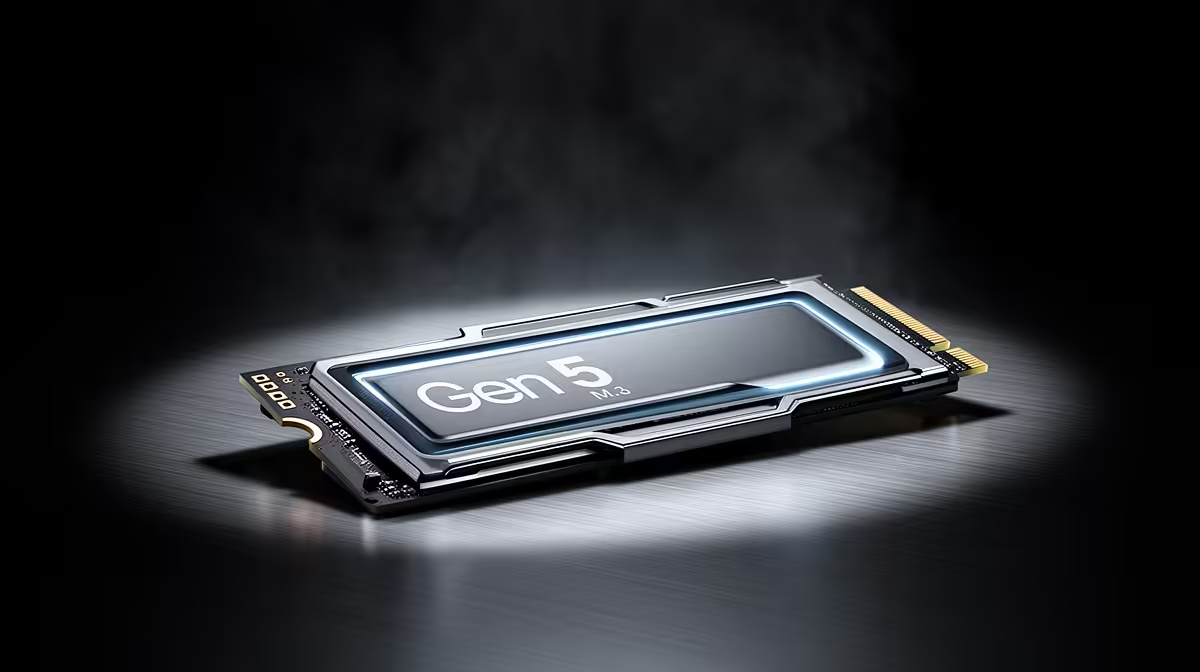
Move the boot drive off a shared lane if a second M.2 device steals bandwidth from the GPU slot. Watch disk activity during the freeze; a Gen 5 NVMe drive at 70C or more will thermal-throttle and cause micro-stutters.
Cool it down first
Confirm the case has a clear front-to-back path and that no cable is resting against a 120mm or 140mm fan. Log temperatures across a 20-minute session; a CPU sitting at 95C or a VRM past 100C points to airflow or paste, not the silicon.
PSU and connector checks
Set the Windows power plan to High performance so the CPU is not parked at low clocks during games. Re-seat the 12V-2x6 and 8-pin EPS connectors fully; a half-clicked plug shows up as random shutdowns under load.
Plan a baseline budget of around R2,500 before you start.
FAQ
Is it safe to keep using the PC like this?
If it shuts down or blue-screens, stop heavy loads until you find the cause. Repeated hard crashes can corrupt the boot drive, so back up your data before deep testing.
Should I reset my overclock or EXPO profile?
Yes, as a test. Turn off EXPO and any GPU overclock, run the same load, and see if the fault disappears, since an unstable 6000MT/s kit is a common hidden cause.
Is the Gen 5 NVMe SSD actually the problem?
Not until the software, heat, power and cable checks all pass. The Gen 5 NVMe SSD is the platform under review, so rule out the cheaper causes first and only suspect the hardware once a clean reinstall and a default-BIOS test still fail.
Pro Tip
one variable per test: adjust a setting, re-run the same 20-minute load, then decide.




