


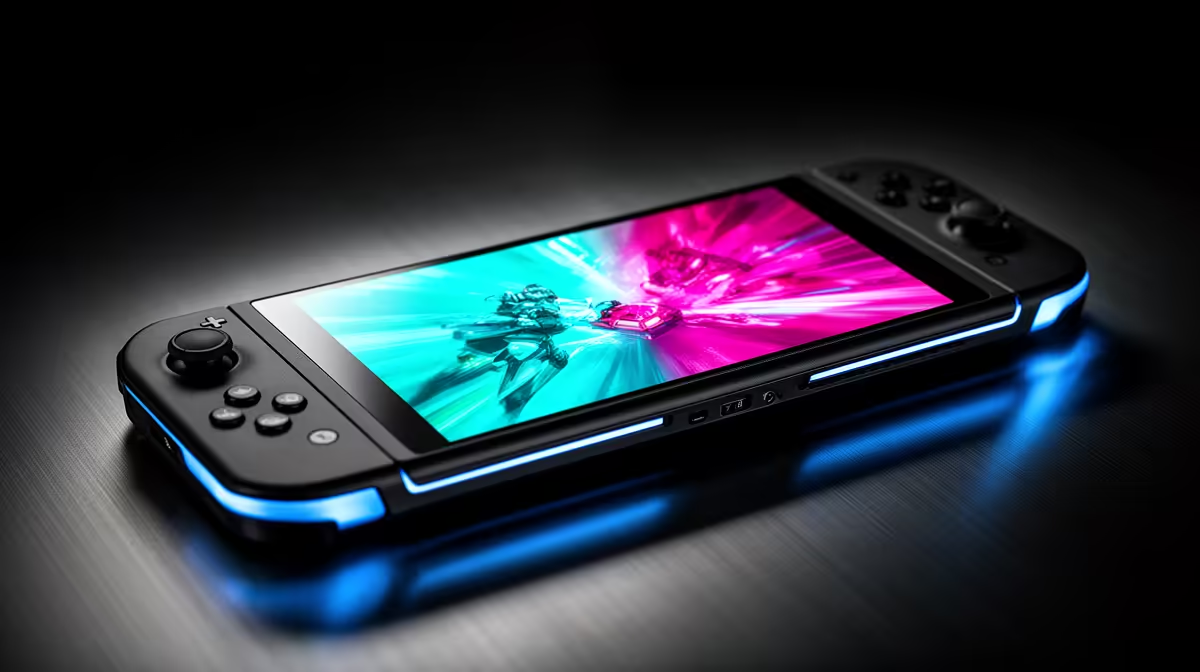
Ghosting on a Steam Deck shows as a faint trail behind moving objects, and on the LCD model it is partly a panel trait rather than a fault. Knowing what is normal helps you decide what to fix.
Quick Answer
Ghosting on the Steam Deck LCD is mostly the panel's pixel response, worsened by very low frame rates. Raise the frame rate where possible, set a steady frame cap, and reduce motion blur in games. The OLED model has far faster response and shows almost no ghosting, which is the upgrade if it bothers you.
Why the LCD ghosts
The LCD Deck's pixel response is slower than an OLED, so fast motion leaves a slight trail, particularly when frame rates dip into the 30s. This is a panel characteristic, not damage. Keeping frames steady and higher reduces the visible smearing because the panel has more consistent motion to track.
Reduce ghosting in practice
Set a frame cap the Deck can hold steadily, since erratic frame rates make ghosting more obvious. Turn off heavy in-game motion blur, which compounds the effect. If smooth motion matters to you, the OLED Deck's much faster response is the real fix, as no setting fully overcomes the LCD panel's response time.
Bottom Line: Steam Deck ghosting and motion blur checks
To sum up for SA buyers weighing this: The LCD Deck's pixel response is slower than an OLED, so fast motion leaves a slight trail, particularly when frame rates dip into the 30s. This is a panel characteristic, not damage. This keeps the decision grounded in what actually changes the experience rather than headline numbers, so you spend where it counts.
FAQ
Is Steam Deck ghosting normal?
On the LCD model, mild ghosting in fast motion is a panel trait. It is more noticeable at low frame rates and is not a defect.
Does the OLED Deck ghost less?
Yes, far less. Its faster pixel response shows almost no trailing, which is the upgrade if ghosting bothers you.
Can settings reduce ghosting?
Somewhat. A steady frame cap and disabling motion blur help, but they cannot fully overcome the LCD panel's response time.
Motion fix
Hold a steady frame rate and disable in-game motion blur to reduce LCD ghosting. For truly clean motion, the OLED Deck's faster panel is the real answer.








