


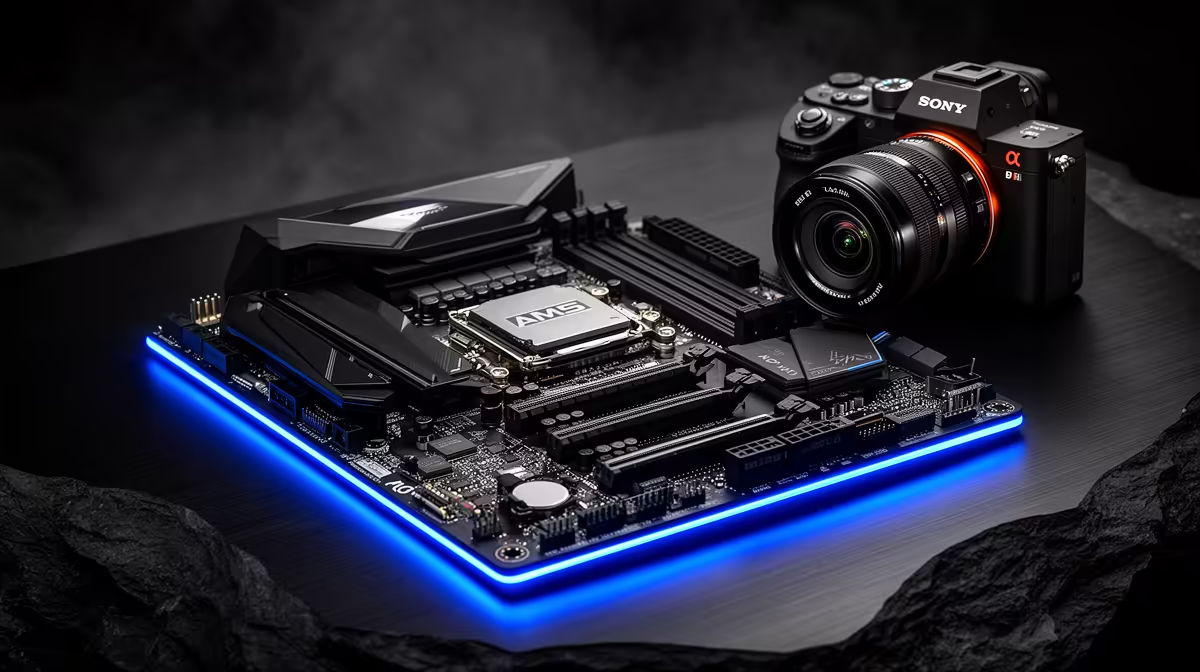
An X870E board that starts lagging is usually a firmware, driver or VRM-thermal matter rather than a dead motherboard. X870E is the flagship AM5 chipset for Ryzen 9000-series builds, and a methodical check normally clears this without replacing hardware.
Quick Answer
The X870E board is rarely the actual fault: lag and slowdowns usually come from drivers, memory timings or storage, not the CPU itself. Flash the latest BIOS for current AGESA microcode, reinstall the AMD chipset driver, and confirm the VRM and chipset stay cool. X870E boards carry strong 16+2 or larger VRMs, so with a 750W+ PSU and decent case airflow they handle a 170W Ryzen 9 comfortably.
What X870E input lag usually means
On X870E the common triggers are an outdated BIOS that predates current AGESA microcode, a chipset driver reset by the Windows update, EXPO memory pushed past the board's stable speed, or PCIe 5.0 link instability with an aggressive NVMe or GPU setting. Update chipset and GPU drivers, confirm EXPO is on, and check the boot drive's health and free space. Note what changed first, then revert one variable at a time and retest the same workload so the cause is unambiguous.
Fix checklist for X870E builds
Download and flash the newest stable BIOS, then load optimised defaults. Reinstall the latest AMD chipset driver and reboot. Re-enable EXPO at DDR5-6000 CL30, the validated sweet spot for AM5, rather than a faster kit that the memory controller may not hold. Make sure the M.2 heatsinks are seated and the board has direct airflow over the VRM. Confirm your PSU delivers at least 750W for a Ryzen 9 plus a high-end GPU.
{{TipBox title:"Pro Tip" , After flashing BIOS, always reload optimised defaults and reapply EXPO manually rather than restoring a saved profile, then run one logged stress test before declaring the X870E input lag fixed. }
FAQ
Do I need to update BIOS on a new X870E board?
Usually yes. X870E ships across a range of BIOS revisions, and the newer AGESA versions resolve most Ryzen 9000-series stability quirks. Flash the latest stable release before troubleshooting anything else.
What PSU does an X870E build need?
Budget at least 750W for a Ryzen 9 paired with a mid-to-high GPU, and 850W or more for an RTX 5080/5090 class card. A quality 80 Plus Gold unit gives clean, stable rails for sustained loads.
Is X870E worth it over B650 in South Africa?
X870E adds guaranteed PCIe 5.0 for both GPU and primary NVMe plus stronger VRMs and USB4. For a Ryzen 9 with a flagship GPU it is worth the premium; for a mid-range build a good B650 board is plenty.
Pick a stable X870E platform Compare Evetech's X870E boards, DDR5-6000 EXPO kits and 750W+ power supplies sized for Ryzen 9000 builds, all in stock with nationwide delivery.











