


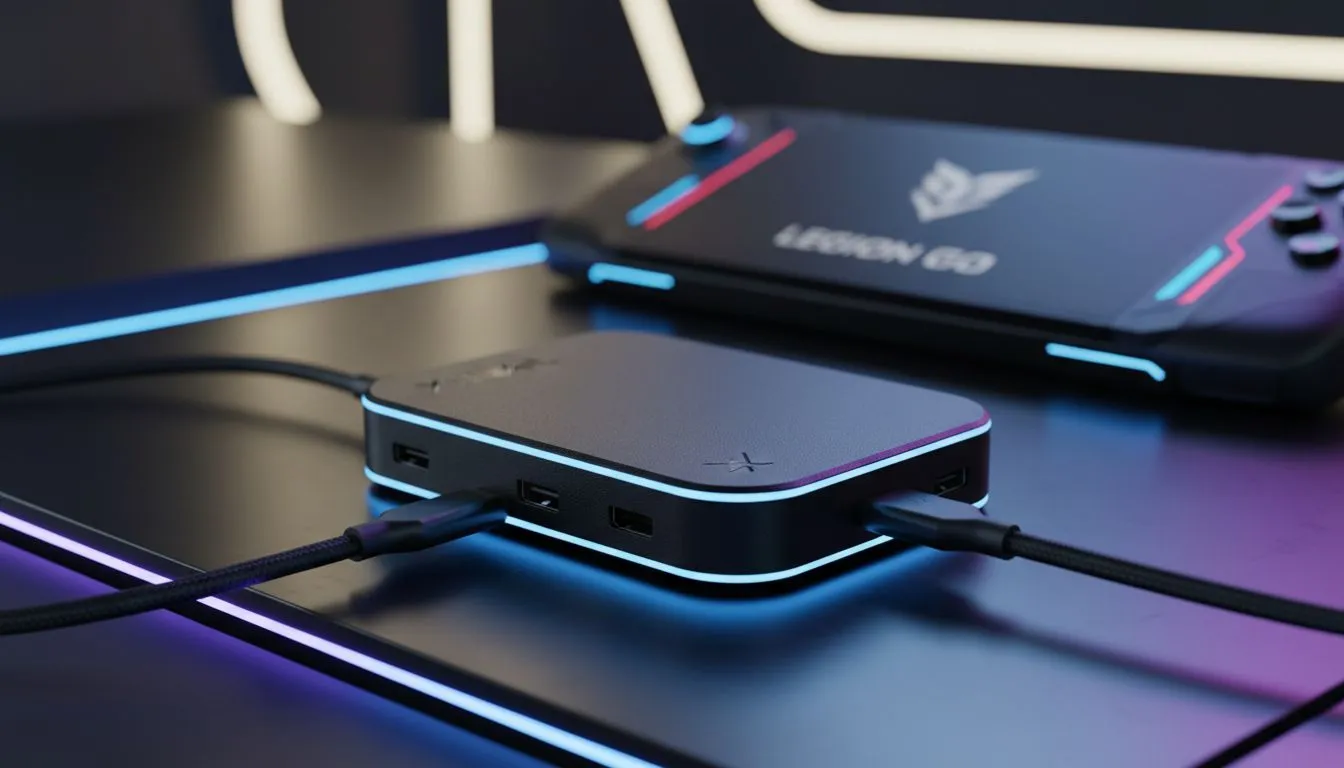
Powering Your Portable Cinema
Imagine you are deep into a session of Cyberpunk 2077 on your Lenovo Legion Go, parked on the couch during a quiet evening in Joburg. The immersion is incredible... until that dreaded 15% battery warning kills the vibe. If you are using AR glasses, that single USB-C port becomes a battlefield between power and visuals. This is where a proper XREAL Hub setup for Legion Go: Never Run Out of Battery becomes your ultimate loadout essential ⚡.
Solving the Handheld Power Struggle
The Lenovo Legion Go is a beast, but its high-resolution screen and powerful Z1 Extreme chip drink battery life faster than a cold cooldrink on a Durban summer day. When you plug in AR glasses, you are usually forced to choose between an immersive big-screen experience or keeping the device charged. By using the XREAL Hub, you effectively split that signal. It allows for high-speed data transfer for the glasses while simultaneously delivering 45W Power Delivery to the handheld.
Before you dive into the technicalities, it is worth checking out our dedicated AR glasses section to ensure your firmware is up to date. Compatibility is key when you are trying to maintain a stable 120Hz refresh rate without the connection dropping mid-boss-fight.
Step-by-Step XREAL Hub Setup for Legion Go
Setting up is relatively straightforward, but the order of operations matters to ensure the Legion Go recognises the PD (Power Delivery) handshake correctly.
- Connect your XREAL Hub to the top USB-C port of the Legion Go.
- Plug your charging cable (preferably the original 65W Lenovo brick) into the Hub’s power-in port.
- Connect your AR glasses to the Hub’s output port.
- Switch the Legion Go to "Performance Mode" to ensure the external display output is prioritised.
Finding the latest AR glasses that support this specific hub configuration is the best way to future-proof your portable rig. The hub acts as a bridge, ensuring that the video signal remains crisp while the battery percentage actually moves upwards for once.
Battery Health Pro Tip ⚡
When gaming for extended periods with the XREAL Hub, set your Legion Go battery charge limit to 80% in the Vantage software. This prevents the battery from overheating while under constant load, extending the overall lifespan of your handheld while you enjoy your private cinema experience.
Why South African Gamers Need This Setup
With our unique energy challenges, having a mobile setup that can charge quickly while in use is a massive advantage. Whether you are avoiding the dark during a scheduled outage or travelling between provinces, the ability to play indefinitely is a luxury. Investing in premium AR gear and the right hub eliminates the anxiety of watching your battery drain while you are only halfway through a quest 🚀.
The XREAL Hub is compact enough to fit into the Legion Go’s carrying case, making it a non-negotiable addition for anyone serious about handheld gaming. It turns a great device into a truly limitless entertainment powerhouse... no compromises required.
Ready to Elevate Your Handheld Experience? Don't let a low battery limit your immersion. Whether you're looking for the latest AR tech or the best peripherals to power your play, we've got you covered. Explore our massive range of AR glasses and accessories and take your gaming setup to the next level today.











