


Young Professionals Hardware Preferences: June 2026 SA Market Report
Young Professionals Hardware Preferences: June. SA market intelligence with local buyer data, pricing shifts & actionable insights for smart purchasing.
Read moreRTX 4060 Fortnite Medium Settings at 1080p: FPS. Real-world benchmark data, FPS numbers & performance analysis. What SA gamers can actually expect.
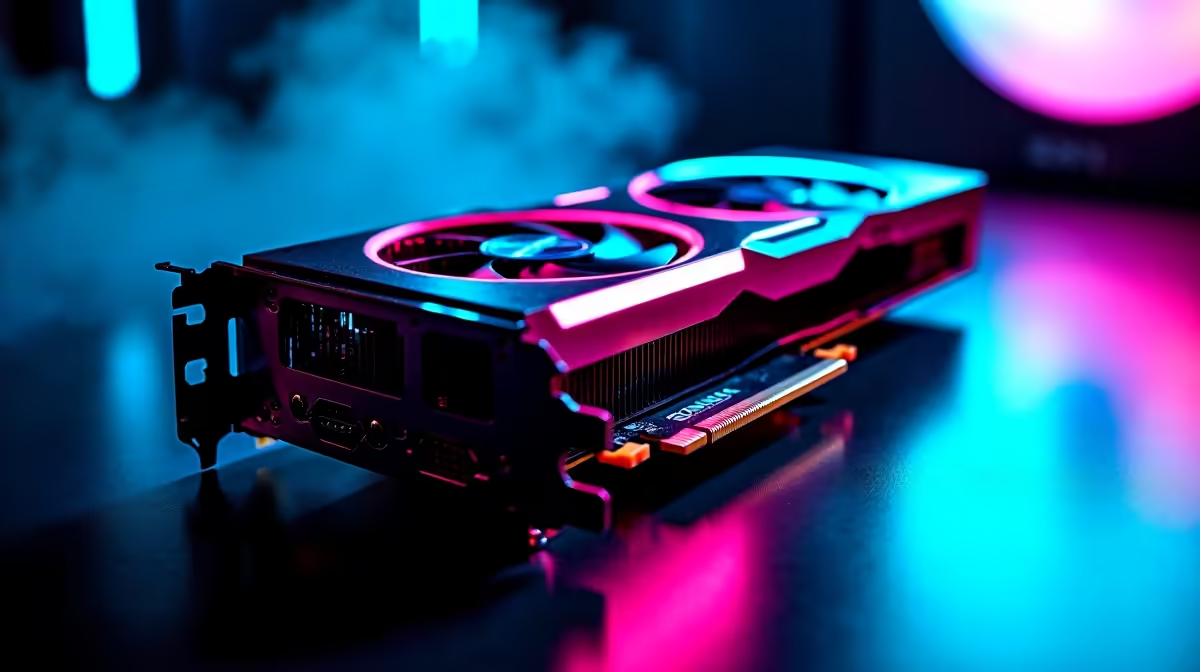
The RTX 4060 at 1080p medium settings in Fortnite is a setup that prioritises high frame rates over visual fidelity - exactly the right approach for competitive play. The results in 2026 are strong.
RTX 4060 Fortnite Medium Settings 1080p FPS: At medium settings with DLSS Quality enabled, the RTX 4060 delivers 180–250fps in standard gameplay, dropping to 140–180fps during intense combat with heavy particle effects. Dropping to DLSS Performance mode pushes averages above 240fps consistently.
Fortnite’s Unreal Engine 5 rebuild changed the performance landscape significantly. At 1080p medium settings (DirectX 12, DLSS Quality):
| Scenario | Average FPS | 1% Low FPS |
|---|---|---|
| Lobby/Menu areas | 300+ | 220 |
| Open map exploration | 220–280 | 160 |
| Mid-match combat | 180–220 | 130 |
| High particle combat (multiple players) | 140–180 | 110 |
Switching to DLSS Performance mode at 1080p output (rendering at 720p internally) pushes average fps to 250–320 in open areas and keeps minimums above 150fps even in chaotic fights. For competitive play on a 240Hz monitor, DLSS Performance is worth the slight visual trade-off.
Dropping from medium to low settings on the RTX 4060 at 1080p yields roughly 15–25% more fps. In practice:
For a 144Hz monitor, medium settings are plenty - you’ll consistently exceed the refresh rate. For a 240Hz display, low settings or DLSS Performance mode keeps you above the refresh threshold more consistently.
Use DirectX 12 - DirectX 11 mode runs slower on RTX 4060 because it can’t leverage the card’s async compute and mesh shader capabilities properly.
Enable DLSS - At 1080p, DLSS Quality is visually nearly identical to native resolution but 20–30% faster. It’s a free performance upgrade.
Cap your frame rate - Setting a frame cap slightly above your monitor’s refresh rate (e.g., 160fps cap for a 144Hz monitor) reduces GPU heat and power draw without impacting your gameplay experience.
SA server latency - Fortnite’s Middle East servers (Dubai) are the closest for SA players on providers like Vumatel or Afrihost, typically giving 120–180ms. This doesn’t affect fps but affects hit registration feel in build fights.
Does the RTX 4060 support 240fps in Fortnite? Yes, with DLSS Performance or low settings at 1080p. Sustained 240fps throughout an entire match requires low or performance preset settings.
Is the RTX 4060 good for Fortnite competitive in 2026? Absolutely. The RTX 4060 is an excellent competitive Fortnite card, easily exceeding 144fps at medium settings and reaching 200fps+ averages with DLSS enabled.
What CPU pairs best with RTX 4060 for Fortnite? Fortnite is moderately CPU-dependent. A Ryzen 5 7600 or Intel Core i5-13600K prevents CPU bottlenecks and ensures the RTX 4060 runs at full capability throughout matches.
Evetech stocks All Graphics Cards and Fortnite Gaming PCs — browse current SA pricing and availability online.
Ready to Find Your Perfect Match? Shop at Evetech
RTX 4060 Fortnite Medium Settings at 108 available at Evetech.co.za with local warranty and fast delivery.
RTX 4060 Fortnite Medium Settings at 108 - check Evetech for latest stock and SA pricing.
Depends on your use case. RTX 4060 Fortnite Medium Setti offers good value at current Rand pricing.
Young Professionals Hardware Preferences: June. SA market intelligence with local buyer data, pricing shifts & actionable insights for smart purchasing.
Read more
Are There Gaming Communities and LANs in South Africa Detailed answer with SA data, expert analysis & practical recommendations for local buyers.
Read more
CS2 Tournament Market Data: August. SA market intelligence with local buyer data, pricing shifts & actionable insights for smart purchasing.
Read more
Ryzen 7 10800X3D for Streaming: Performance. Real-world benchmark data, FPS numbers & performance analysis. What SA gamers can actually expect.
Read more
RTX 4060 Cyberpunk 2077 Ultra Settings at 1440p. Real-world benchmark data, FPS numbers & performance analysis. What SA gamers can actually expect.
Read more
RX 7900 XTX Not Recognised After Windows Update. SA-focused analysis with local pricing data, real-world insights & actionable buying advice.
Read more
AMD RX 9050 XT: Rumoured Specs, Price & Release. SA-focused analysis with local pricing data, real-world insights & actionable buying advice.

Can RTX 4080 Super Run AI Workloads for SA Developers Detailed answer with SA data, expert analysis & practical recommendations for local buyers.

Can RTX 4090 Run AI Workloads for SA Developers Detailed answer with SA data, expert analysis & practical recommendations for local buyers.

Top Settings for Intel Arc B580 at Ultrawide 1440p picks evaluated on performance, value & SA availability with current Rand pricing from Evetech.

RTX 4060 CS2 Low Settings at 1080p: FPS Results. Real-world benchmark data, FPS numbers & performance analysis. What SA gamers can actually expect.

Visual Artifacts: Possible GPU Issue Issue #1. Diagnosis steps, proven fixes & when to seek professional help. SA-specific support info included.

Can the RTX 4090 Handle 1440p 144Hz Gaming. Performance testing verdict with real data & practical recommendations for SA buyers.

Top ASUS GPU Under R15000 picks evaluated on performance, value & SA availability with current Rand pricing from Evetech.

GTA 6 Max Settings on RTX 5070. Tested & verified settings for best FPS and visual quality on SA hardware budgets.

Cyberpunk 2077 Max Settings on RTX 5080. Tested & verified settings for best FPS and visual quality on SA hardware budgets.

Starfield Max Settings on RTX 5070 Ti. Tested & verified settings for best FPS and visual quality on SA hardware budgets.

Top RTX 5090 Under R5000 picks evaluated on performance, value & SA availability with current Rand pricing from Evetech.