

Core i9-14900K for Office Productivity: Performance Analysis & SA Value Rating 2026
Core i9-14900K for Office Productivity. Real-world benchmark data, FPS numbers & performance analysis. What SA gamers can actually expect.
Read moreRTX 5080 BIOS Not Detecting: Solutions. SA-focused analysis with local pricing data, real-world insights & actionable buying advice.
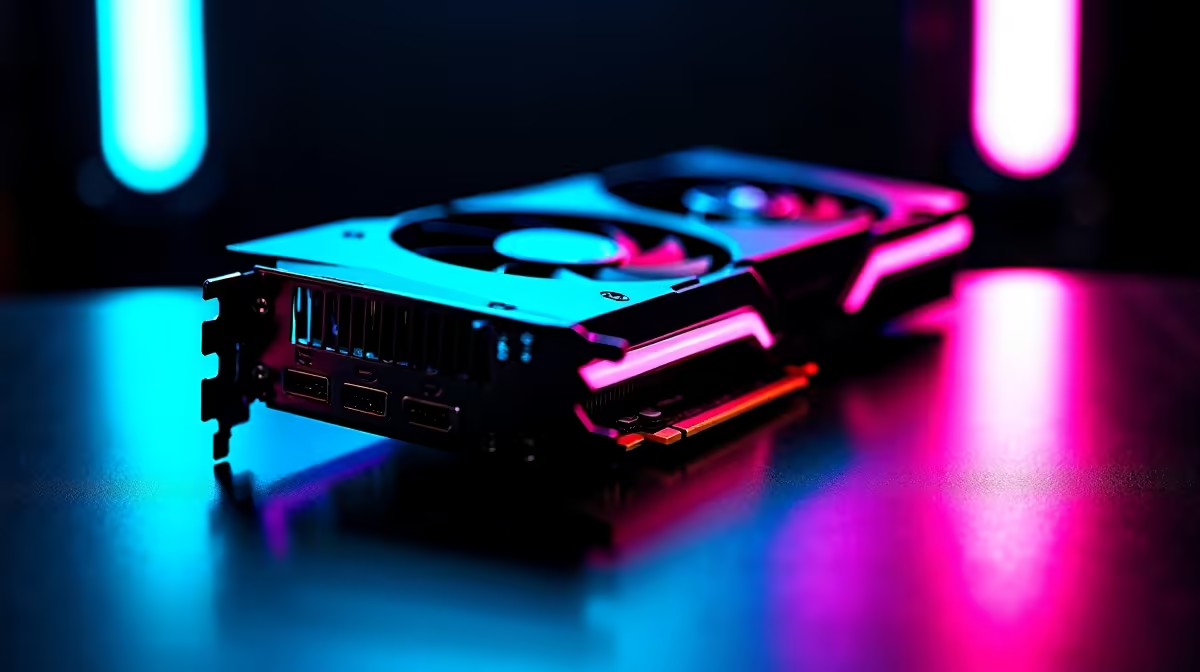
You finally got your hands on the ultimate GPU. You slot it in, hit the power button, and... nothing. A blank screen or a motherboard error code stares back at you. Dealing with an RTX 5080 BIOS not detecting issue is incredibly frustrating for any South African gamer. But do not panic just yet. Let us walk through the exact steps to get your new beast running.
First things first... check the physical connections. The RTX 5080 is a massive, power-hungry card. Ensure it is seated firmly in the top PCIe slot. You should hear a distinct click.
Next, check the 12VHPWR cable. If it is loose, your motherboard will not recognise the card. We see this often when gamers upgrade to premium graphics cards. If you are using an older power supply, you might need an adapter. Sometimes, avoiding this cable hassle is exactly why many buyers prefer our pre-built desktop setups where everything is wired and tested beforehand.
If the hardware is secure but you are still facing the RTX 5080 BIOS not detecting error, your motherboard firmware might be outdated. Newer GPUs require the latest PCIe protocols to communicate properly.
Grab a flash drive and download the newest BIOS version from your motherboard manufacturer's website. Flash the update using the built-in utility. This simple step fixes hardware detection issues in most custom gaming rigs.
If your screen stays black, plug your HDMI or DisplayPort cable directly into the motherboard to access the BIOS using your CPU integrated graphics. Once updated, switch the cable back to your RTX 5080.
Sometimes the motherboard defaults to an older PCIe generation. While in the BIOS, navigate to the advanced PCIe configuration. Manually set your primary slot to Gen 4 or Gen 5 rather than leaving it on 'Auto'. Save your settings and exit.
If you are tired of desktop troubleshooting, you could always switch to portable power. Modern high-performance gaming laptops offer incredible plug-and-play convenience without the hardware tinkering.
Still, getting your desktop working is worth the effort. If your current power supply is simply too weak to wake the card up, it might be time to browse our tech specials for a beefy ATX 3.0 PSU to feed that beast.
Need a Guaranteed Plug-and-Play Experience? Troubleshooting hardware is not for everyone. If you want next-generation graphics without the setup headaches, let our experts handle the build. Explore our epic gaming PC specials and get a rig that is stress-tested, fully updated, and ready to dominate right out of the box.
RTX 5080 BIOS Not Detecting: Solutions available at Evetech.co.za with local warranty and fast delivery.
RTX 5080 BIOS Not Detecting: Solutions - check Evetech for latest stock and SA pricing.
Depends on your use case. RTX 5080 BIOS Not Detecting: S offers good value at current Rand pricing.
Core i9-14900K for Office Productivity. Real-world benchmark data, FPS numbers & performance analysis. What SA gamers can actually expect.
Read more
Silent RAM Options for Quiet Gaming. Curated for style and function. Clean builds that perform well without noise or clutter.
Read more
Apex Legends Performance on Mid-Range Gaming PC. Real-world benchmark data, FPS numbers & performance analysis. What SA gamers can actually expect.
Read more
MSI Laptop: Performance. Real-world benchmark data, FPS numbers & performance analysis. What SA gamers can actually expect.
Read more
PSVR2 : Where to Buy & Current Price. SA-focused analysis with local pricing data, real-world insights & actionable buying advice.
Read more
Noctua AIO Liquid Cooler: Asetek G8 V2 Pump,. SA-focused analysis with local pricing data, real-world insights & actionable buying advice.
Read more
AMD RX 9050 XT: Rumoured Specs, Price & Release. SA-focused analysis with local pricing data, real-world insights & actionable buying advice.

Can RTX 4080 Super Run AI Workloads for SA Developers Detailed answer with SA data, expert analysis & practical recommendations for local buyers.

Can RTX 4090 Run AI Workloads for SA Developers Detailed answer with SA data, expert analysis & practical recommendations for local buyers.

Top Settings for Intel Arc B580 at Ultrawide 1440p picks evaluated on performance, value & SA availability with current Rand pricing from Evetech.

RTX 4060 CS2 Low Settings at 1080p: FPS Results. Real-world benchmark data, FPS numbers & performance analysis. What SA gamers can actually expect.

Visual Artifacts: Possible GPU Issue Issue #1. Diagnosis steps, proven fixes & when to seek professional help. SA-specific support info included.

Can the RTX 4090 Handle 1440p 144Hz Gaming. Performance testing verdict with real data & practical recommendations for SA buyers.

Top ASUS GPU Under R15000 picks evaluated on performance, value & SA availability with current Rand pricing from Evetech.

GTA 6 Max Settings on RTX 5070. Tested & verified settings for best FPS and visual quality on SA hardware budgets.

Cyberpunk 2077 Max Settings on RTX 5080. Tested & verified settings for best FPS and visual quality on SA hardware budgets.

Starfield Max Settings on RTX 5070 Ti. Tested & verified settings for best FPS and visual quality on SA hardware budgets.

Top RTX 5090 Under R5000 picks evaluated on performance, value & SA availability with current Rand pricing from Evetech.