

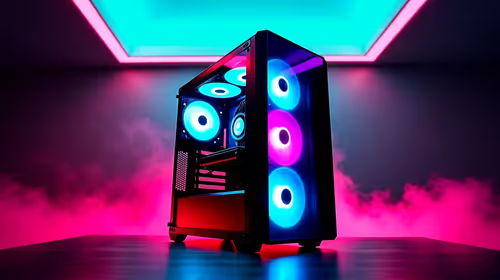
Is gaming PC Overkill for 1080p Gaming?
Is gaming PC Overkill for 1080p Gaming Detailed answer with SA data, expert analysis & practical recommendations for local buyers.
Read moreRTX 5080 Running Below Expected FPS: Diagnosis. Real-world benchmark data, FPS numbers & performance analysis. What SA gamers can actually expect.
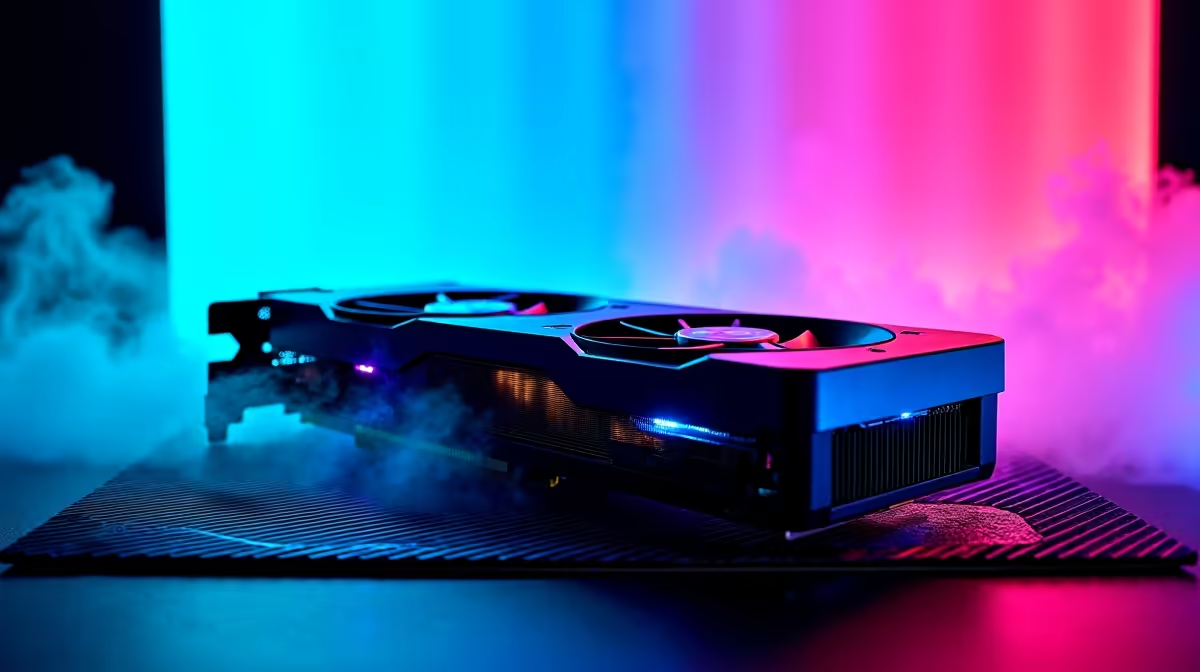
You finally dropped serious ZAR on NVIDIA's latest flagship. But instead of silky-smooth 4K gameplay, your RTX 5080 running below expected FPS is ruining the vibe. It is a nightmare for any South African gamer. Before you panic and blame the hardware, let us look at the most common culprits. Often, a few simple tweaks can restore your frame rates to their rightful glory.
When a top-tier GPU underperforms, the issue rarely lies with the card itself. The RTX 5080 is a monster. It demands a balanced system to stretch its legs. If you pair it with an ageing processor, you will face severe CPU bottlenecking. The CPU simply cannot feed data to the GPU fast enough. If your rig is outdated, browsing the best gaming PC deals might be easier than upgrading a single part.
Next up is power delivery. The RTX 5080 draws serious wattage. If your power supply unit is struggling, the card will throttle its performance. Always ensure you have a high-quality ATX 3.0 power supply. Thermals are just as critical. South African summers can turn a poorly ventilated chassis into an oven. Need better cooling or a beefier PSU? Keep an eye on our component specials to save some hard-earned Rand.
Always use Display Driver Uninstaller (DDU) in Safe Mode before installing new GPU drivers. Leftover files from your old card can cause severe frame drops and stuttering on your new RTX 5080.
Are you sure your card is seated in the correct slot? It sounds basic, but placing your GPU in a secondary PCIe slot cuts bandwidth. Always use the top PCIe x16 slot closest to your CPU. You should also jump into your BIOS. Ensure Resizable BAR is enabled. This allows your CPU to access the entire GPU frame buffer at once. Does BIOS tweaking sound terrifying? Looking at professionally assembled pre-built PC deals takes the guesswork out of system configuration.
Sometimes Windows is the enemy. Background apps or unoptimised game settings can tank your performance. Make sure your Windows power plan is set to High Performance. Tired of fighting desktop hardware issues? Modern gaming laptops now offer incredible desktop-class performance without the troubleshooting headaches.
If you checked your thermals and cleared out software bloat, your system should fly. The RTX 5080 is designed to dominate 4K gaming and heavy rendering tasks. Are you still building your dream rig? Explore our massive selection of premium graphics cards and matching components to avoid bottlenecks.
Ready to Build the Ultimate Rig? If your current setup is holding back your new GPU, it might be time for a full system overhaul. Explore our latest Evetech desktop upgrades and find the perfect components to unleash your true gaming potential.
RTX 5080 Running Below Expected FPS: Dia available at Evetech.co.za with local warranty and fast delivery.
RTX 5080 Running Below Expected FPS: Dia - check Evetech for latest stock and SA pricing.
Depends on your use case. RTX 5080 Running Below Expecte offers good value at current Rand pricing.
Is gaming PC Overkill for 1080p Gaming Detailed answer with SA data, expert analysis & practical recommendations for local buyers.
Read more
Corsair Mouse Prices Across : Q3. Current stock data & price tracking for SA buyers. See what is available and where prices are heading.
Read more
AMD Keyboard Prices Across : Q1. Current stock data & price tracking for SA buyers. See what is available and where prices are heading.
Read more
GPU Availability Watch: September. Current stock data & price tracking for SA buyers. See what is available and where prices are heading.
Read more
ultrawide monitor Performance Drops After Update:. Real-world benchmark data, FPS numbers & performance analysis. What SA gamers can actually expect.
Read more
Headset Stock Levels in Port Elizabeth: October. Current stock data & price tracking for SA buyers. See what is available and where prices are heading.
Read more
MacBook Pro for Machine Learning in 2026: Can Apple Silicon Compete Detailed answer with SA data, expert analysis & practical recommendations for local buyers.

Choose the Right SATA SSD for machine learning. Step-by-step instructions with SA-specific tips, common pitfalls to avoid & expert recommendations.

Overwatch 2 Competitive Settings Servers. Tested & verified settings for best FPS and visual quality on SA hardware budgets.

League of Legends Settings for 144Hz Gaming. Tested & verified settings for best FPS and visual quality on SA hardware budgets.

Every AMD CPU Ranked for Gaming: Tier List. SA-focused analysis with local pricing data, real-world insights & actionable buying advice.

Easter Family Bundles: Monitors. Hand-picked gift ideas at every budget tier. SA pricing & Evetech availability included.

Ryzen 7 9800X3D Running 100 Degrees: Cooler. Diagnosis steps, proven fixes & when to seek professional help. SA-specific support info included.

Most Affordable Laptops : Starting from R8,000. Full parts list, Rand pricing & expected performance. Build confidently with SA-available components.

HBADA Chairs : Range and Pricing. Complete product range with SA pricing, key specs & recommendations for different budgets.

Ryzen 7 9800X3D for Music Production: Performance. Real-world benchmark data, FPS numbers & performance analysis. What SA gamers can actually expect.

Winter Cooling Management: Headsets. SA-focused analysis with local pricing data, real-world insights & actionable buying advice.

AKRacing Gaming Chair Range: Which Model Is Right. Complete product range with SA pricing, key specs & recommendations for different budgets.