Quick Answer
For DUT first-years in 2026, the essential tech kit is a Ryzen 5 or Core i5 laptop with 16GB RAM and 512GB SSD, plus a printer-friendly USB hub, decent earphones for online tuts, and a power bank or small UPS for loadshedding. Total spend lands around R12,000 to R18,000 depending on the course.
The Right Laptop for DUT Faculties
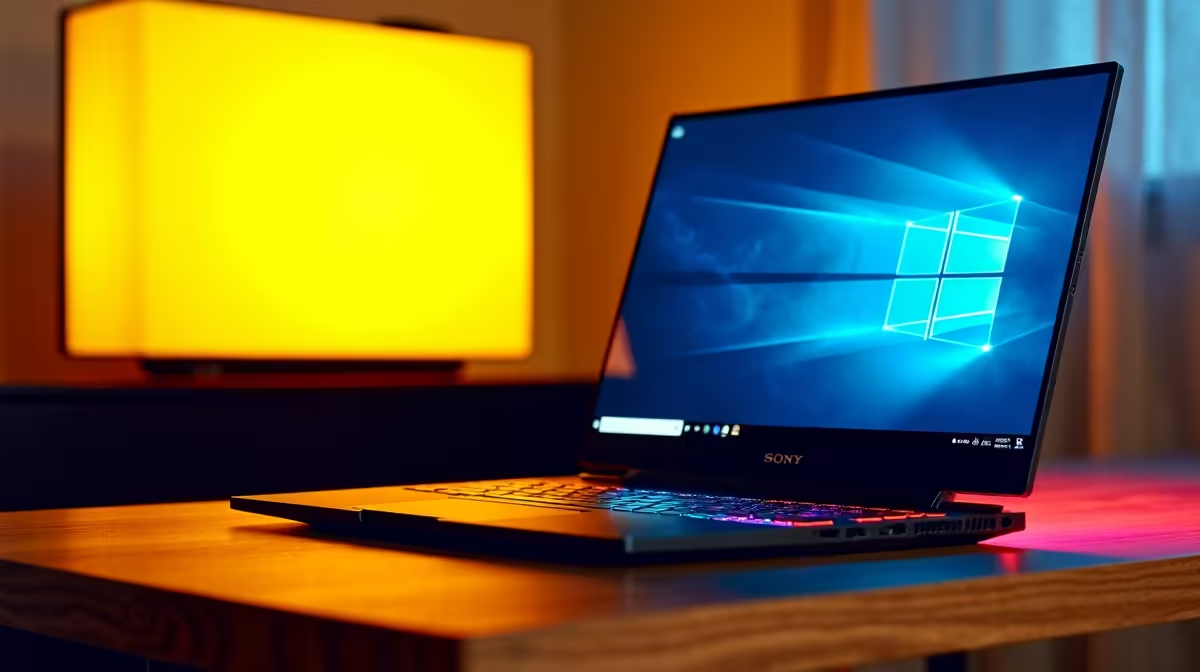
DUT courses range from media studies to engineering and ICT, and the laptop spec scales with the discipline. Business, marketing and humanities students do well with a 14-inch ultrabook, Ryzen 5 7530U or Core i5-1335U, 16GB RAM, 512GB SSD, around R11,000 to R14,000. Engineering, ICT and design students should target 16GB RAM, RTX 3050 or 4050 graphics, and a 15.6-inch FHD display, landing closer to R17,000 to R22,000. NSFAS device allowance covers a meaningful chunk of either tier.
Accessories Every DUT First-Year Should Pack
A wireless mouse (R250 to R500), a USB-C hub with HDMI for projector tutorials (R400 to R900), wired earphones with a mic for online classes (R200 to R600), and a padded backpack big enough for a laptop, textbooks and a water bottle (R500 to R1,200). Add a 16GB or 32GB flash drive for assignment hand-ins on lab PCs.
Loadshedding and Connectivity Survival Kit
DUT campuses across Durban and Pietermaritzburg get hit by Stage 2 to 4 cuts regularly. A 20,000mAh power bank with USB-C PD (R600 to R1,200) keeps the laptop alive for an extra session. For digs and res, a small 600VA UPS (R1,500 to R2,500) protects router and laptop during evening cuts so deadlines don't slip. Pre-load lecture notes offline in OneDrive or Google Drive.
Software and Licences DUT Students Get Free
Microsoft 365 is usually included via the DUT student portal, so don't pay for Office. Adobe Creative Cloud is discounted for design students, and free alternatives like DaVinci Resolve, GIMP and Inkscape cover most needs. Enable BitLocker or FileVault to protect your laptop on campus, and turn on Find My Device before O-Week.
Frequently Asked Questions
What about tech essentials for DUT first-year students?
A solid laptop, basic accessories, loadshedding-aware power kit and free university software licences are the four pillars. Total spend of R12,000 to R18,000 covers most courses, with engineering and design adding R3,000 to R5,000 for a discrete GPU.
How does this affect SA buyers specifically?
SA-relevant factors like NSFAS device allowance, loadshedding power planning, and ZAR pricing shape the kit list more than international guides suggest. Local warranty and same-week delivery to Durban and PMB campuses also make Evetech a practical choice for first-years.
What should SA tech enthusiasts know about DUT first-year setups?
That the laptop should match the faculty workload (ultrabook for business, GPU laptop for engineering or design), and that loadshedding-aware accessories matter as much as raw specs. A power bank and small UPS are non-negotiable for digs life.