



CISA has confirmed active exploitation of CVE-2026-33824, a Windows Internet Key Exchange Service Extensions flaw fixed in April 2026. The safe response is neither panic nor a new PC. Install current Windows security updates, restart, confirm the update succeeded and then review whether UDP ports 500 or 4500 are exposed. That patch-first check costs R0.
Quick Answer
CVE-2026-33824 can allow unauthenticated remote code execution through crafted IKEv2 traffic on an unpatched system. CISA added it to the Known Exploited Vulnerabilities Catalog after evidence of active attacks. Microsoft says the April 2026 update addresses it. Update supported Windows 10, Windows 11 and Windows Server systems before changing firewall rules that may support a real VPN or IPsec connection.
🛡️ Active exploitation changes the priority
The flaw is a double-free memory error in the Windows IKE component. An attacker does not need an account when a vulnerable service is reachable through the relevant network path. CISA's catalog entry means exploitation is observed, not merely theoretical.
That does not mean every home PC is directly exposed. IKE is used for IPsec and some VPN configurations, commonly over UDP ports 500 and 4500. A machine behind a normal router may have less direct exposure than an internet-facing server or gateway. The patch is still the durable fix because network layouts change and a device can later join a different network.
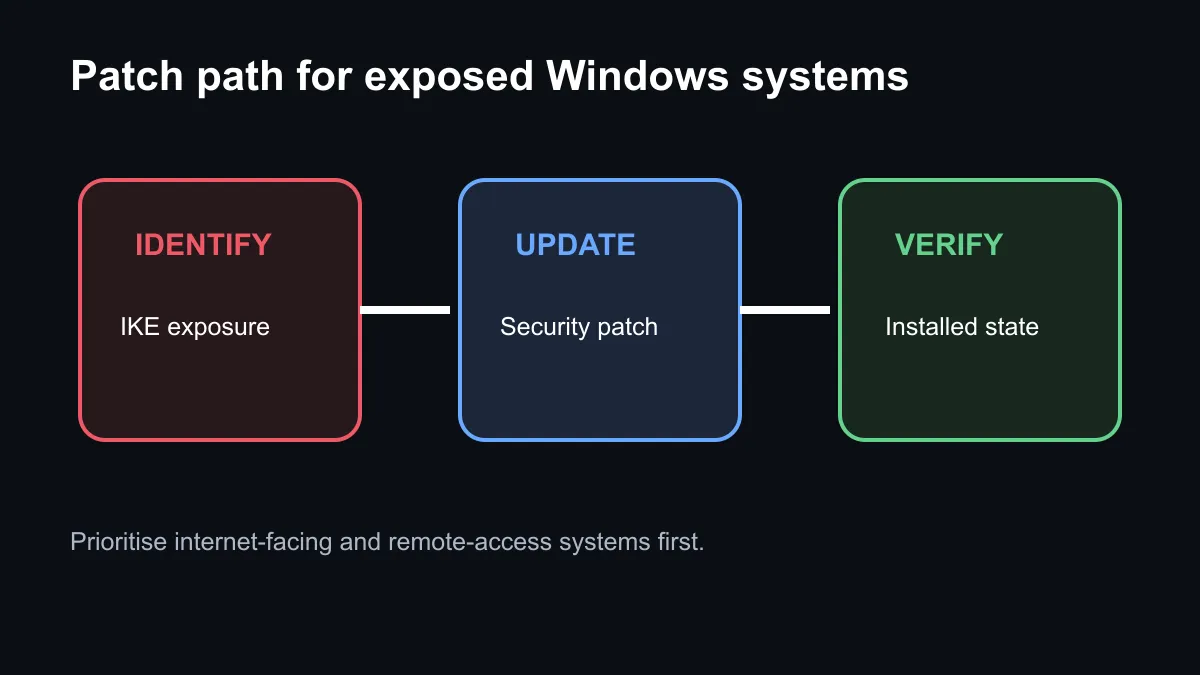
🔄 Patch, restart and verify
Open Windows Update, check for current security updates and install them. Restart even if the interface does not appear urgent. Then return to update history and confirm that the relevant cumulative security update completed successfully. A failed or pending update is not protection.
Microsoft says systems that already installed the April 2026 security update are protected against this CVE. The operating-system category is useful when a machine needs a legitimate supported Windows licence, but replacing a valid installation is not the first response to a patchable vulnerability.
🌐 Review IKE exposure after the update
If IKE or IPsec is not used, an administrator can review whether inbound UDP 500 and 4500 need to be reachable. If those services are required, limit traffic to known peer addresses where the network design permits. Do not copy a blanket block rule onto a business VPN gateway without understanding the effect.
Home users should inspect router port-forwarding rules and remove old entries they no longer recognise or need. The wireless router category can help when hardware is genuinely unsupported, but a current router does not repair an unpatched Windows host.
🧭 Know when hardware is not the answer
A new gaming PC may arrive fully updated, but it also begins a new update cycle. Security depends on keeping the operating system, applications and firmware current after purchase. Buying hardware to avoid one CVE creates cost without fixing the maintenance habit.
For a home or small-office system, the practical order is simple: patch Windows, restart, verify success, check unexpected port forwarding and record any required VPN configuration. For an internet-facing server, add log review and exposure assessment because CISA's active-exploitation flag raises the chance that an unpatched host was probed.
Frequently Asked Questions
Is CVE-2026-33824 actively exploited?
Yes. CISA added it to the Known Exploited Vulnerabilities Catalog based on evidence of active exploitation.
Was the vulnerability already patched?
Yes. Microsoft addressed it in the April 2026 security update release.
Which ports are involved?
IKE commonly uses UDP 500 and 4500. Review them carefully because valid IPsec or VPN services may depend on those ports.
Do I need a new computer?
No. A supported Windows system with the security update installed is the correct first response.
Checking a Windows machine today? Install updates, restart, verify success and review network exposure before spending a rand on replacement hardware.








