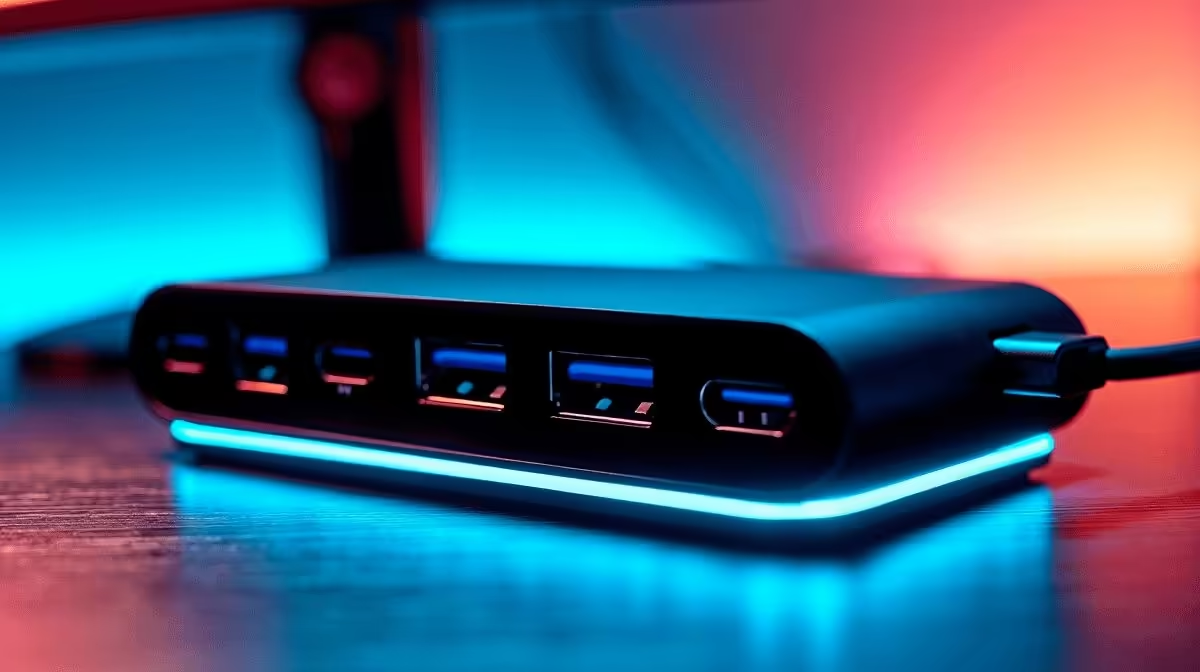
A 100W USB-C hub sits at the top of the consumer Power Delivery range, and for most laptops it delivers enough wattage to hold charge under real working conditions. The question is whether "enough" translates to "fully charged while in use", and the honest answer involves one important caveat about hub overhead.
Quick Answer
Yes, a 100W PD pass-through hub keeps most laptops charged during active use. Hubs consume 5 to 15W for their own internal circuitry, so a 100W adapter connected to such a hub forwards roughly 85 to 95W to the laptop. That range covers the majority of ultrabooks, mainstream notebooks, and many mid-range gaming laptops whose original chargers are rated at 65W to 90W. True high-performance gaming machines with 180W to 240W barrel-plug adapters are the exception; they require their dedicated charger regardless of hub wattage.
🔋 Where the Watts Go: Hub Overhead Explained
Every hub that supports Power Delivery pass-through draws some of the incoming wattage to run its own chips: the USB controller, the video output circuitry, Ethernet logic, and any internal power regulators. This overhead typically falls between 5W and 15W depending on how many ports are active simultaneously. A hub pushing video to an external monitor while running a USB drive and supplying Ethernet sits closer to the 15W end. The remainder flows to the laptop's charging circuit. With a 100W source, that still leaves 85W or more available for the laptop, which is higher than the original charger rating on many thin-and-light machines. The practical result: your battery charges, or at minimum holds its percentage, throughout a full workday.
💻 Which Laptops Actually Benefit from 100W Pass-Through
Laptops with original chargers rated at 45W to 65W (most ultrabooks, Chromebooks, and student machines) get the clearest benefit: 85W delivered is a large surplus over their charging requirement, so even under CPU load the battery tops up steadily. Laptops rated at 90W (some MacBook Pro models, mid-range Windows notebooks) sit right in the comfortable range; 85 to 95W from the hub is adequate for sustained use. Machines in the 100W to 135W bracket, such as some creator laptops or entry-level gaming notebooks, may see slower charge rates or a gradual battery draw under sustained peak load, though they still charge when the machine is idle or at moderate workloads. The machines that 100W pass-through cannot adequately serve are dedicated gaming laptops with 180W to 240W adapters; those require a separate barrel-plug charger regardless of hub specification.
🖥️ Getting Full Value from a 100W Hub
To use a 100W pass-through hub correctly, plug a wall adapter rated at 90W or 100W into the hub's PD-in port rather than a lower-rated adapter. The hub can only pass what it receives; an 18W phone charger into the PD-in port will not feed 100W to your laptop regardless of the hub's rating. Most higher-capacity hubs ship without a wall adapter, so confirm your existing adapter matches the wattage or factor in purchasing one. Beyond charging, a 100W-rated hub typically includes the full port suite: HDMI 2.0, USB 3.2 data ports, Gigabit Ethernet, and card readers, making it a complete desk solution rather than just a charging relay. For SA users running fibre and an external monitor, the single-cable connection that this tier of hub provides is the practical goal.
Frequently Asked Questions
Will a 100W hub keep my gaming laptop charged during a gaming session?
It depends on the laptop's power requirement. Most mid-range gaming laptops draw 90 to 120W under gaming load. A 100W hub delivering roughly 85W may not fully cover that, resulting in a slow battery drain during intensive gaming. For gaming use, a dedicated high-wattage charger is the correct solution; the hub is better suited to productivity workloads on the same machine.
Can I connect any 100W USB-C charger to a 100W hub?
Yes, provided the adapter uses USB-C PD output and is rated at 100W. The hub negotiates the wattage via the Power Delivery protocol. A USB-C adapter that tops out at 65W will supply only 65W, leaving the hub less overhead to forward.
Does hub overhead increase when more ports are in use?
Yes, moderately. Running video output, a USB drive, and Ethernet simultaneously draws more from the hub's internal circuitry than using just one port. In most cases the increase is small (a few watts), but if precise charging margins matter, fewer simultaneous connections reduce overhead.
Is a 100W hub safe for a laptop that only needs 45W?
Completely safe. The Power Delivery protocol negotiates the correct wattage for each device; the hub will not push 100W into a laptop that requires 45W. The extra capacity simply goes unused, which has no negative effect on the laptop or its battery.
What should I look for beyond wattage when buying a 100W hub?
Confirm the hub's HDMI or DisplayPort version for your display resolution, the USB data speed tier on each port, and whether Ethernet is Gigabit or slower. A hub rated at 100W PD but with HDMI 1.4 or USB 2.0 data ports has a strong power spec paired with weaker connectivity; balance the full feature set against your needs.
Ready to cut your cables down to one?
Explore Evetech's range of high-wattage USB-C hubs and docking stations built to charge, connect, and display all from a single port.