


RTX 4060 Ti Throttling Under Load: SA Temperature Guide
RTX 4060 Ti Throttling Under Load: Temperature. Everything you need to know with SA pricing, step-by-step instructions & expert recommendations.
Read moreChoosing between 1080p 30fps and 720p 60fps webcams? Discover which resolution and frame rate balance offers the best visual quality for your live streams. 🎥 Boost your content clarity today! 🚀
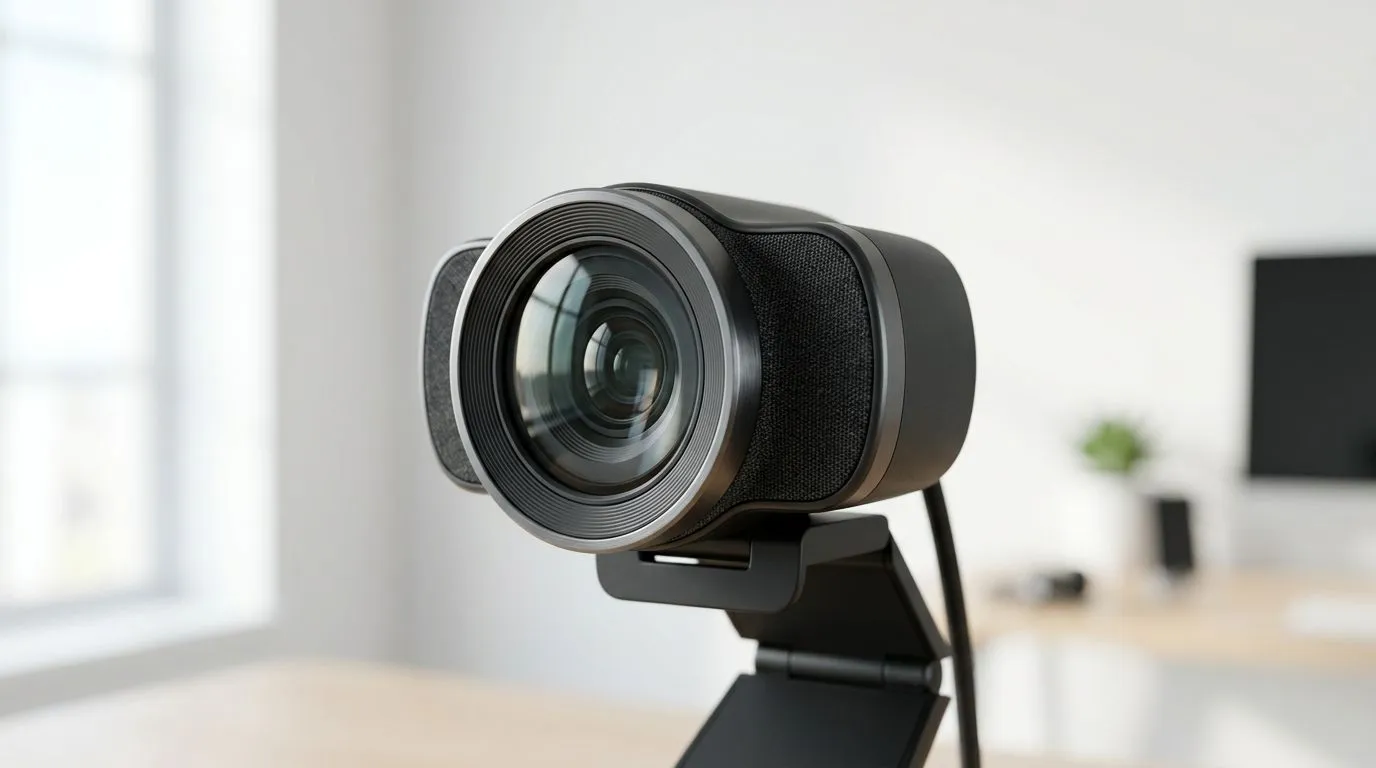
South African streamers know the struggle… your PC is already juggling games, Discord, OBS, and browser tabs. Then you add a webcam that looks smooth in one meeting and choppy in your next stream. So, is it better to chase 1080p clarity or prioritise frame rate?
If you stream, your viewers don’t just notice sharpness… they notice motion. A slightly softer image at higher frame rate often feels more “alive” on a live stream. Let’s break it down properly for real-world streaming setups. 🚀
Resolution (720p vs 1080p) controls how detailed your image looks when you’re still. Frame rate controls how smoothly your movement plays.
Here’s the practical takeaway for streaming:
Most webcams you’ll see marketed will advertise both resolution and FPS. The “best” choice usually depends on your streaming target:
For streaming quality, motion smoothness matters because your audience watches while looking for cues. A choppy facecam makes it harder to follow your expressions.
In general, many people aim for 30 fps for a natural look. Some webcams offer higher options, but the rest of your setup also needs to keep up: USB bandwidth, your CPU/GPU encoding load, and your internet upload speed.
Why FPS can be a bigger deal than resolution:
And on many South African connections, upload bandwidth is often the real bottleneck. If your upload is tight, your stream may downscale or re-compress more aggressively. In that case, smooth motion at a lower effective clarity can feel better.
What to check before buying: look for webcam specs and make sure you’re not stuck with a low FPS at your chosen resolution.
You don’t need a fancy setup. Start with these habits:
If you notice micro-stutter, try lowering resolution first, then confirm FPS remains stable.
On OBS, lock your facecam source to a consistent FPS (usually 30 fps). Then avoid changing resolution mid-stream. Viewers notice flicker and timing issues more than raw sharpness, especially during fast movement like reacting to plays in-game.
Buying in South Africa usually means you’re balancing performance with affordability. The good news? You can find webcams that handle streaming needs without paying a premium.
If you want options and current stock, browse Evetech’s webcam range here:
And if you’d rather compare the full lineup without a hard limit, start here: browse the complete webcam selection ✨
Ask yourself these questions:
A simple rule that works for many streamers:
Think of the last time you watched a stream and thought: “Why does the streamer’s face look like it’s skipping?” Most of the time it wasn’t the “1080p vs 720p” debate… it was frame rate and encoding stability. Once the stream felt smoother, the whole vibe improved, even if the image wasn’t razor-sharp.
That’s why, for many South African streamers on typical upload conditions, FPS often wins.
If your goal is streaming, choose the webcam that offers stable FPS at the resolution you’ll actually use. 1080p matters most when your connection and encoding can handle it without sacrificing smoothness.
If you’re unsure, start at 720p with a solid FPS target, then upgrade resolution only when your stream stays consistent.
Ready to Find Your Perfect Match? The Mac vs Windows debate is complex, but for maximum power, choice, and value in South Africa, Windows is hard to beat. Explore our massive range of laptop specials and find the perfect machine to conquer your world.
It depends on your content. 1080p 30fps offers superior image sharpness for static shots, while 720p 60fps provides smoother motion, ideal for fast-paced gaming.
Yes, streaming at 60fps requires a higher bitrate to maintain visual quality compared to 30fps, which may impact your internet upload speed requirements.
Blurriness is often caused by poor lighting or low bitrate settings in your streaming software, rather than the resolution itself.
Prioritize resolution if you do talking-head videos. Prioritize a higher frame rate if you play high-motion games where smooth movement is critical.
While 1080p is the current standard, lighting and camera angle often matter more than raw resolution for achieving a professional look.
Most streamers prefer 1080p 30fps as it provides a crisp image that fits well within standard overlay layouts on Twitch.
RTX 4060 Ti Throttling Under Load: Temperature. Everything you need to know with SA pricing, step-by-step instructions & expert recommendations.
Read more
Apex Legends Max Settings on RTX 4080. Tested & verified settings for best FPS and visual quality on SA hardware budgets.
Read more
GPU Buying Guide. Everything you need to know with SA pricing, step-by-step instructions & expert recommendations.
Read more
GPU Terms Guide. Everything you need to know with SA pricing, step-by-step instructions & expert recommendations.
Read more
AMD Adrenalin Download & Setup Guide: GPU. Clear setup instructions with SA-specific considerations, troubleshooting tips & recommended components.
Read more
Back-to-School GPU Buying Guide. Everything you need to know with SA pricing, step-by-step instructions & expert recommendations.
Read more
Can RTX 4080 Super Run AI Workloads for SA Developers Detailed answer with SA data, expert analysis & practical recommendations for local buyers.

Can RTX 4090 Run AI Workloads for SA Developers Detailed answer with SA data, expert analysis & practical recommendations for local buyers.

Top Settings for Intel Arc B580 at Ultrawide 1440p picks evaluated on performance, value & SA availability with current Rand pricing from Evetech.

RX 7600 Overclocking Guide: Safe OC Settings for. Real-world benchmark data, FPS numbers & performance analysis. What SA gamers can actually expect.

RTX 4060 CS2 Low Settings at 1080p: FPS Results. Real-world benchmark data, FPS numbers & performance analysis. What SA gamers can actually expect.

Visual Artifacts: Possible GPU Issue Issue #1. Diagnosis steps, proven fixes & when to seek professional help. SA-specific support info included.

Can the RTX 4090 Handle 1440p 144Hz Gaming. Performance testing verdict with real data & practical recommendations for SA buyers.

Top ASUS GPU Under R15000 picks evaluated on performance, value & SA availability with current Rand pricing from Evetech.
RTX 4060 Ti Throttling Under Load: Temperature. Everything you need to know with SA pricing, step-by-step instructions & expert recommendations.
Apex Legends Max Settings on RTX 4080. Tested & verified settings for best FPS and visual quality on SA hardware budgets.
GPU Buying Guide. Everything you need to know with SA pricing, step-by-step instructions & expert recommendations.
GPU Terms Guide. Everything you need to know with SA pricing, step-by-step instructions & expert recommendations.