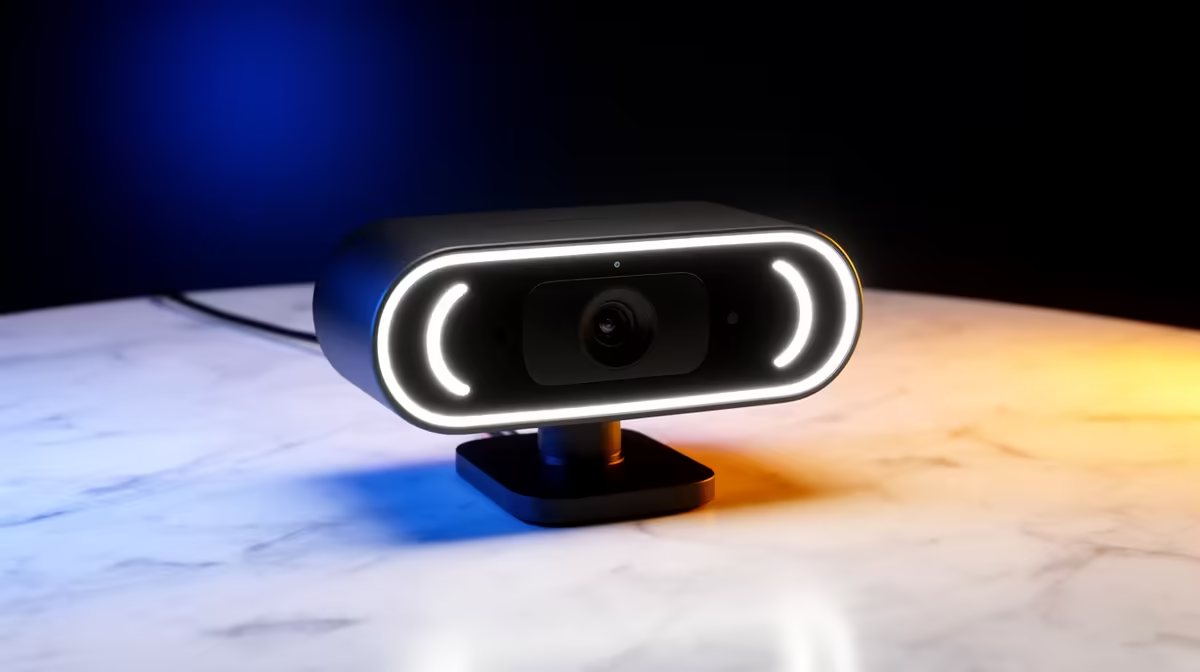
The Logitech Brio 100 FHD at R458 is the best 1080p pick here for a student or beginner learning to code who wants a clear webcam without spending much of a larger setup budget.
Best 1080p webcam pick
The Logitech Brio 100 FHD R458 makes the most sense because FHD is the exact class you are asking for, and the price leaves more room for the rest of the desk setup. For online classes, coding calls, portfolio walkthroughs, and mentor sessions, FHD is a practical baseline because faces, gestures, and screen-side explanations look cleaner than basic HD.
The Logitech C270 HD R252 is the budget fallback. It is HD rather than FHD, so it is better for quick check-ins, voice-first meetings, and occasional video than for a setup where camera quality matters every week. At R252, it is still useful if the priority is keeping the accessory spend very low.
The NearStream V08AF 4K R678 is the sharper option if you want extra detail for recorded explainers or creator-style desk videos. Its 4K spec gives more headroom than the Logitech Brio 100 FHD R458, but for straightforward study calls the Brio 100 is the cleaner value choice.
Student desk setup in SA
On a student desk, the Logitech Brio 100 FHD R458 is the balanced choice because it gives a proper FHD camera without turning a practical workstation into an accessory-heavy build. Pair it with decent lighting from the front and keep it at eye level so video calls look more professional.
Ready to choose the right webcam?
Use Logitech Brio 100 FHD at R458 as the webcam shortlist benchmark, then check whether its listed spec matches the space, workload, and upgrade path.