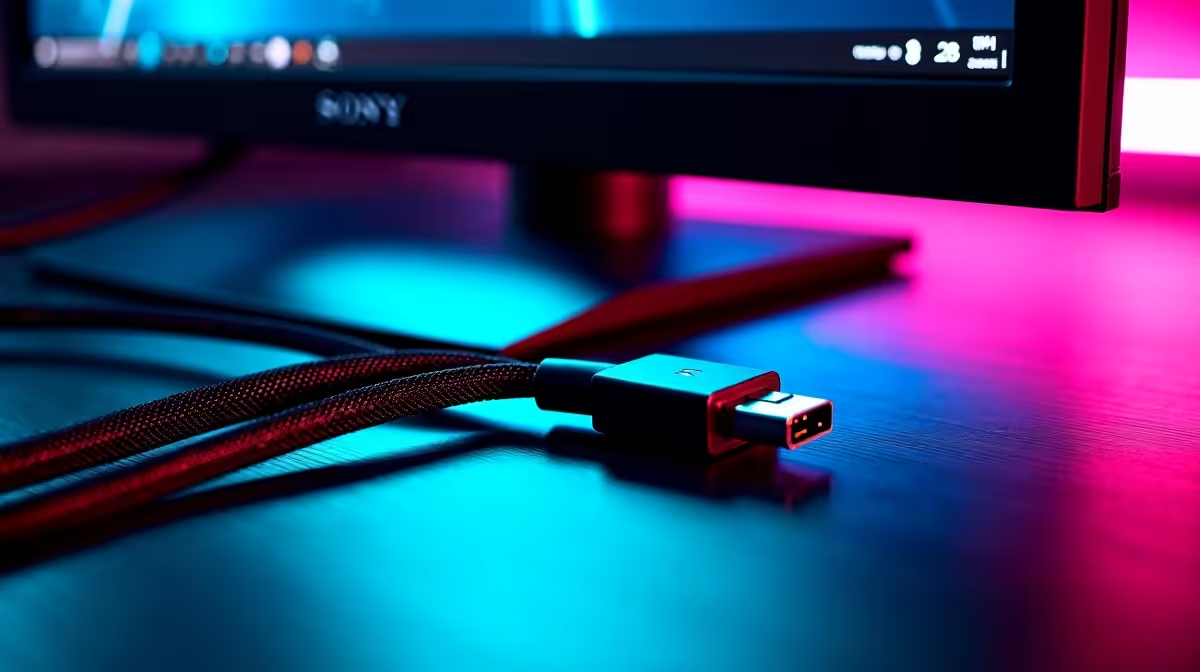
So, you've just dropped some serious ZAR on a lightning-fast 240Hz monitor, ready to dominate in Apex or Valorant. You plug it in, boot up... and the gameplay feels choppy. What gives? Before you blame your GPU, look at the humble wire connecting it. The right 240Hz monitor cable isn't just an accessory; it's the crucial link that unlocks the buttery-smooth performance you paid for. Let's get you sorted. ⚡
Why Your Cable is a Bottleneck
Think of your display cable as a highway. A 240Hz refresh rate at 1080p or 1440p is like a massive rush hour—it needs a lot of lanes (bandwidth) to move all that visual data without a traffic jam. An older or lower-spec cable is a single-lane road, causing data pile-ups. This results in screen tearing, flickering, or your PC defaulting to a much lower refresh rate like 120Hz or even 60Hz.
To get every single frame, you need a cable specifically designed for that high-speed data transfer. The correct 240Hz monitor cable ensures your GPU's hard work actually reaches your screen.
DisplayPort vs. HDMI: The 240Hz Cable Showdown
When you're aiming for ultra-high refresh rates, not all ports are created equal. For PC gamers, one clear winner emerges for reliability and features.
DisplayPort: The PC Gamer's Choice 🚀
For years, DisplayPort has been the gold standard for high-performance PC gaming. Why? It consistently offers more bandwidth than its HDMI counterparts at the same generation.
Specifically, you need a DisplayPort 1.4 cable. This version has more than enough bandwidth to handle 240Hz at 1440p, and it fully supports essential gaming technologies like NVIDIA G-Sync and AMD FreeSync Premium. These features synchronise your monitor's refresh rate with your GPU's frame output, eliminating tearing for a flawless experience. Most modern gaming graphics cards and monitors come standard with this port, making a quality DisplayPort cable the most reliable choice from our comprehensive cable solutions.
Can HDMI Keep Up?
Technically, yes... sometimes. An HDMI 2.1 cable has the bandwidth for 240Hz, but support is less consistent across devices than DisplayPort. It's more common in the console world (PS5, Xbox Series X) and on high-end TVs. While some newer gaming monitors and GPUs feature HDMI 2.1, many still use the older HDMI 2.0 standard, which typically tops out at 144Hz at 1080p. Unless you are certain both your monitor and GPU have HDMI 2.1 ports, sticking with DisplayPort is the safer bet. You can find excellent, certified options from trusted brands like GIZZU.
Check the Box! 🔧
Most quality 240Hz monitors actually ship with the correct DisplayPort cable included. Before you buy a new one, double-check the box your monitor came in. If it’s missing or you need a longer one, then it's time to shop.
Common Mistakes That Cost You Frames
Getting the right cable is half the battle; avoiding common pitfalls is the other. We see these mistakes all the time:
- Reusing an Old Cable: That dusty HDMI or DisplayPort cable from your old 60Hz setup probably isn't up to spec. It might look the same, but internally it lacks the shielding and wiring to handle the 240Hz signal.
- Buying "Too Cheap": A R50 no-name cable from the local market might seem like a bargain, but it's likely uncertified and will fail to deliver the promised performance. Investing in a reliable brand like Promate ensures you get what you pay for.
- Ignoring Cable Length: Extremely long cables (over 3 metres) can sometimes suffer from signal degradation. For a desktop setup, a 1.8m or 2m cable is the sweet spot for performance and convenience.
Choosing the right display cable for your 240Hz monitor is a small step that makes a massive difference to your gaming experience. ✨
Get the Right Cable, Unleash Full Power
Don't let a cheap cable bottleneck your high-end gaming rig. Secure the buttery-smooth frames you paid for with a high-quality display cable from top brands like HP at Evetech and leave lag in the dust.