Finding the Sweet Spot for Your Daily Workflow
Choosing a new screen in South Africa often feels like a balancing act between your budget and your eyesight. You’ve likely seen those tempting deals on a 27-inch 1080p monitor and wondered: is it sharp enough for docs, spreadsheets, and online learning? Or will the text look like a collection of blurry Lego bricks? Let’s dive into whether this popular size makes sense for your desk. 🚀
Understanding Pixel Density for Productivity
When you stretch a 1920 x 1080 resolution across a 27-inch canvas, the pixels become larger than they are on a standard 24-inch model. This measurement is called Pixels Per Inch (PPI). For many South African students and office workers, a 27-inch 1080p screen offers a "larger than life" view that helps with eye strain, even if the text isn't quite as crisp as a 4K display.
If you are browsing the full range of PC monitors at Evetech, you will notice that this size is a massive favourite for those who want more screen real estate without the heavy price tag of higher resolutions.
Is 1080p Sharp Enough for Spreadsheets and Docs?
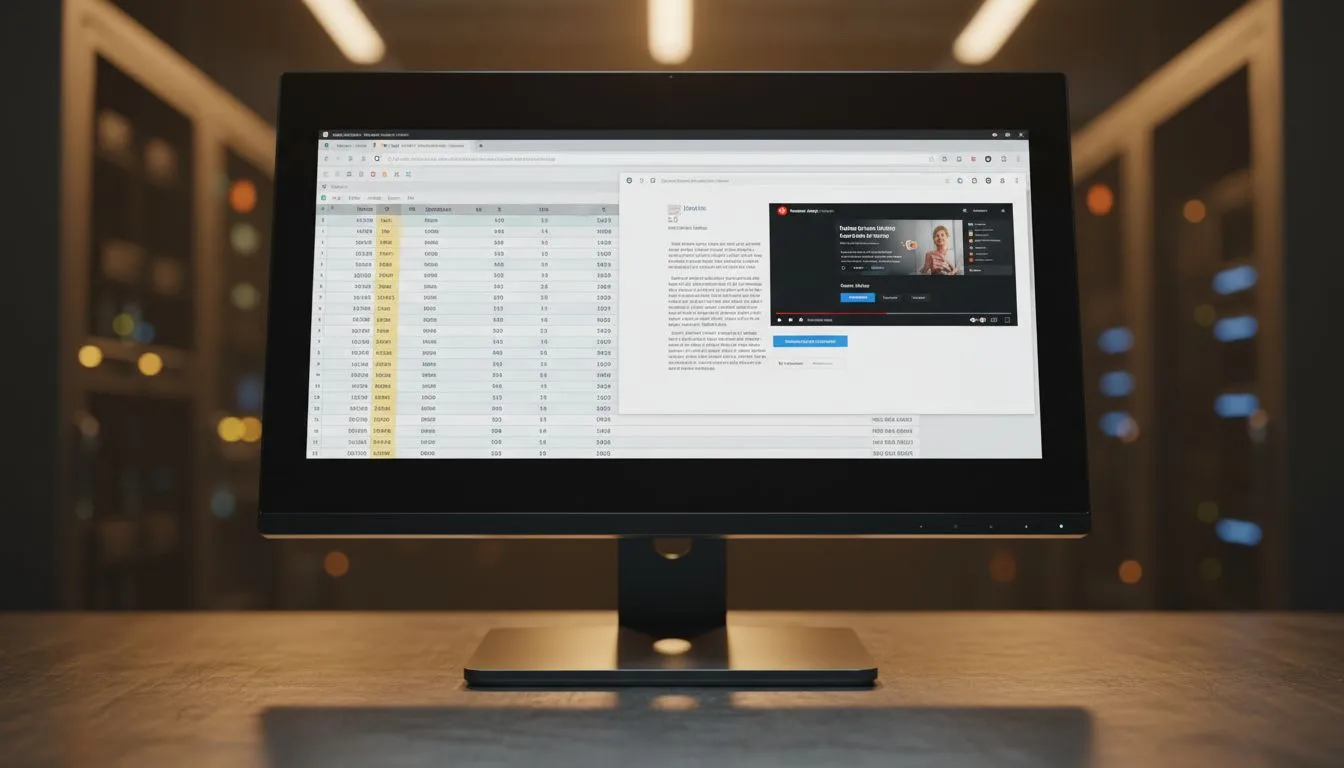
For heavy Excel users, the extra physical space of a 27-inch panel allows you to increase the UI scaling or simply enjoy larger cells. While the individual pixels might be visible if you sit very close to the screen, most users find that sitting about an arm's length away makes the image appear perfectly clear.
If you prefer a traditional look, flat panel designs are excellent for ensuring that your straight lines in spreadsheets stay perfectly straight. However, some users find that curved monitors at this size help wrap the data around their field of vision, making long hours of online learning feel less fatiguing. ✨
Readability Pro Tip ⚡
If you find text looks slightly fuzzy on a 27-inch 1080p screen, try enabling 'ClearType' in your Windows settings. This built-in tool calibrates your monitor to ensure fonts are as sharp and legible as possible for your specific eyes.
Colour Accuracy and Viewing Angles
For students attending online lectures or professionals creating presentations, colour consistency is vital. Choosing a screen with IPS panel technology ensures that your documents and videos look the same from every angle. This is particularly helpful when sharing your screen with a colleague or parent during a study session.
Smooth Performance Beyond the Office
While your primary focus might be docs and spreadsheets, most of us use our PCs for a bit of entertainment after hours. To keep your experience fluid, look for screens featuring Adaptive Sync technology. This prevents screen tearing during video playback or light gaming.
Depending on your graphics card, you might want to look specifically for AMD FreeSync support or ensure the monitor is NVIDIA G-Sync compatible. These features ensure that whether you are scrolling through a 50-page PDF or watching a tutorial, the motion remains buttery smooth. 🔧
The Verdict: Value Meets Functionality
Is a 27-inch 1080p monitor sharp enough for docs, spreadsheets, and online learning? For the vast majority of South Africans looking for a budget-friendly upgrade, the answer is a resounding yes. It provides a comfortable, large viewing area that makes multitasking easier than a cramped 22-inch or 24-inch alternative. While professional graphic designers might crave more pixels, the average user will appreciate the extra "breathing room" for their apps. ⚡
Ready to Find Your Perfect Match?
Choosing the right monitor is about balancing your workspace needs with your budget. For the best deals on high-quality displays in South Africa, we have you covered. Explore our massive range of monitor specials and find the perfect screen to boost your productivity today.