


AIO Liquid 240mm Setup and Configuration: Complete Tutorial
AIO Liquid 240mm Setup and Configuration. Clear setup instructions with SA-specific considerations, troubleshooting tips & recommended components.
Read more- Compare 2D/3D/4D armrest features - Explain adjustability & benefits - Recommend for gamers and office users 2D vs 3D vs 4D armrests: Quick, clear comparisons plus adjustment tips and buying guidance to improve comfort and posture. 🪑🎮
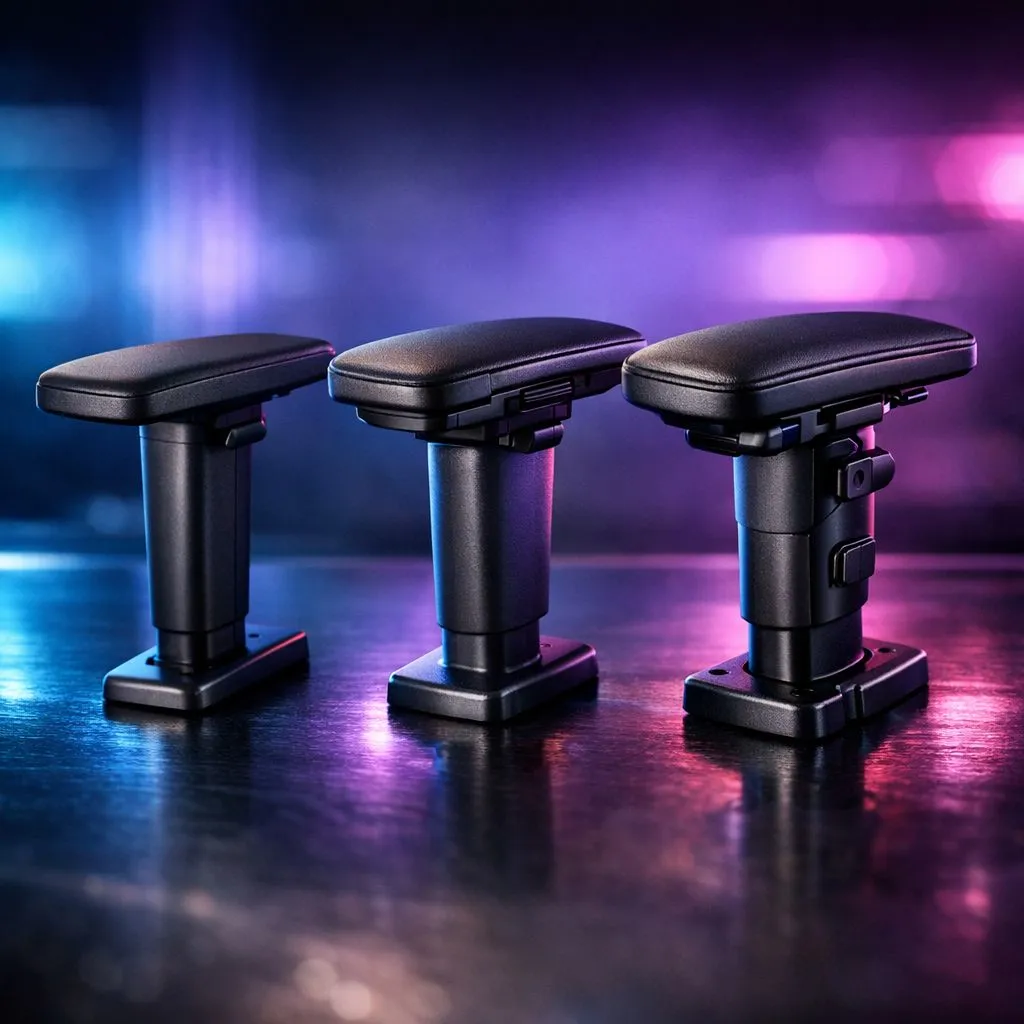
Ever felt that nagging shoulder pain after a long session in Cape Town? It usually starts with your arms. Choosing the right chair isn't just about the bucket seat... it's about the armrests. Understanding 2D vs 3D vs 4D armrests: what's the difference ensures you aren't wasting your hard-earned Rands on a chair that doesn't actually fit your body. 🔧
When browsing for gaming chairs in South Africa, you will likely start with 2D options. These armrests offer two main movements. You can adjust the height to match your desk level. They also allow for rotation. You can angle them inwards while typing or outwards while using a controller.
Many Gamdias gaming chairs feature these reliable 2D setups. They provide the essential support needed to keep your wrists neutral. It is a massive step up from fixed armrests. However... if you sit in unique positions, you might need more.
The "3D" label adds a critical third dimension: depth. You can slide the armrest pads forward or backward. This is vital for South African gamers who prefer sitting close to their monitors. It ensures your elbows are supported without the armrest hitting the edge of your desk.
You will often find this feature on Vertagear gaming chairs. This extra movement helps prevent you from hunching forward. By bringing the support to your elbows, you keep your spine aligned. It makes those marathon sessions much more comfortable. ⚡
If you want the best, 4D is the answer. It includes all previous movements plus width adjustment. You can slide the armrests closer to your torso or further away. This is a lifesaver for different body types. It ensures your arms aren't reaching too far out to find support.
When looking at high-end gaming chairs priced above R5,449, 4D is the standard. Brands like Noblechairs gaming chairs prioritise this level of engineering. It offers a truly bespoke seating experience... tailored exactly to your frame. 🚀
Set your armrest height so your elbows form a 90-degree angle. Your forearms should rest flat on the pads while your wrists remain level with your keyboard. This simple tweak prevents long-term strain and keeps your aim snappy during intense matches.
Ready to Find Your Perfect Match? The 2D vs 3D vs 4D armrests debate is about your personal comfort and budget. For maximum support and value in South Africa, our range has you covered. Explore our massive range of gaming chairs and find the perfect throne to conquer your world.
2D offers basic height and simple pivot; 3D adds depth or angle adjustments; 4D adds lateral slide plus height, depth and pivot for full fit. See armrest types explained.
4D armrests are best for gaming because they fine tune height, forward/back, lateral position and rotation for optimal control and comfort.
Yes. Office chair 4D armrest benefits include better posture, reduced shoulder strain and adaptable positioning for varied desk setups.
Some chairs support aftermarket 4D armrest mounts or full arm replacement. Check compatibility and mounting specs before purchasing an upgrade.
Measure elbow height at your desk, clearance under the desk, and forearm reach. Use ergonomic armrest comparison to match adjustability to your needs.
Yes. Pivoting or rotating armrests let you align wrist and forearm angle, which can reduce shoulder and neck strain—see 3D armrest adjustment guide.
AIO Liquid 240mm Setup and Configuration. Clear setup instructions with SA-specific considerations, troubleshooting tips & recommended components.
Read more
Setting Up DDR5 64GB Kit. Tested & verified settings for best FPS and visual quality on SA hardware budgets.
Read more
Overwatch 2 Setup Guide Gamers. Clear setup instructions with SA-specific considerations, troubleshooting tips & recommended components.
Read more
R and RStudio on Mac: Data Science Setup Guide. Clear setup instructions with SA-specific considerations, troubleshooting tips & recommended components.
Read more
NVIDIA Broadcast Setup with GPU: Streamer Guide. Clear setup instructions with SA-specific considerations, troubleshooting tips & recommended components.
Read more
Core Ultra 7 265K Temperature Guide: Normal Range. Complete product range with SA pricing, key specs & recommendations for different budgets.
Read more
AMD RX 9050 XT: Rumoured Specs, Price & Release. SA-focused analysis with local pricing data, real-world insights & actionable buying advice.

Can RTX 4080 Super Run AI Workloads for SA Developers Detailed answer with SA data, expert analysis & practical recommendations for local buyers.

Can RTX 4090 Run AI Workloads for SA Developers Detailed answer with SA data, expert analysis & practical recommendations for local buyers.

Top Settings for Intel Arc B580 at Ultrawide 1440p picks evaluated on performance, value & SA availability with current Rand pricing from Evetech.

RTX 4060 CS2 Low Settings at 1080p: FPS Results. Real-world benchmark data, FPS numbers & performance analysis. What SA gamers can actually expect.

Visual Artifacts: Possible GPU Issue Issue #1. Diagnosis steps, proven fixes & when to seek professional help. SA-specific support info included.

Can the RTX 4090 Handle 1440p 144Hz Gaming. Performance testing verdict with real data & practical recommendations for SA buyers.

Top ASUS GPU Under R15000 picks evaluated on performance, value & SA availability with current Rand pricing from Evetech.

GTA 6 Max Settings on RTX 5070. Tested & verified settings for best FPS and visual quality on SA hardware budgets.

Cyberpunk 2077 Max Settings on RTX 5080. Tested & verified settings for best FPS and visual quality on SA hardware budgets.

Starfield Max Settings on RTX 5070 Ti. Tested & verified settings for best FPS and visual quality on SA hardware budgets.

Top RTX 5090 Under R5000 picks evaluated on performance, value & SA availability with current Rand pricing from Evetech.