


Complete Guide: Setting Up AIO Liquid 420mm
Setting Up AIO Liquid 420mm. Tested & verified settings for best FPS and visual quality on SA hardware budgets.
Read more2TB hard drive games: Discover how many titles fit, with real examples, AAA vs indie counts, and smart storage tips to maximize your library 🎮💾
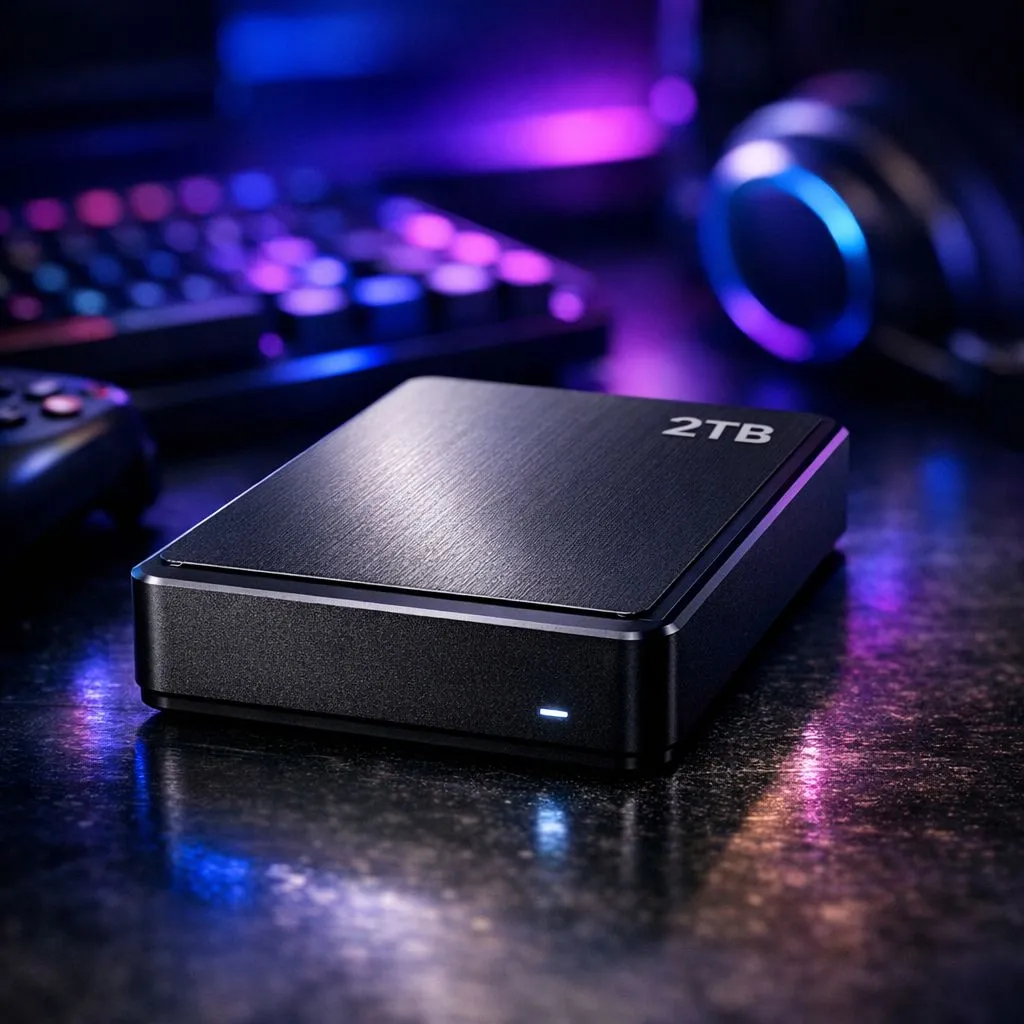
Running out of storage on your gaming rig is a classic South African struggle... especially when our local data costs make redownloading massive files a real headache. If you are looking at 2TB hard drive games capacity, you are likely wondering if that 2000GB will actually survive the next big Steam sale. With modern titles frequently ballooning past 100GB, the math gets tricky very quickly. 🚀
When we talk about how many games fit on a 2TB drive, we have to look at the current landscape of file sizes. A few years ago, a 50GB game was considered massive. Today, titles like Call of Duty or Ark: Survival Evolved can easily swallow 150GB to 250GB once you factor in updates and DLC. If you strictly play these "heavyweight" titles, your 2TB drive might only hold about 8 to 12 games before you hit the red zone.
However, for the average gamer who enjoys a mix of indie titles and mid-sized shooters, the numbers are much friendlier. Most indie games take up less than 5GB. If you balance your library, you could easily fit 40 to 60 games on a high-quality solid state drive without breaking a sweat.
In the South African market, we often see gamers trying to save a few Rands by sticking with old-school mechanical HDDs. While they offer cheap bulk storage, modern gaming demands the speed of an SSD. Loading screens that take minutes on a hard drive are reduced to seconds on an SSD. If you are building a new PC, investing in Western Digital's gaming-grade drives ensures that your system remains snappy and responsive even when the drive is nearly full.
To keep your 2TB drive healthy, try to leave at least 10% of the space empty. SSDs use this "over-provisioning" space to move data around and prolong the life of the drive. If you fill it to 99%, you might notice a significant drop in write speeds and overall system snappiness.
For PlayStation 5 or Xbox Series X owners, internal space is even more precious. Many South Africans opt for a high-performance external SSD to store their back catalogue of last-gen games. This frees up the ultra-fast internal storage for the latest releases. Choosing dedicated external form factor drives allows you to carry your entire library to a friend's house for a LAN night without needing to lug your whole console or PC around. ✨
Reliability is key when you are trusting 2TB of data to a single device. We often recommend reliable ADATA storage solutions because they offer a fantastic balance of price-per-gigabyte and long-term durability. Whether you are editing 4K video or just hoarding a massive RPG collection, having a drive with a solid warranty provides peace of mind.
As we move further into the current generation of gaming, technologies like DirectStorage are making drive speed more critical than ever. For those who want the absolute best performance available today, cutting-edge Gen 5 NVMe drives represent the pinnacle of storage tech. While 2TB remains the "sweet spot" for most gamers in terms of value, the speed at which that data is accessed will define your gaming experience in the years to come. 🔧
Ready to Upgrade Your Storage? Don't let a "Disk Full" error stop your next gaming session. Whether you need an internal speed demon or a portable powerhouse, we have the best prices in South Africa. Explore our massive range of SSD and HDD specials and find the perfect drive to house your entire collection.
It depends on size. Expect roughly 200–400 small to medium games (5–10GB), or about 20–40 AAA titles (50–100GB) on a 2TB hard drive.
Average AAA installs run 50–100GB, so a 2TB drive holds about 20–40 AAA games depending on patches and DLC.
Indie titles are often 1–10GB, letting you store hundreds on 2TB. Use 'games per 2tb' estimates when planning your library.
Large libraries can fragment HDDs and slow load times. Consider defragmenting, or use an SSD for better performance with many games.
SSD offers faster load times; HDD gives cheaper capacity. For large libraries, combine a 2TB HDD for storage and an SSD for active titles.
Use compression, external drives, cloud saves, or move rarely-played titles to a secondary 2TB HDD to free space without deletion.
Patches can add several GB per title. Plan buffer space and check installers to avoid sudden 2TB storage shortages.
Setting Up AIO Liquid 420mm. Tested & verified settings for best FPS and visual quality on SA hardware budgets.
Read more
Intel XTU Download & Setup Guide: Intel CPU. Clear setup instructions with SA-specific considerations, troubleshooting tips & recommended components.
Read more
Cyberpunk 2077 Max Settings on RTX 4090. Tested & verified settings for best FPS and visual quality on SA hardware budgets.
Read more
The Complete Guide to GPU. Everything you need to know with SA pricing, step-by-step instructions & expert recommendations.
Read more
NVCleanstall Download & Setup Guide: NVIDIA. Clear setup instructions with SA-specific considerations, troubleshooting tips & recommended components.
Read more
to Driver Installation for Beginners. Everything you need to know with SA pricing, step-by-step instructions & expert recommendations.
Read more
AMD RX 9050 XT: Rumoured Specs, Price & Release. SA-focused analysis with local pricing data, real-world insights & actionable buying advice.

Can RTX 4080 Super Run AI Workloads for SA Developers Detailed answer with SA data, expert analysis & practical recommendations for local buyers.

Can RTX 4090 Run AI Workloads for SA Developers Detailed answer with SA data, expert analysis & practical recommendations for local buyers.

Top Settings for Intel Arc B580 at Ultrawide 1440p picks evaluated on performance, value & SA availability with current Rand pricing from Evetech.

RTX 4060 CS2 Low Settings at 1080p: FPS Results. Real-world benchmark data, FPS numbers & performance analysis. What SA gamers can actually expect.

Visual Artifacts: Possible GPU Issue Issue #1. Diagnosis steps, proven fixes & when to seek professional help. SA-specific support info included.

Can the RTX 4090 Handle 1440p 144Hz Gaming. Performance testing verdict with real data & practical recommendations for SA buyers.

Top ASUS GPU Under R15000 picks evaluated on performance, value & SA availability with current Rand pricing from Evetech.

GTA 6 Max Settings on RTX 5070. Tested & verified settings for best FPS and visual quality on SA hardware budgets.

Cyberpunk 2077 Max Settings on RTX 5080. Tested & verified settings for best FPS and visual quality on SA hardware budgets.

Starfield Max Settings on RTX 5070 Ti. Tested & verified settings for best FPS and visual quality on SA hardware budgets.

Top RTX 5090 Under R5000 picks evaluated on performance, value & SA availability with current Rand pricing from Evetech.