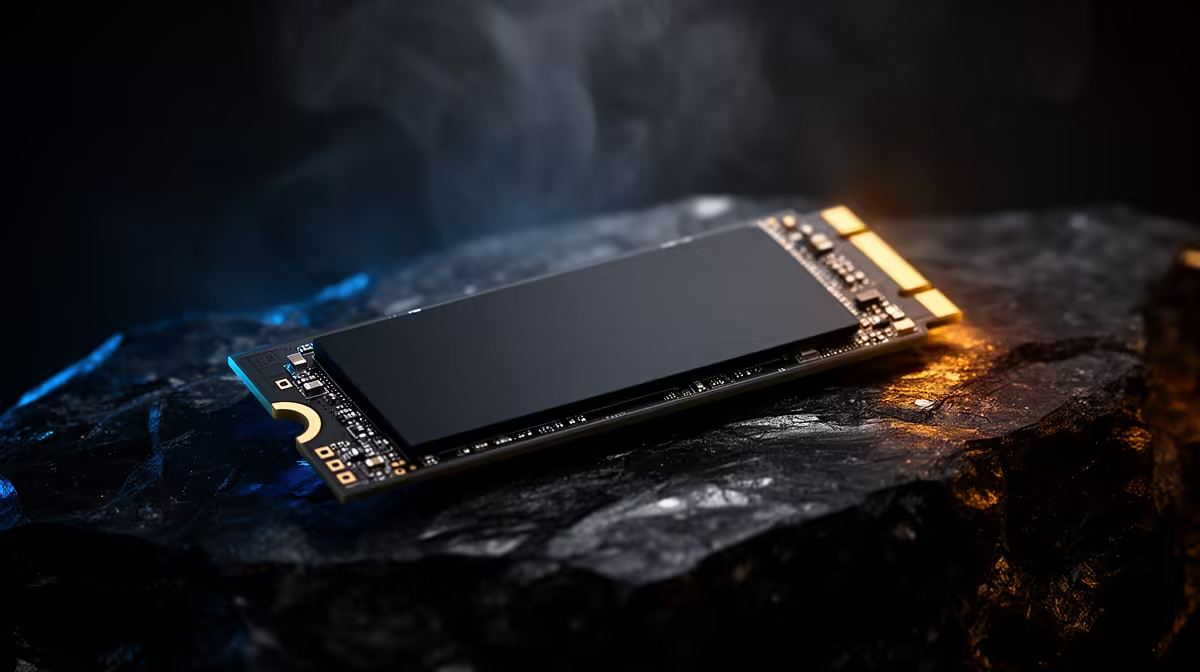
WD Blue SN5000 NVMe at R998 suits a creator who wants a fast working drive for timelines, cache files, and project media without jumping straight to a premium spend. A 2TB nvme ssd is a sensible target for video editing because it gives you room for current projects, proxies, exports, and scratch space, but the exact drive choice still depends on how much footage you keep active at once.
Best NVMe SSD picks for creator storage
For a value-focused build, WD Blue SN5000 NVMe at R998 is the practical starting point. The key spec here is NVMe, which is what you want for a responsive editing drive instead of treating a slower external backup drive as your main workspace. Use it for active project files, cache, and exports, then move older media elsewhere when a job is wrapped.
ADATA LEGEND 900 1TB NVMe at R948 is better for a lean creator desk where one current project is open at a time. Its listed 1TB capacity is enough for smaller edits, proxy workflows, thumbnails, audio, and project files, but it can feel tight if you keep multiple large camera folders on the same drive.
Samsung 990 PRO at R4,648 is the premium pick when the workstation is doing heavier editing, larger timelines, or frequent export work. It is still an NVMe option, but the higher price makes more sense when the drive is part of a serious creator machine rather than a casual storage upgrade.
Creator desk storage in SA
At a home creator desk, the cleanest setup is one internal NVMe drive for active work and one portable path for moving footage. ORICO NVMe M.2 enclosure at R160 gives an M.2 drive a simple external role, useful for carrying media between a desktop and laptop without turning the main edit drive into long-term storage.
Ready to choose the right SSD?
Use WD Blue SN5000 NVMe at R998 as the nvme ssd shortlist benchmark, then check whether its listed spec matches the space, workload, and upgrade path.